18
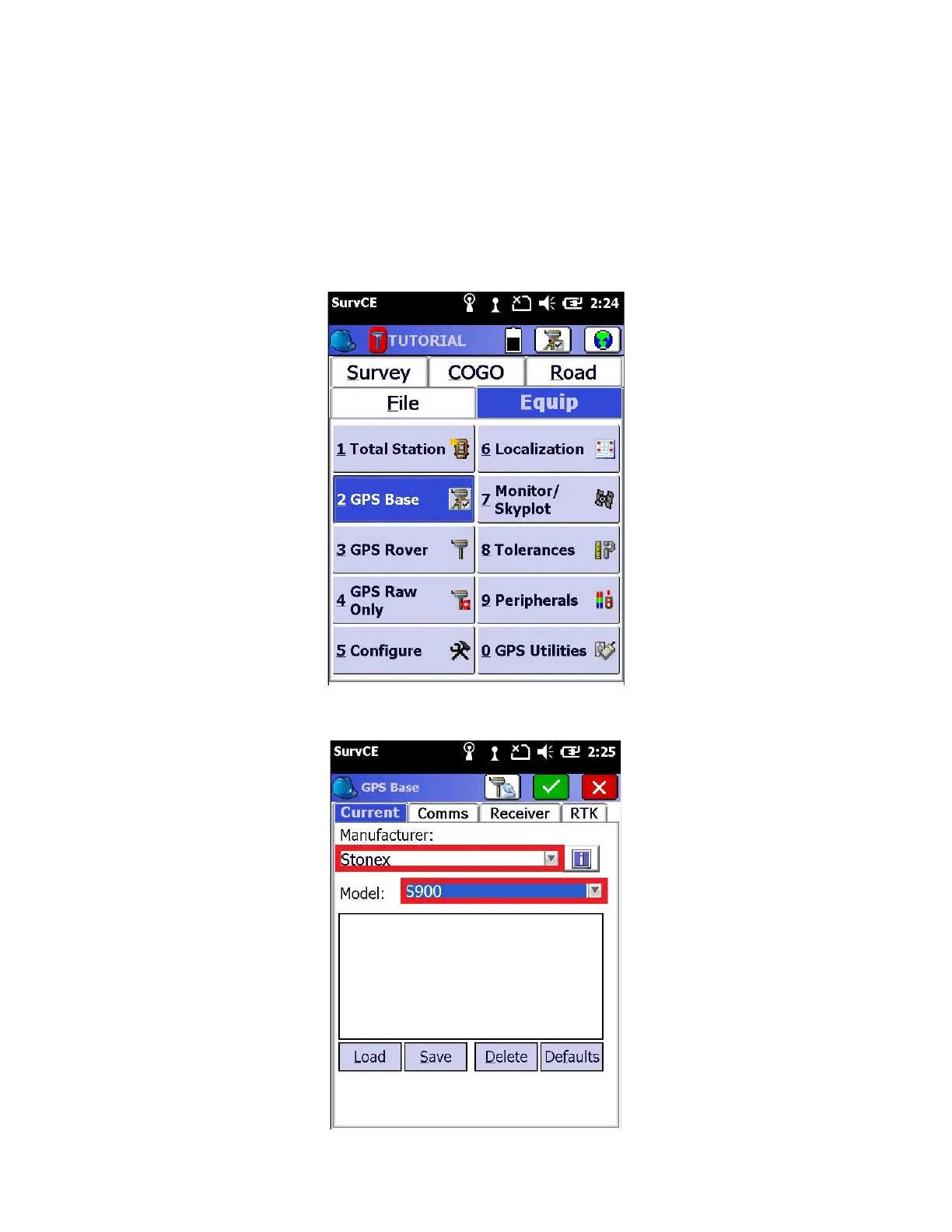
2. Within SurvCE, click on the “Equip” tab
3. Glance at the display panel on your GNSS receiver
Wait until the satellite LED is blinking green. Do not proceed to ‘GPS Base’ until the receiver is tracking enough
satellites to provide a solution.
4. Click on the “2 GPS Base” button to configure the GPS Base
5. After a moment, the “Current” tab will be displayed



 To Next Page