20
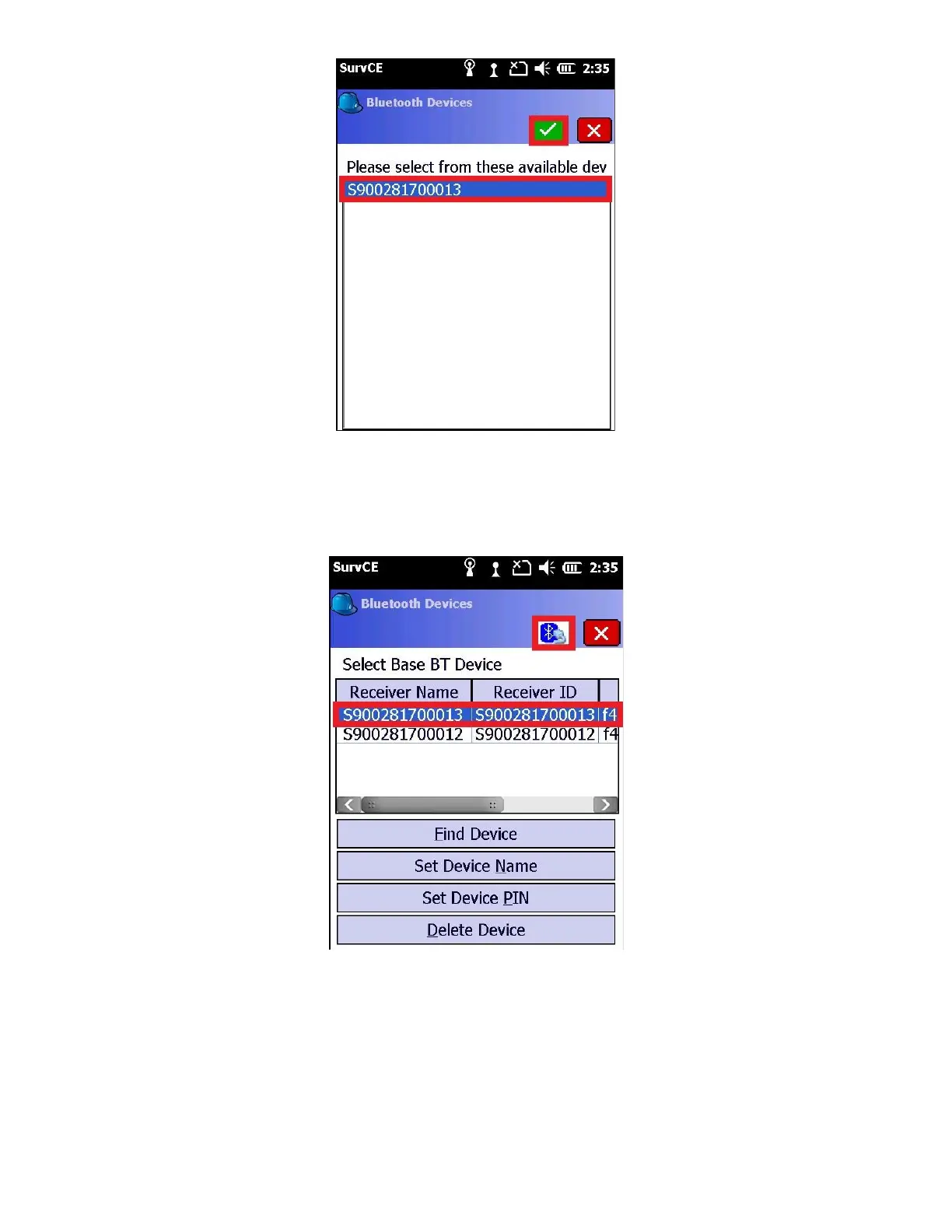
Your base will have its Serial Number on a Sticker on the bottom of the head. Click the correct device to select it,
then click on the green check mark.
9. A list of known devices will be shown with your recent selection highlighted
Make sure the correct Receiver SN is selected and click on the Bluetooth Connect button (it looks like a bluetooth
symbol with a cable.)
10. Verify that your base SN is selected as the “Device”



 To Next Page