24
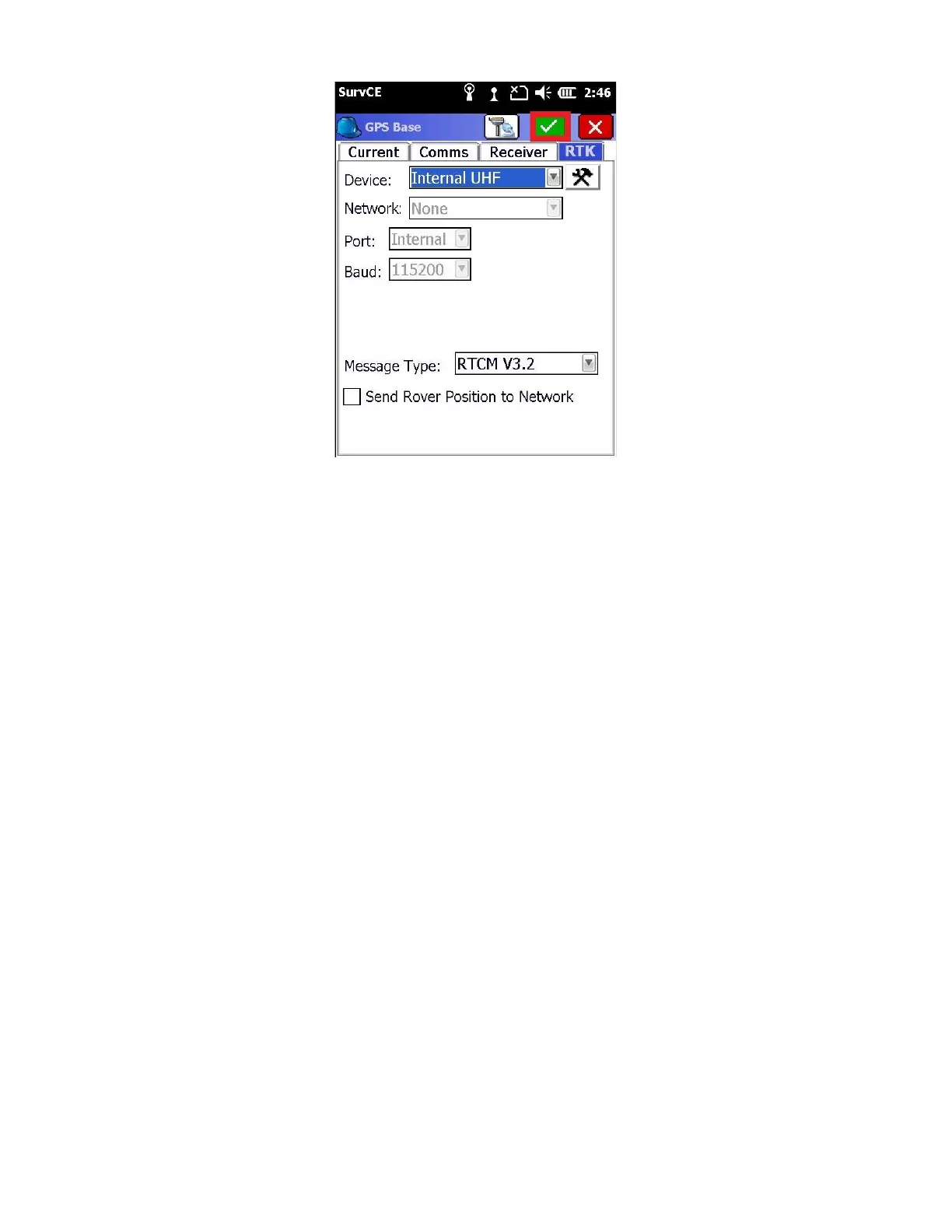
16. Click on the green check mark
*** If you are setting up a base over a known position, at this time
please skip ahead to section “3.3 Base Configuration - From Known
Point” ***
If you don’t know the position of the base, click on ‘Read From GPS’.
17. In this example, we will read an autonomous position from the GPS by clicking the ‘Read from GPS’ button.



 To Next Page