45
The Carlson XPort tool automatically downloads grid files from the internet as needed. Thus it is important to have
internet access when building GEOID files in an area for the first time.
7.3 Building a GSF file for a project:
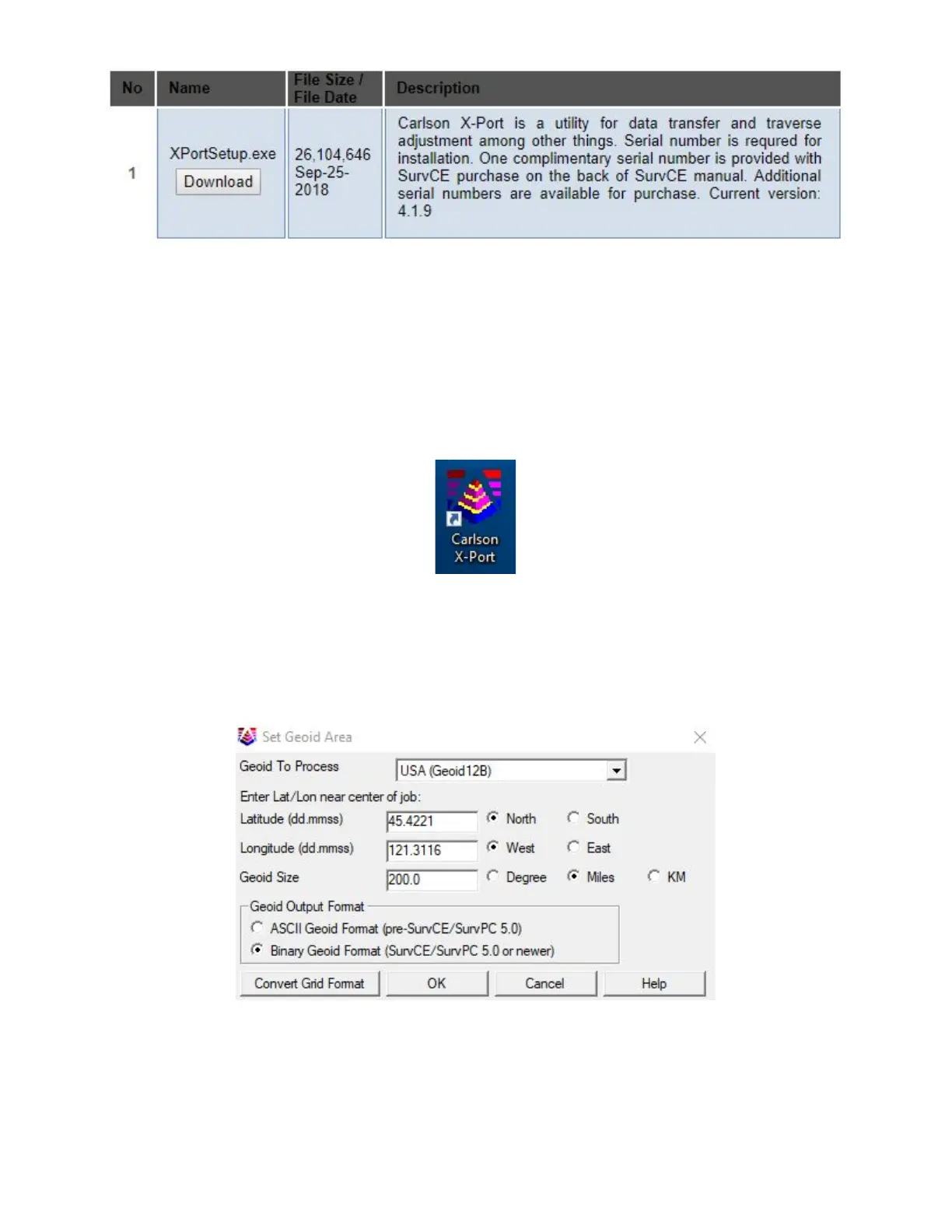
1. Start the Carlson XPort tool using the desktop icon
2. From the main menu of the X-port tool, select Tools > Geoid Manager
3. Choose the correct Geoid. If you are in the United States, the current correct GEOID is ‘USA (Geoid 12B)’, however
other geoids are available for use if you need to match an older job.
4. Enter the center of job in Dd.MmSsss; select an appropriate size (Ex: 200 miles)
5. Click “OK”, the tool may need to go online to download the base geoid files, then choose an appropriate location for
the output file. I prefer to use the Geoid name, followed by the State, followed by the general area. Save as “.grd”
extension.



 To Next Page