52
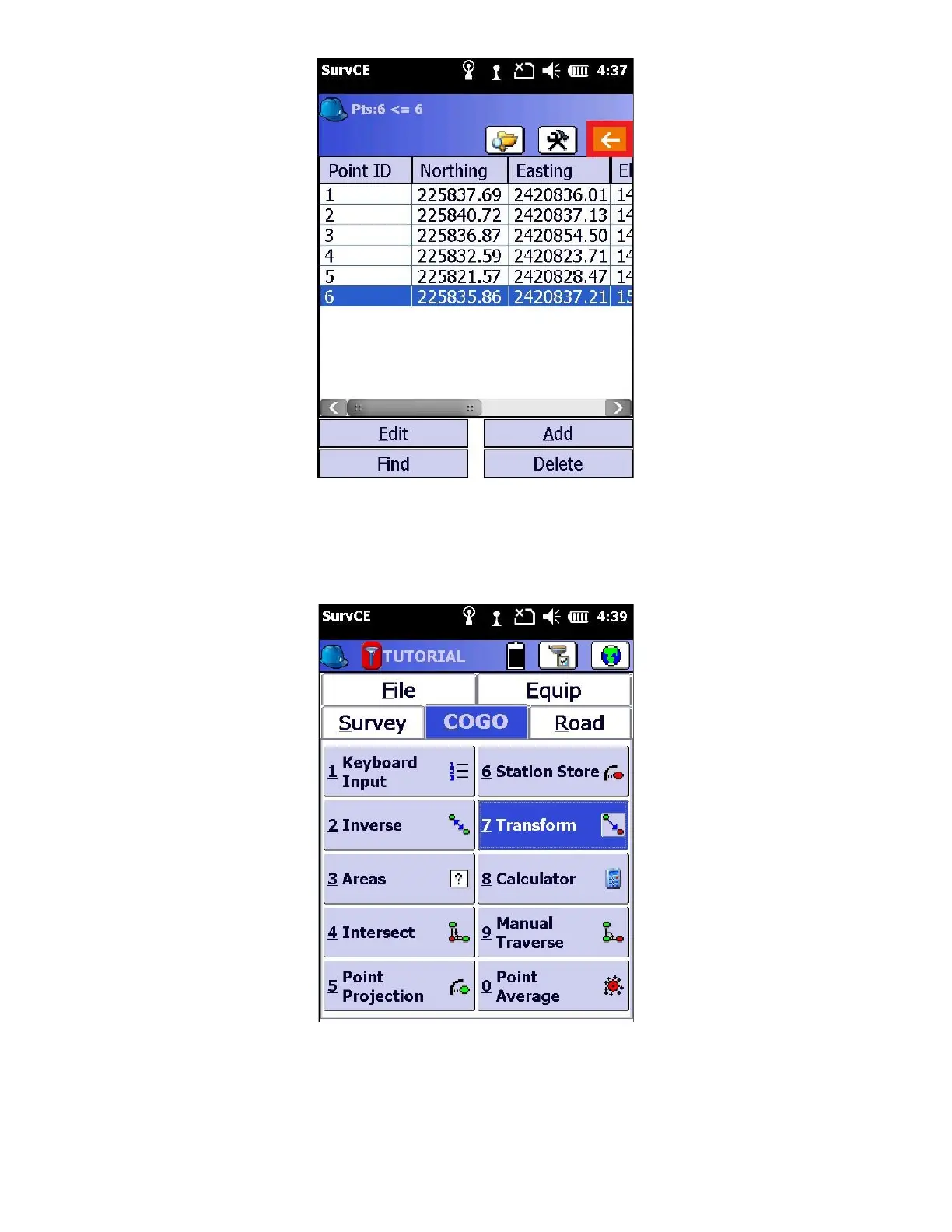
4. Select the red button with the white arrow to go back to the main menu.
5. From the “COGO” (COordinate GeOmetry) tab, click on “7 Transform”
6. Under the Translate Tab, input the original point ID and N,E,Elv will be automatically populated (or use “123” button).
Next, input the Destination (PP-BASE) ID and N,E,Elv will be automatically populated (or use “123 button), as well as
the Delta N,E,Elv at the top. Verify the Delta’s are correct, and press the green check mark.


 To Next Page
 Loading...