53
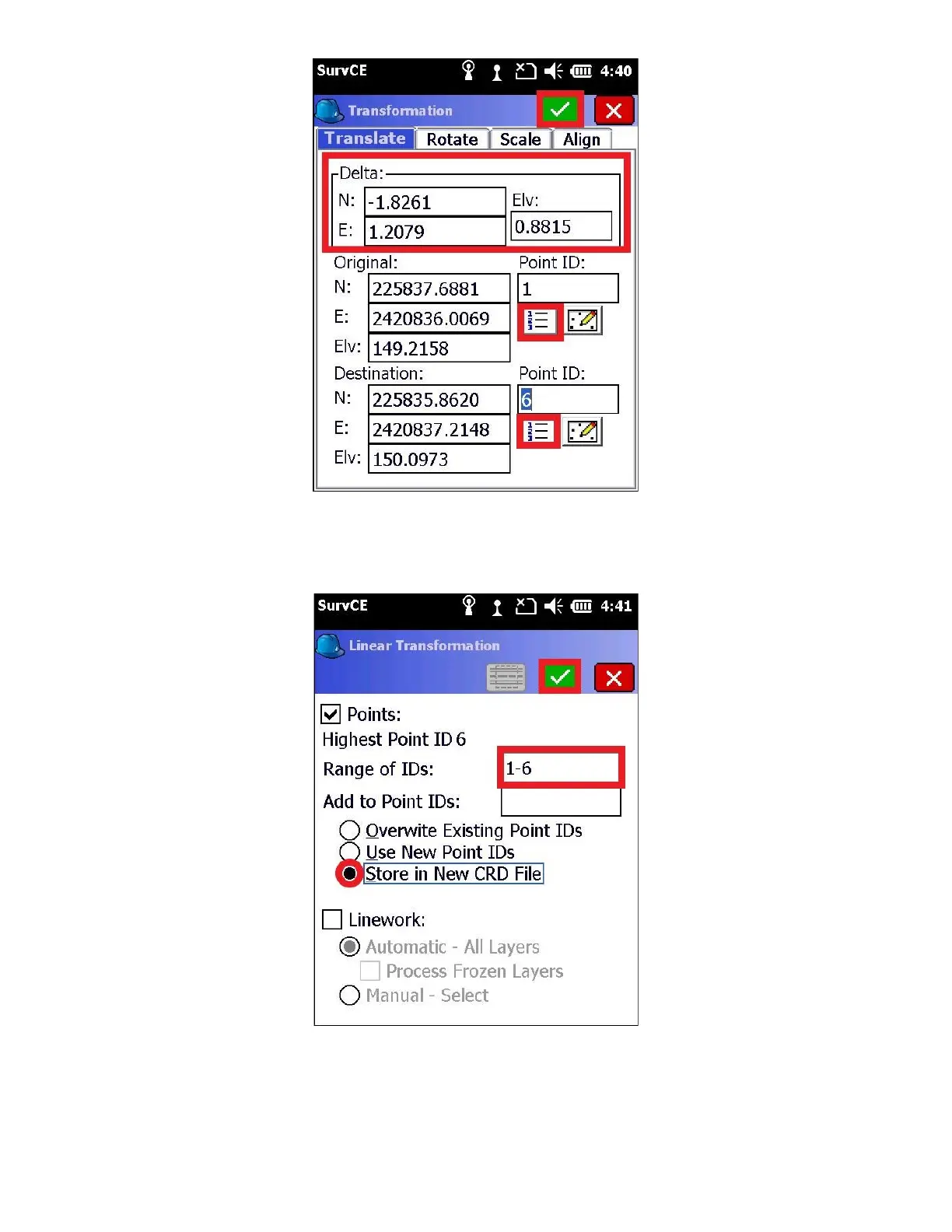
7. Check the “Points” box on the “Linear Transformation” screen, and verify the “Range of IDs” encapsulates all the
points in your project. You can leave “Add to Point IDs” blank.
8. Select “Store in New CRD File” to preserve your original points, and press the green check mark. You will be
prompted, “Transform: Range of Points: 1-6. Linework Selected: None. Is this Correct?”, select “Yes”
Note: If you do not wish to transform your post processed Base coordinate, do not include it in the “Range of IDs”


 To Next Page
 Loading...