54
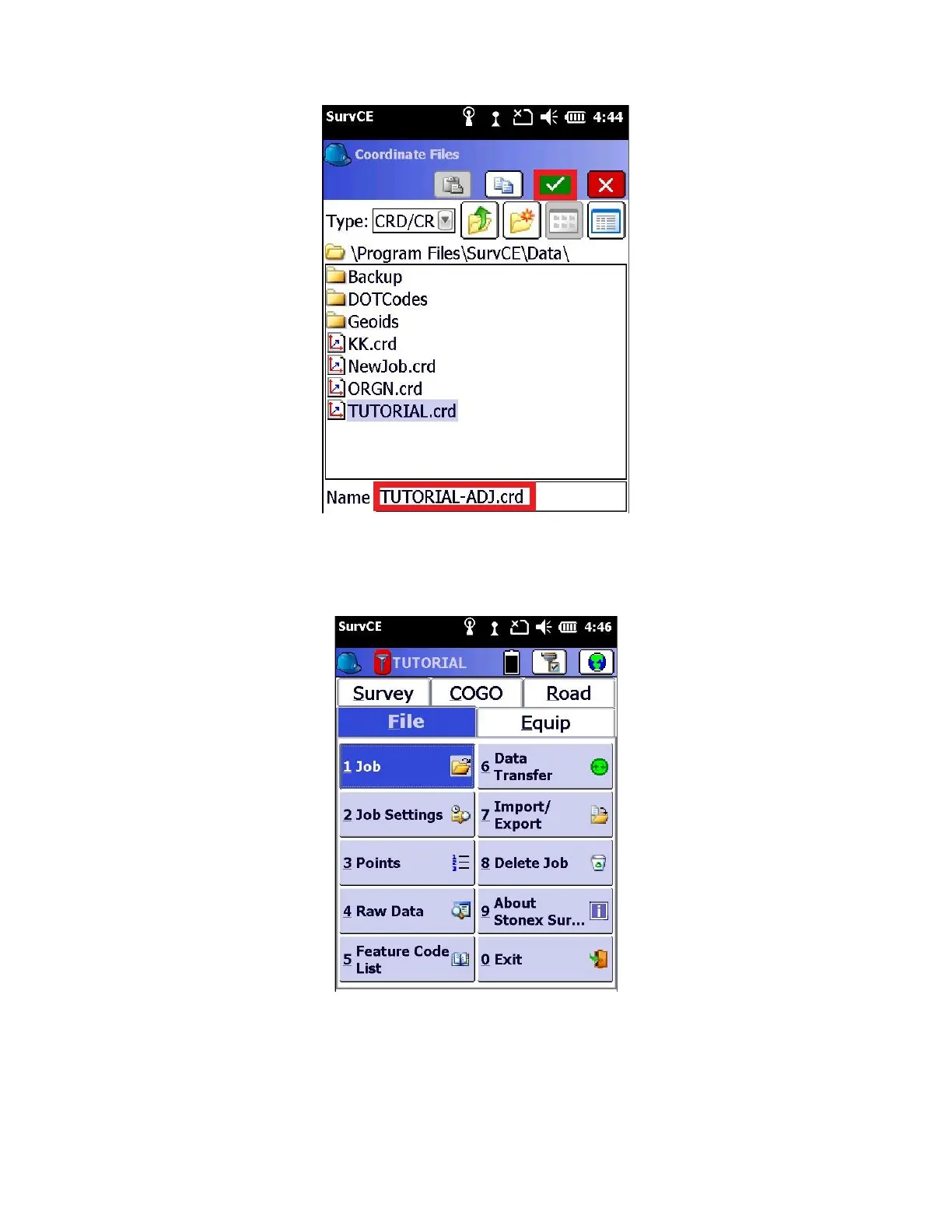
9. Enter in a new CRD file name at the bottom of the “Coordinate Files” screen by using the original job name with
“_Adj” added to the end. Select the green check mark when finished.
10. Your points will be processed and stored in the new CRD file. On the “Process done.” prompt, click “OK”
11. You can view your processed points by going to the “File” tab and clicking on “1 Job”
12. selecting the “XX_Adj” job and selecting the green check mark.


 To Next Page
 Loading...