66
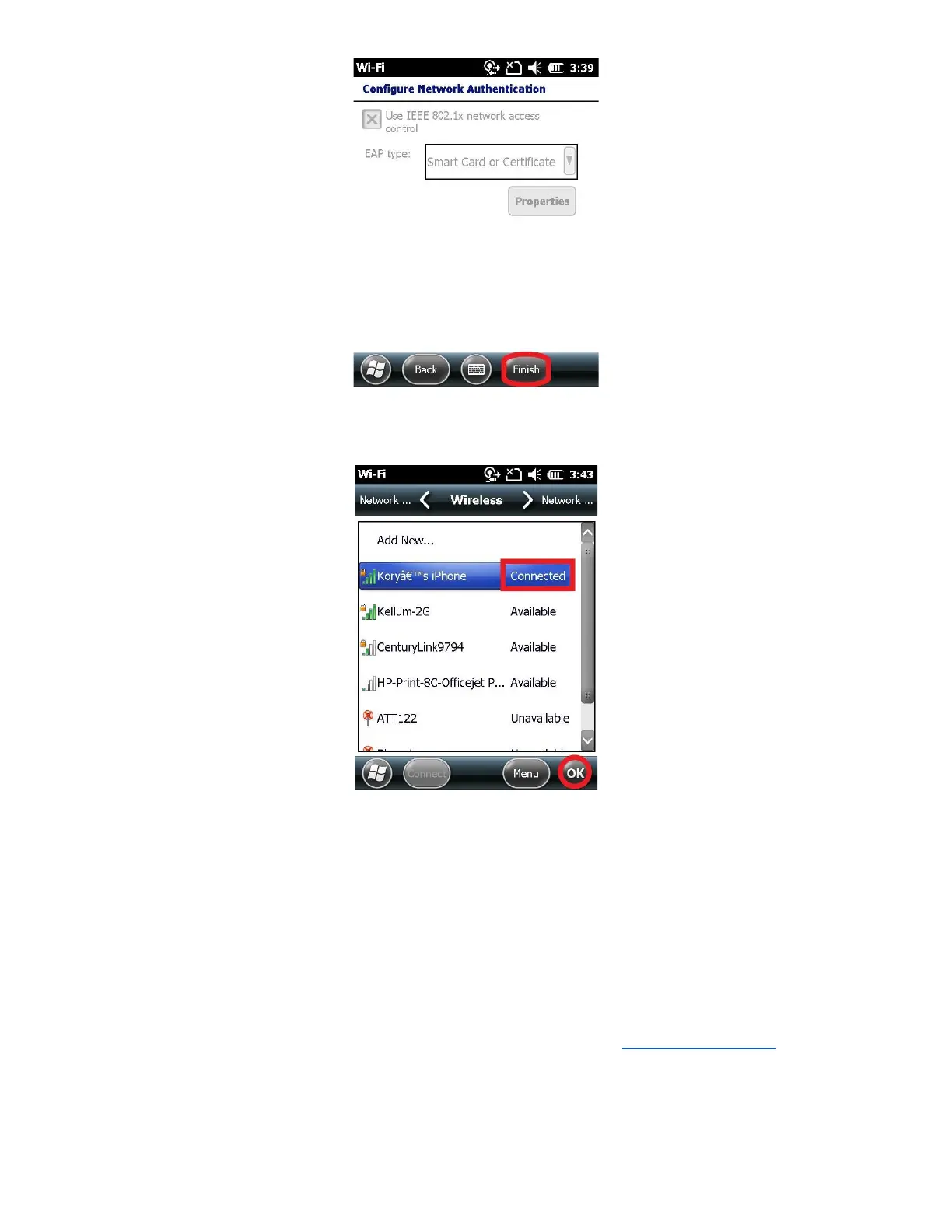
Click on “Finish”
13. Watch the status of your Hotspot. After a few seconds you see “Connected”
14. Finally Click on “Ok” to return to the main menu
15. Continue to section 12.2 Check the Internet Connection
12.2 Check the Internet Connection
You can save a lot of time troubleshooting NTRIP connections by verifying that your data collector is “really”
connected to the internet. The easiest way to do this by browsing to an internet location using the built-in “Internet
Explorer”.
1. From the main screen off the data collector, launch Internet Explorer
2. Click in the address bar, turn on the keyboard and enter a web address like “www.phoenixlidar.com”



 To Next Page