67
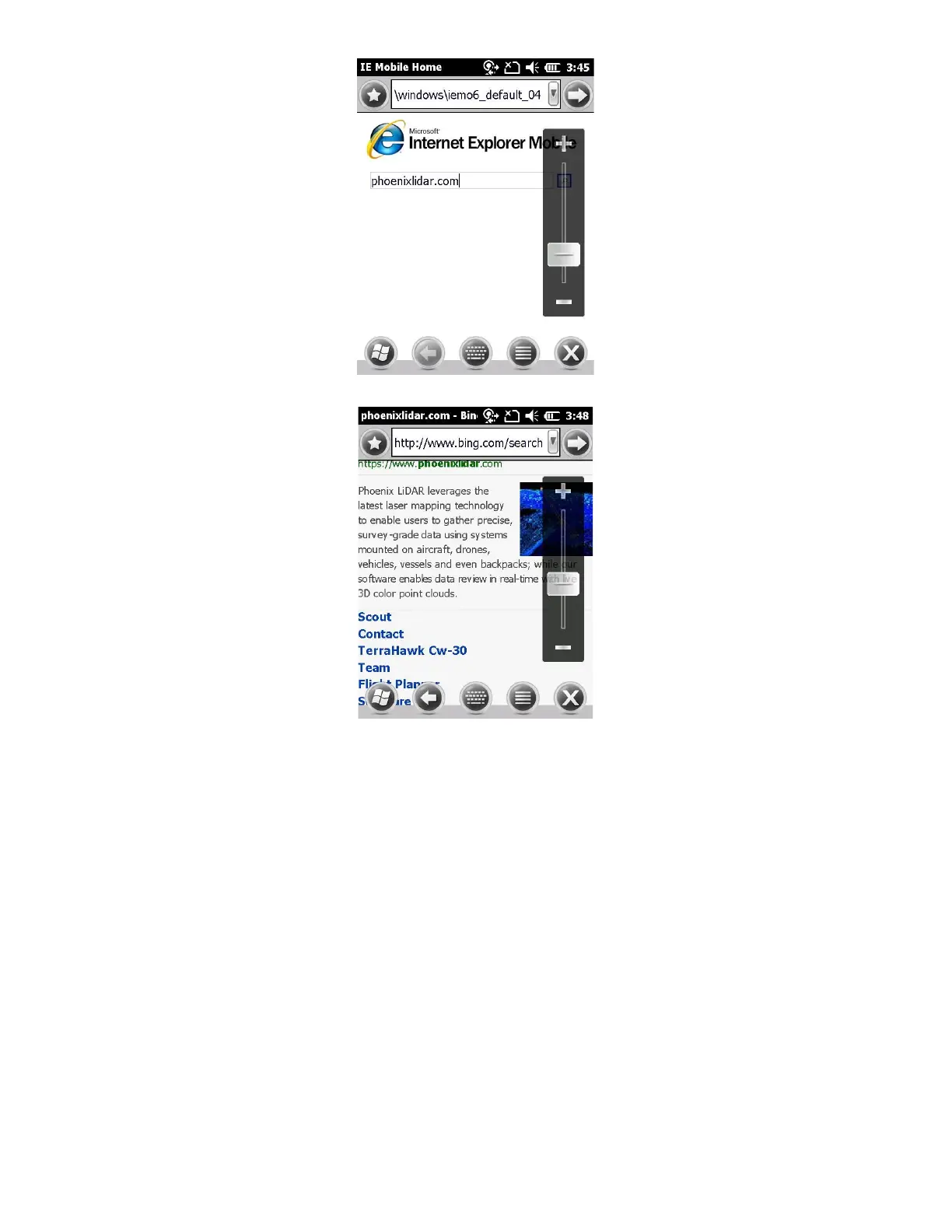
3. If you are connected to the internet, you will see the browsed page:
4. Click the “X” to close Internet Explorer. Your data collector has successfully connected to the internet.
12.3 Configuring Network (NTRIP) Rover Configuration
The first time your data collector is connected to a Wi-Fi hotspot you will need to configure the Wi-Fi access point
and password. These steps will show you how to use a smartphone as a Wi-Fi hotspot
1. After Starting a new job, click on “Equip” tab and proceed to click on “3 GPS Rover”



 To Next Page