74
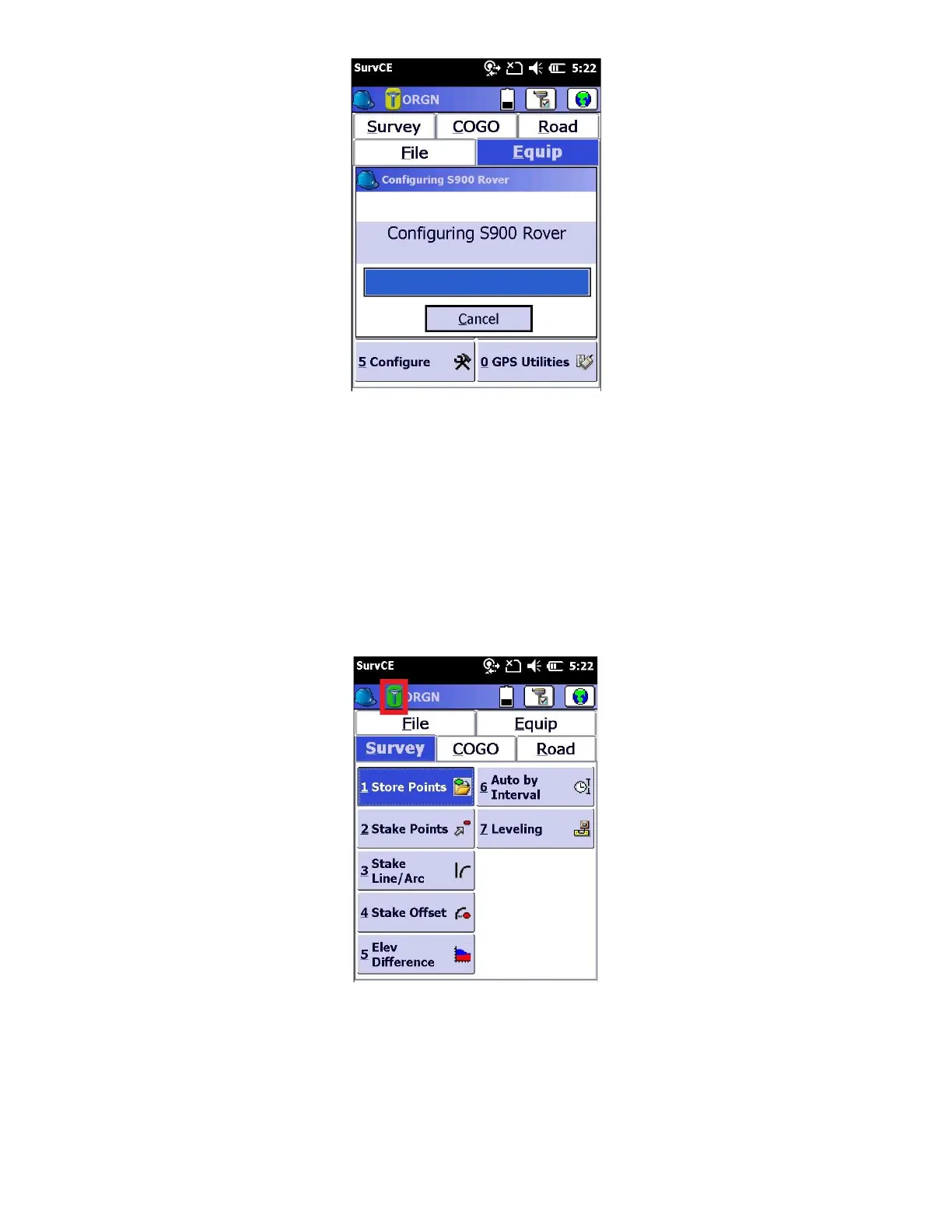
After a short setup sequence, you will return to the main menu
13. You can check the receiver status using the “Equip” tab and clicking on “7 Monitor skyplot”. Under the “Quality” tab,
you can check to verify the if the status is “FIXED” or “FLOAT”
● Within 20 seconds after the receiver makes a network connection, it should show “Status: FLOAT”
● The Latency should be less than 5 seconds
● The satellite count should be reasonable
Alternatively, simply check the receiver icon at the top right of the screen as it will turn green when the receiver is
“FIXED”.
14. From the homescreen, navigate to the “Survey” tab, and click on “1 Store Points”
Wait approximately 60 seconds and watch the Hsdv and Vsdv slowly decrease



 To Next Page