75
12.4 Troubleshooting a Network (NTRIP) Rover Configuration
1. Are corrections being received by the rover? Check the Data link LED on the rover: It should blink green once each
second.
2. There is no warning if the Username or Password is wrong. Double check these values and the IP/PORT if the
connection is not successful!
3. Is the internet connection still working? You can check it by using the Internet Explorer to browse to a web page.
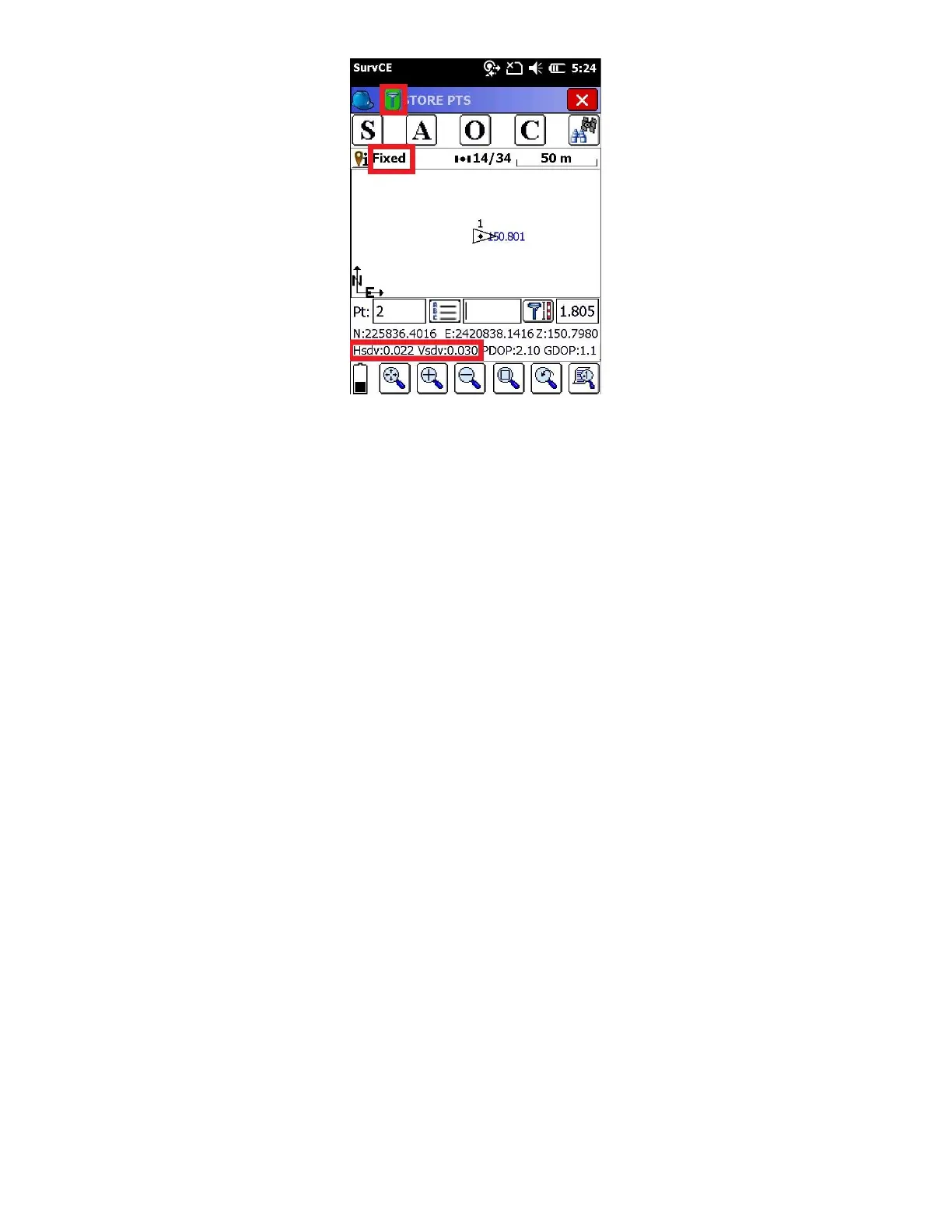
4. If the Rover reports ‘Float’ then corrections are being received. It can take up to 1-minute after connecting for the
rover to receive a base location and switch from AUTONOMOUS to FLOAT.
5. Are the HRMS and VRMS on the ‘Equip: Monitor Skyplot’ screen dropping?
6. If the Rover is FLOAT, but never fixes, and the latency is 5 seconds or less, check the effective baseline from your
rover to the virtual base. On the ‘Equip: Monitor Skyplot’ screen, choose the ‘REF’ tab. Check the distance to base. Is
it what you expect (less than 25 miles?)



 To Next Page