the tap delay button multiple times is ne; your last two
pushes will be the ones that count. The accompanying
LED light will ash at the selected intervals.
29. EFX To Main Control
This control adjusts the nal level of the EFX mixing
bus (as taken from the EFX level controls on each
channel strip), the audio of which is sent to the Main L-R
mixing bus, and to the EFX send output (as well as the
Control Room/Phones output, when EFX Cue button is
engaged).
Master Controls
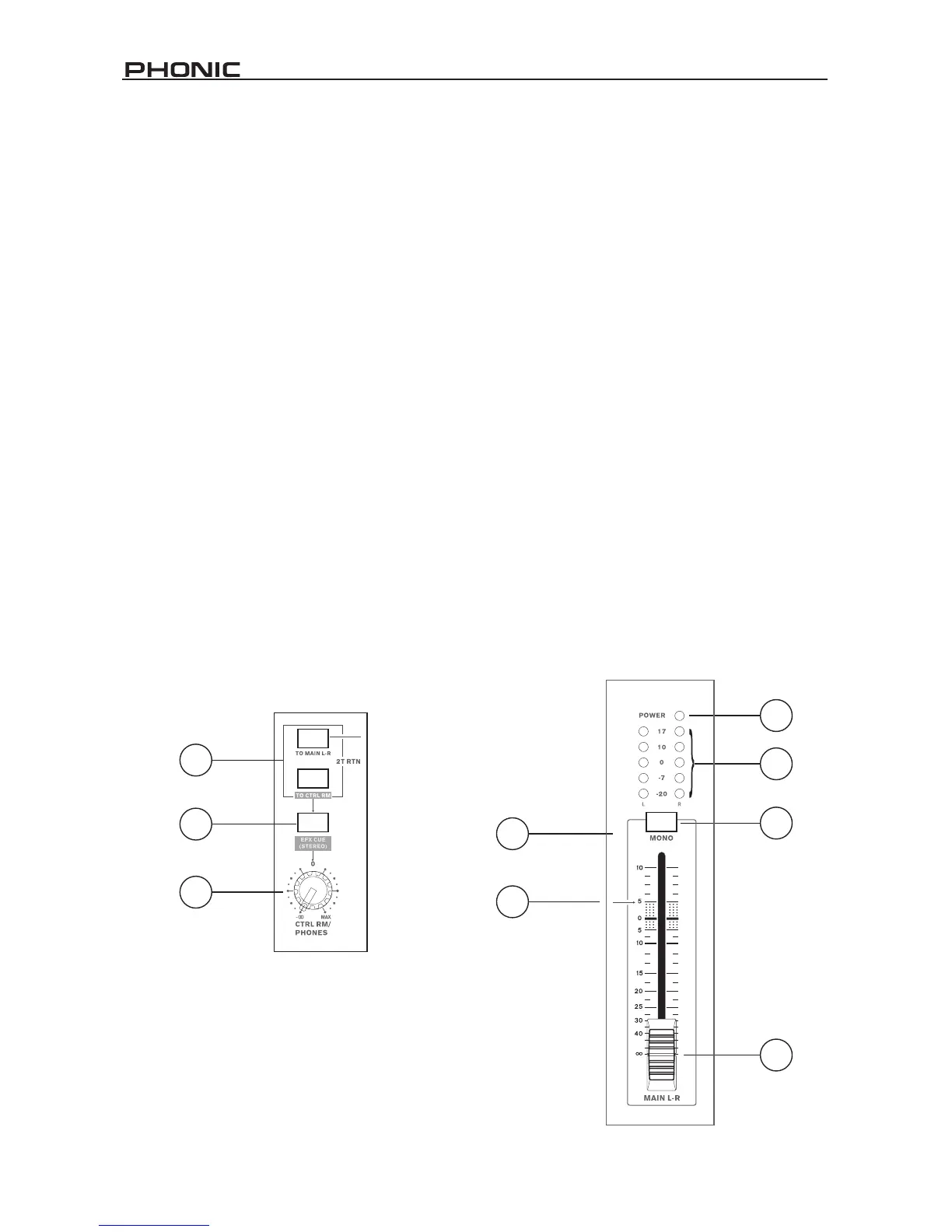
30. 2T Return Routing
The “To Main L-R” and “To Ctrl Rm” buttons allow users
to select the destination of the signal received through
the 2T Return inputs. As the buttons suggest, pushing
the “To Main L-R” button will send the signal to the Main
Left and Right mixing bus, where the “To Ctrl Rm” button
will send the signal to the Control Room/Phones mixing
bus.
31. EFX Cue button
Pushing this button in sends the stereo EFX signal (the
nal level of which is controlled by the EFX to Main
control) to the Control Room/Phones mixing bus.
32. Control Room/Phones Control
This rotary control is used to adjust the signal level sent
to the Control Room output, for use in monitoring, as side
ll, or for the addition of other external mixers, as well as
the Phones output, for connection of headphones to the
mixer.
PEAK indicator to light up on regular intervals only.
This will ensure a greater dynamic range of audio. This
indicator also doubles as a Mute indicator, when the
channel's mute button is engaged.
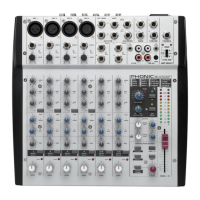
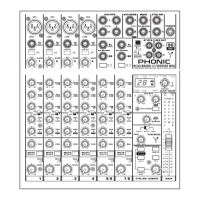
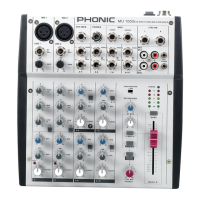
33. Power Indicator
This Power Indicator will light up when the power of the
MU1002X mixer is on.
34. Level Meter
The MU1002X’s stereo, 5-segment level meter gives
an accurate indication of when audio of the Main L and
R signals reach certain levels. It is suggested for the
maximum use of your signal to set the various levels
controls so that the signal sits around or slightly above
the 0 (dB) mark.
35. Mono Button
Pushing this button in changes the stereo signal sent
through the Main L and R outputs of the MU1002X to a


 To Next Page