making the audio signal.
6. You can repeat the same process for other
channels.
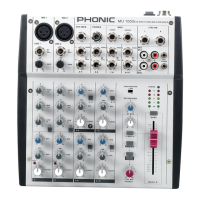
MAKING CONNECTIONS
Inputs and Outputs
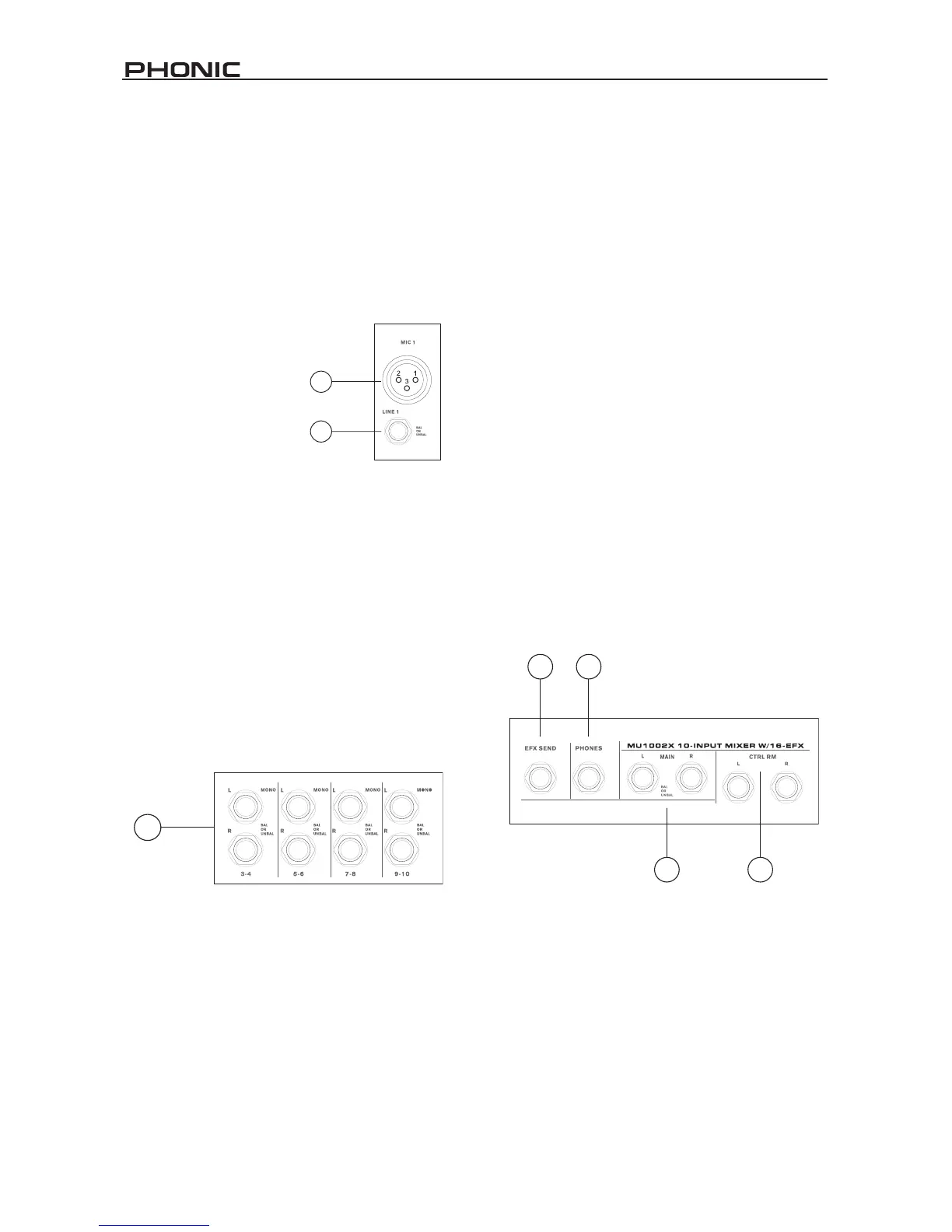
1. XLR Microphone Jacks
These two jacks accept typical 3-pin XLR inputs for
balanced and unbalanced signals. They can be used in
conjunction with microphones
– such as professional con-
denser, dynamic or ribbon
microphones – with standard
XLR male connectors, and
feature high-quality low-noise
preampliers, serving for crys-
tal clear sound replication.
NB. When these inputs are used with
condenser microphones, the Phantom
Power should be activated. However,
when Phantom Power button is engaged, single ended (unbalanced)
microphones and instruments should not be used on the Mic inputs.
2. Line Inputs
This input accepts typical 1/4” TRS or TS inputs, for
balanced or unbalanced signals. They can be used in
conjunction with various line level devices, such as key-
boards, drum machines, electric guitars, and a variety of
other electric instruments.
3. Stereo Channels
Each of the four stereo channels of the MU1002X features
two 1/4” phone jacks, for the addition of various stereo line
level input devices, such as electronic keyboards, guitars,
drum machines, and so forth. If you wish to use a stereo
channel as a mono channel, simply plug your line input
into the Left stereo jack, and the signal will be duplicated
automatically to the right.
4. Main Left and Right Output
These two 1/4” TRS outputs will send the nal line level
signal sent from the main mixing bus, in stereo or mono
form – depending on whether the Mono button is pushed
in or not. The primary purpose of these jacks is to send
the main output to external devices, which may include
power ampliers (and in-turn a pair of speakers), other
mixers, as well as a wide range of other possible signal
processors (equalizers, crossovers, and so forth).
5. EFX Send
This 1/4” TS outputs may be used to connect to an external
digital effect processor (to be perhaps be returned through
one of the stereo input channels), or even to an amplier
and speakers (depending on your desired settings).
6. Phones
This 1/4” stereo output port is suited for use with head-
phones, allowing monitoring of the mix. The audio level of


 To Next Page