13
IT/GB
EQUALIZZATORE • EQUALIZER
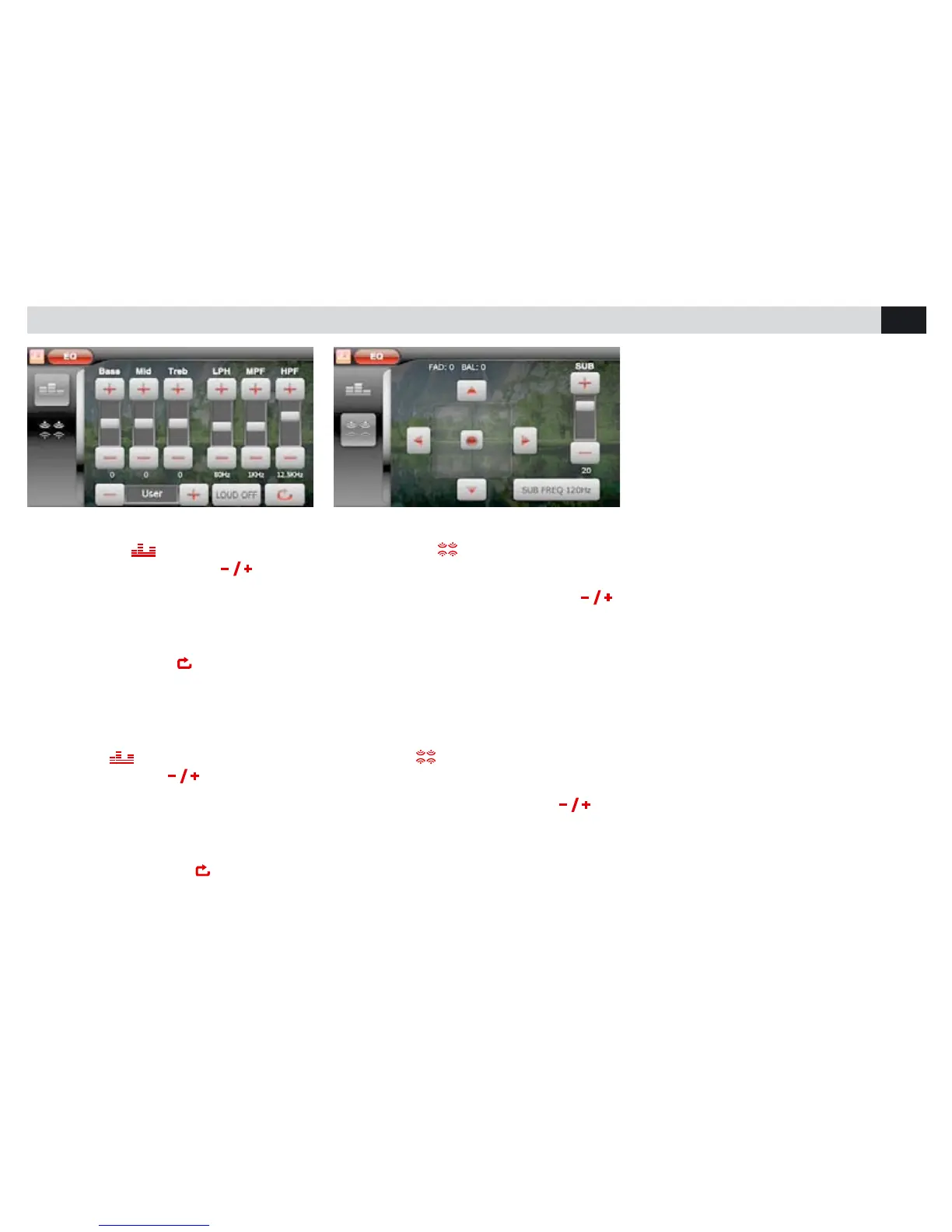
EQUALIZZATORE - LOUDNESS
• Premere l’icona per modificare le imposta-
zioni di fabbrica. Tramite le icone
è possibi-
le selezionare 8 diverse modalità di equalizzazio-
ne preimpostate: USER-FLAT-POP
ROCK-CLASSIC-JAZZ-TECHNO-OPTIMAL.
In modalità USER è possibile regolare i livelli di
alti, medio e bassi sulle frequenze desiderate.
LPF - MPF - HPF. L’icona
riporta in OPTIMAL.
• LOUD attiva l’esaltazione delle basse frequen-
ze.
FADER - BILANCIAMENTO - SUB WOOFER
• Premere l’icona per accedere alle regola-
zioni del FADER e del BILANCIAMENTO tramite
le frecce presenti sullo schermo.
Per regolare il volume del SUB W premere
Per regolare il crossover premere SUB W e posi-
zionarsi sulla frequenza di taglio desiderata.
EQUALIZER - LOUDNESS
• Press icone
To modify the factory settings.
By means of the icones
it is possible to
choose 8 different predetermined equalization-
modes: USER-FLAT-POP-ROCK-CLASSIC-
JAZZ-TECHNO-OPTIMAL.
The USER-mode allows to choose the wanted
Frequency for the High, Medium and Low-tones.
LPF - MPF - HPF. The icone
returns to OP-
TIMAL.
• LOUD Activates boosting-process of Low
Frequencies.
FADER - BALANCE – SUB-WOOFER
• Press icone
to enter the FADER-settings.
Use arrows on the screen, to effect the BAL-
ANCE-settings.
To set the SUB-Woofer-Volume, press
.
To set the crossover, press SUB-W and position
on the wanted Frequency-Cut.



 To Next Page