8
IT/GB
MENÙ • MENU
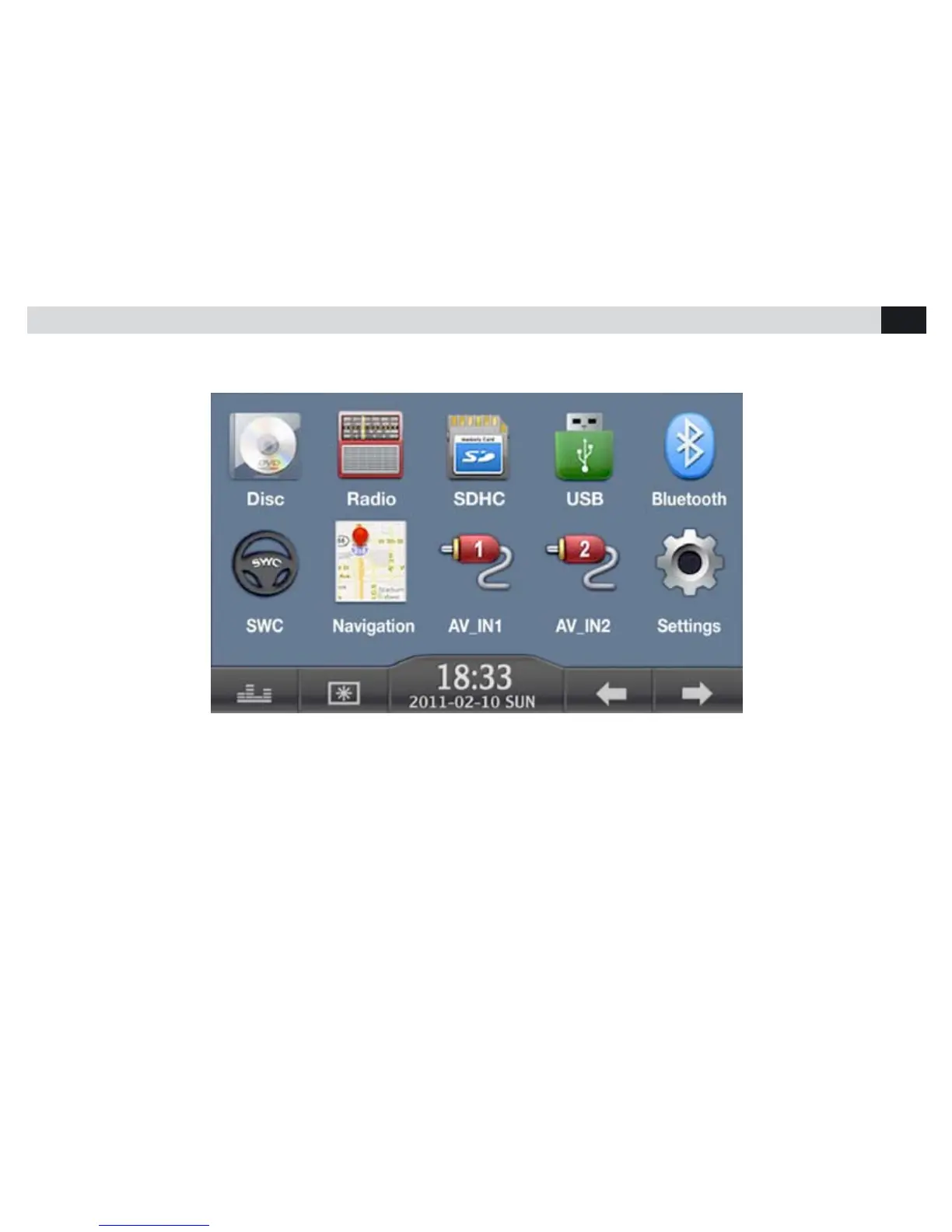
Per far apparire il menù principale premere il tasto MENU sul pannello frontale oppure premere l’angolo in alto a sinistra dello schermo.
Toccando le icone sullo schermo si seleziona la sorgente o la funzione desiderata.
To visualize the Main-Menu on the screen, press MENU-key on the front-panel or touch the upper left corner of the screen.
To choose Source and Functions, simply touch the related icons on the screen.



 To Next Page