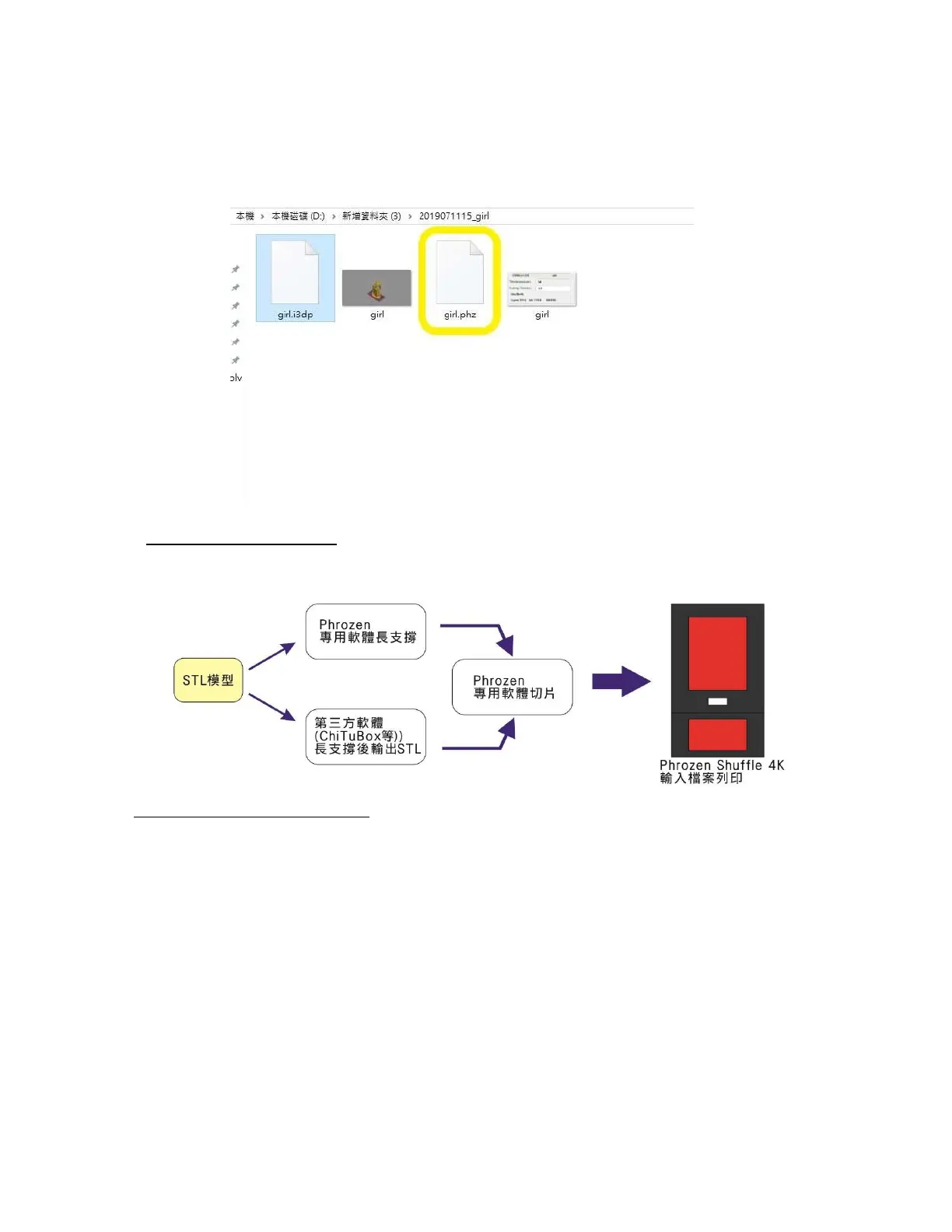
8.File storage
After opening the file storage location, save to .php file to the USB.
Phrozen Software
CHITUBOX User Guide
More Phrozen Printers are now on the built-in list in ChituBox
Download now to try it NOW (for free) :
https://www.chitubox.com/download.html
1.After the CHITUBOX software is supported, the STL file is exported and then
sliced with special software
2.Use CHITUBOX slice and save it to zip file
※ It should be the same slice thickness as the resin profile.









 To Next Page