6
Key Notes Before Start
Stable Printing Environment
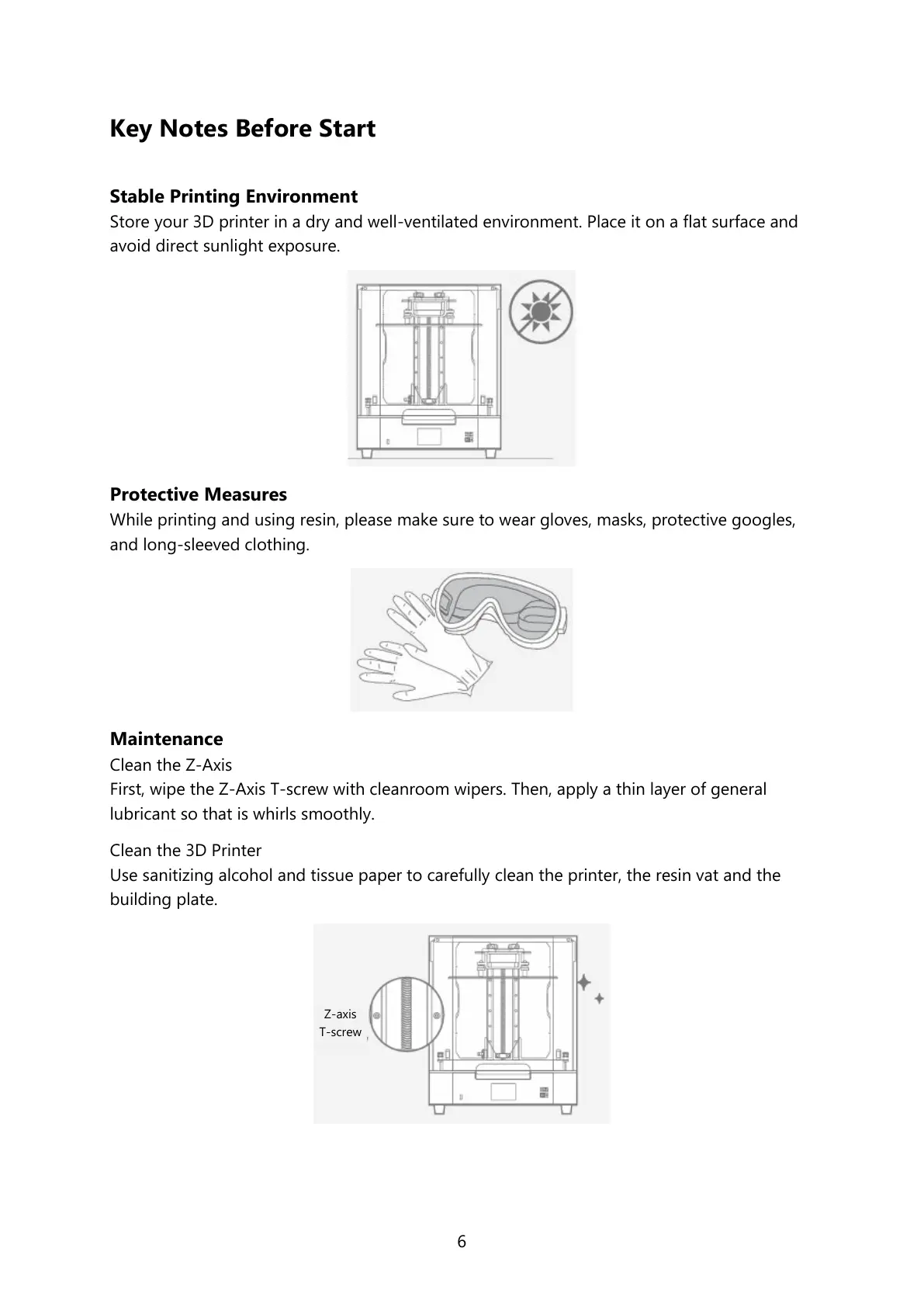
Store your 3D printer in a dry and well-ventilated environment. Place it on a flat surface and
avoid direct sunlight exposure.
Protective Measures
While printing and using resin, please make sure to wear gloves, masks, protective googles,
and long-sleeved clothing.
Maintenance
Clean the Z-Axis
First, wipe the Z-Axis T-screw with cleanroom wipers. Then, apply a thin layer of general
lubricant so that is whirls smoothly.
Clean the 3D Printer
Use sanitizing alcohol and tissue paper to carefully clean the printer, the resin vat and the
building plate.









 To Next Page