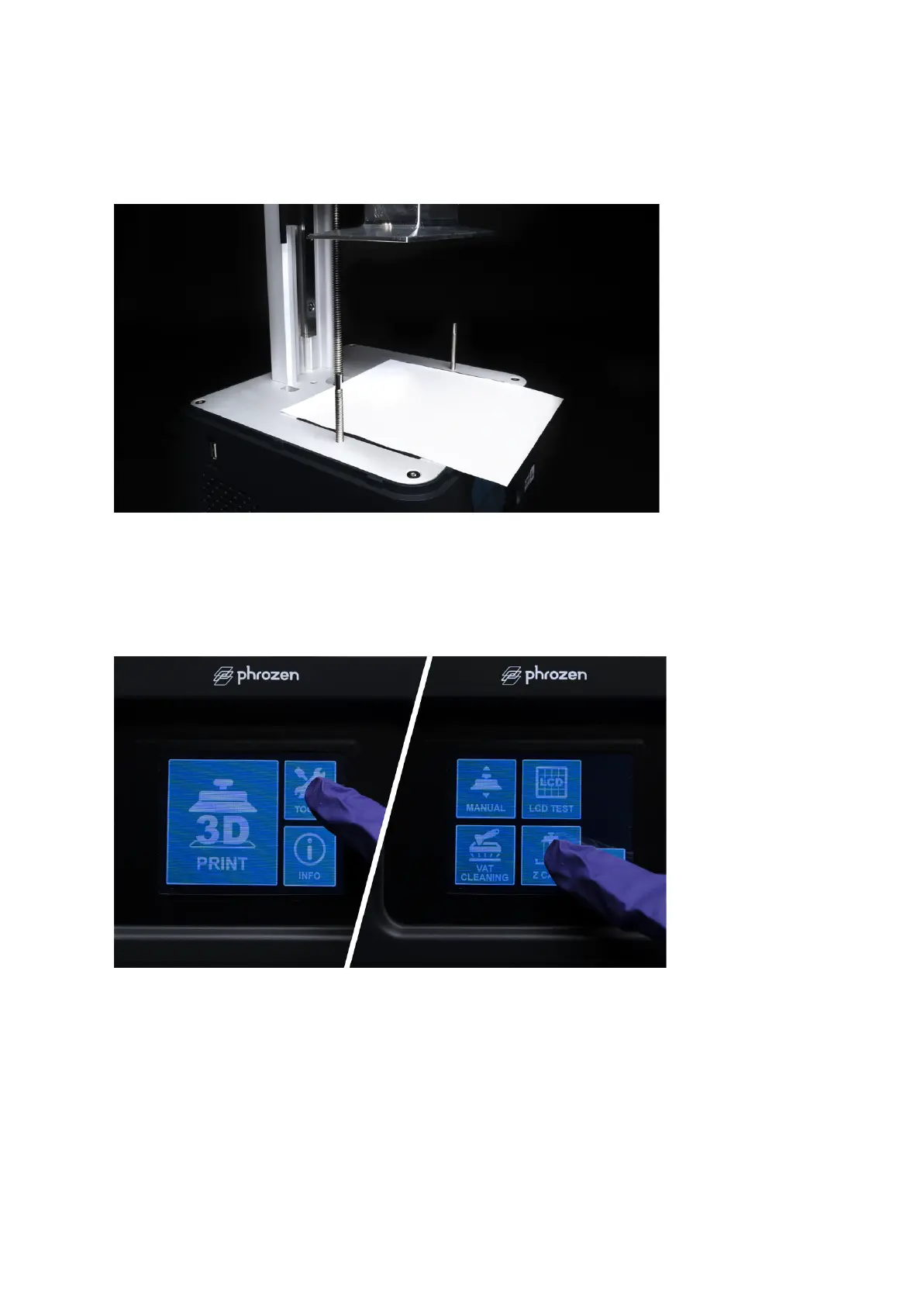
Step 5: Place a piece of paper on the LCD
Prepare a piece of A4 paper (roughly 0.07-0.10 mm) and lay it flat on the LCD screen. This
piece of paper will be used for leveling the building plate.
Step 6: Settings
On the touch panel, click TOOLS, then click Z CALIB on your touch panel to begin the
calibration process. Click NEXT and wait for 1-2 minutes as the building plate extends to the
LCD screen.









 To Next Page