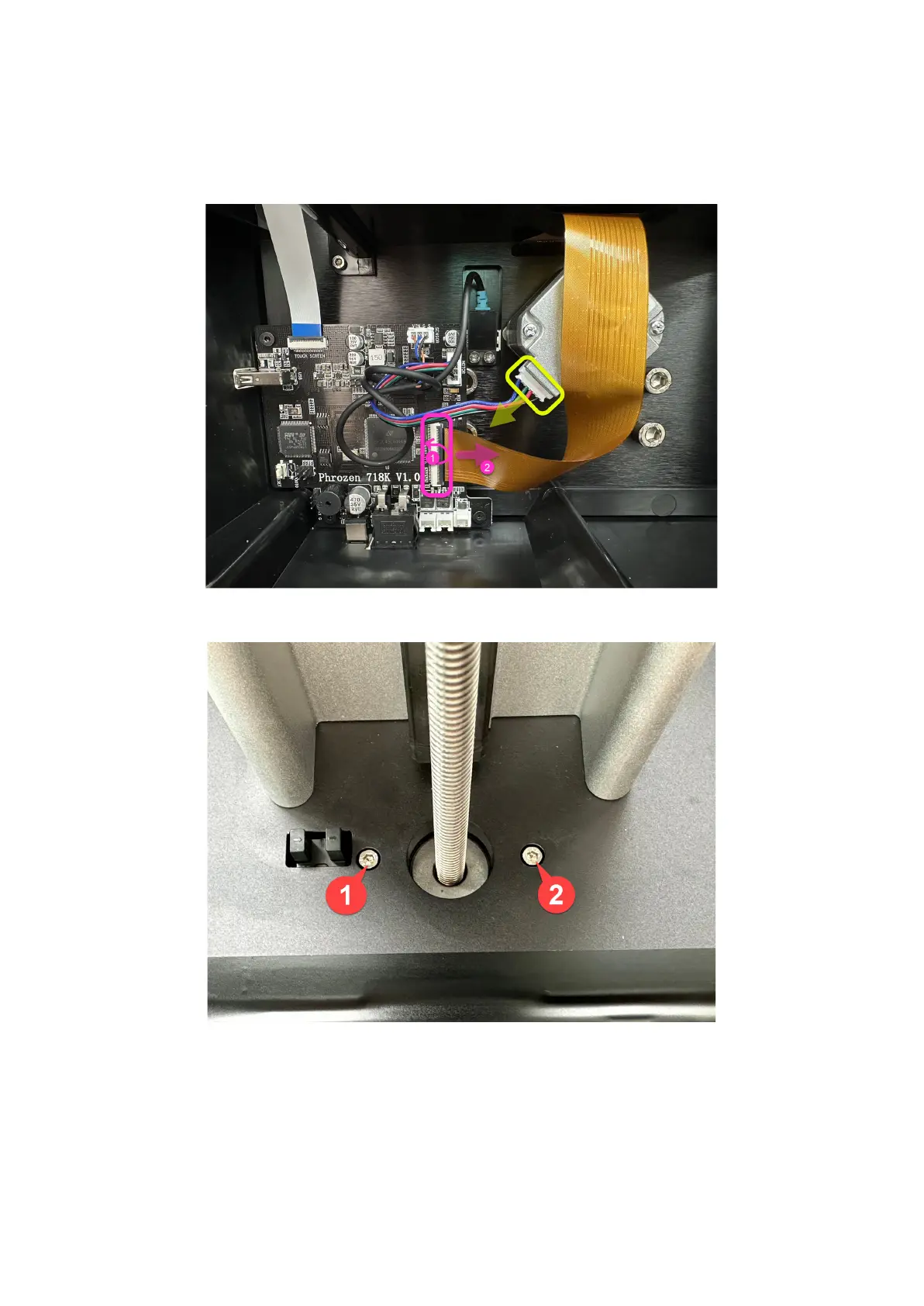
Step 6: To disconnect the LCD ribbon cable, open the cable clip and detach it (see the
picture ① ② below).
Step 7: Unplug the motor connector.
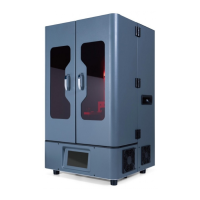
Step 8: Loosen the 2 screws on the platform that is attached to the motor.
Step 9: Turn the Z-axis counterclockwise until it becomes loose while holding the T-plate
with the other hand.
Step 10: Take the Z-axis out of the printer.









 To Next Page