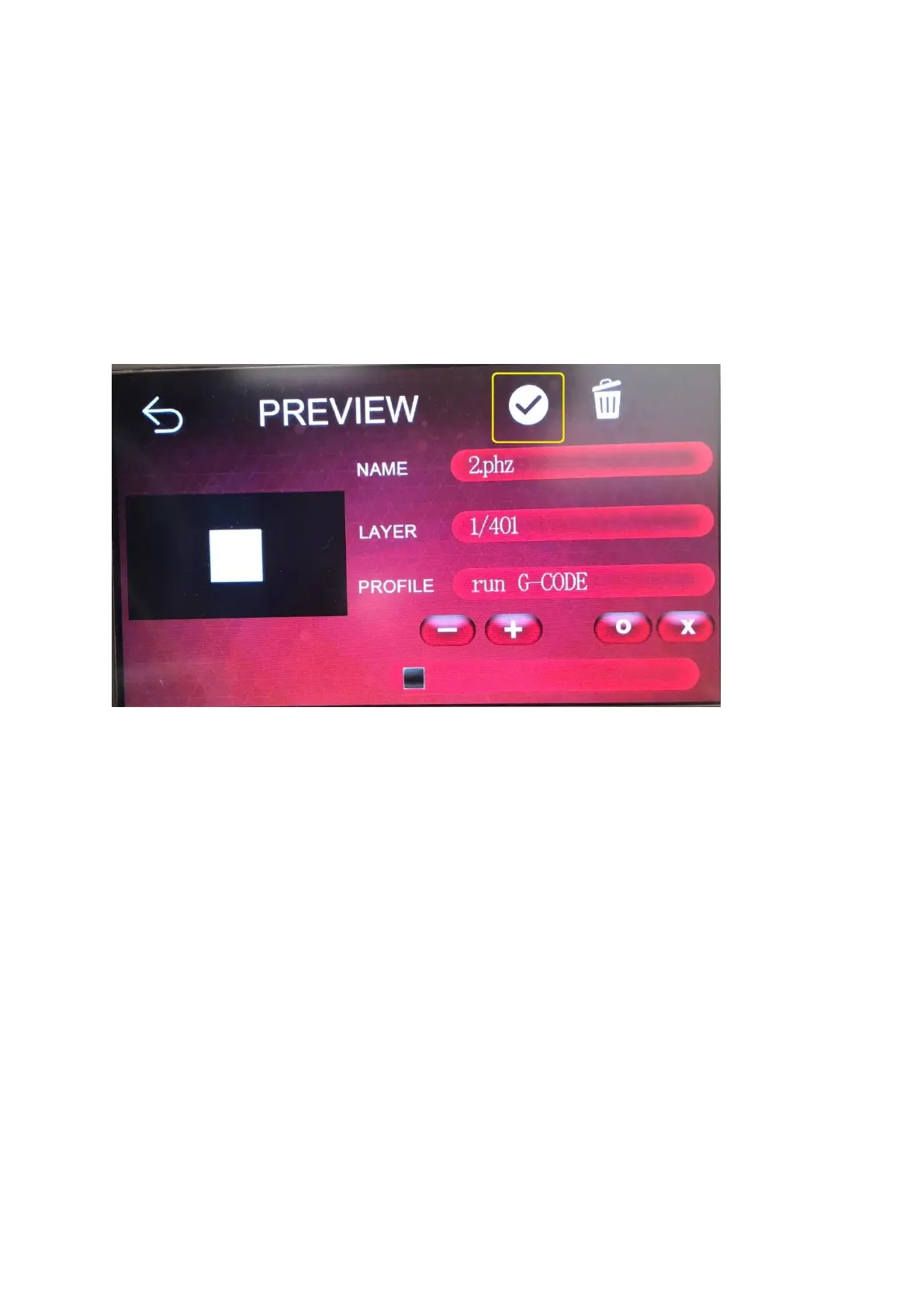
5. After importing the file, select the file to be printed
6. After entering the preview screen and confirming that the print information is
correct, press the confirmation pattern to start printing
7. Before starting to print, please make sure that the stage and resin tank have no
foreign matter to avoid crushing the LCD panel.
• Start printing
• Print completed, after printing process
o Take the printed items
▪ It is generally suggested to take the download station and use
a hard scraper to slowly lift the model from the joint between
the model and the stage.
▪ Do not force hard stamps, which may damage the model.









 To Next Page