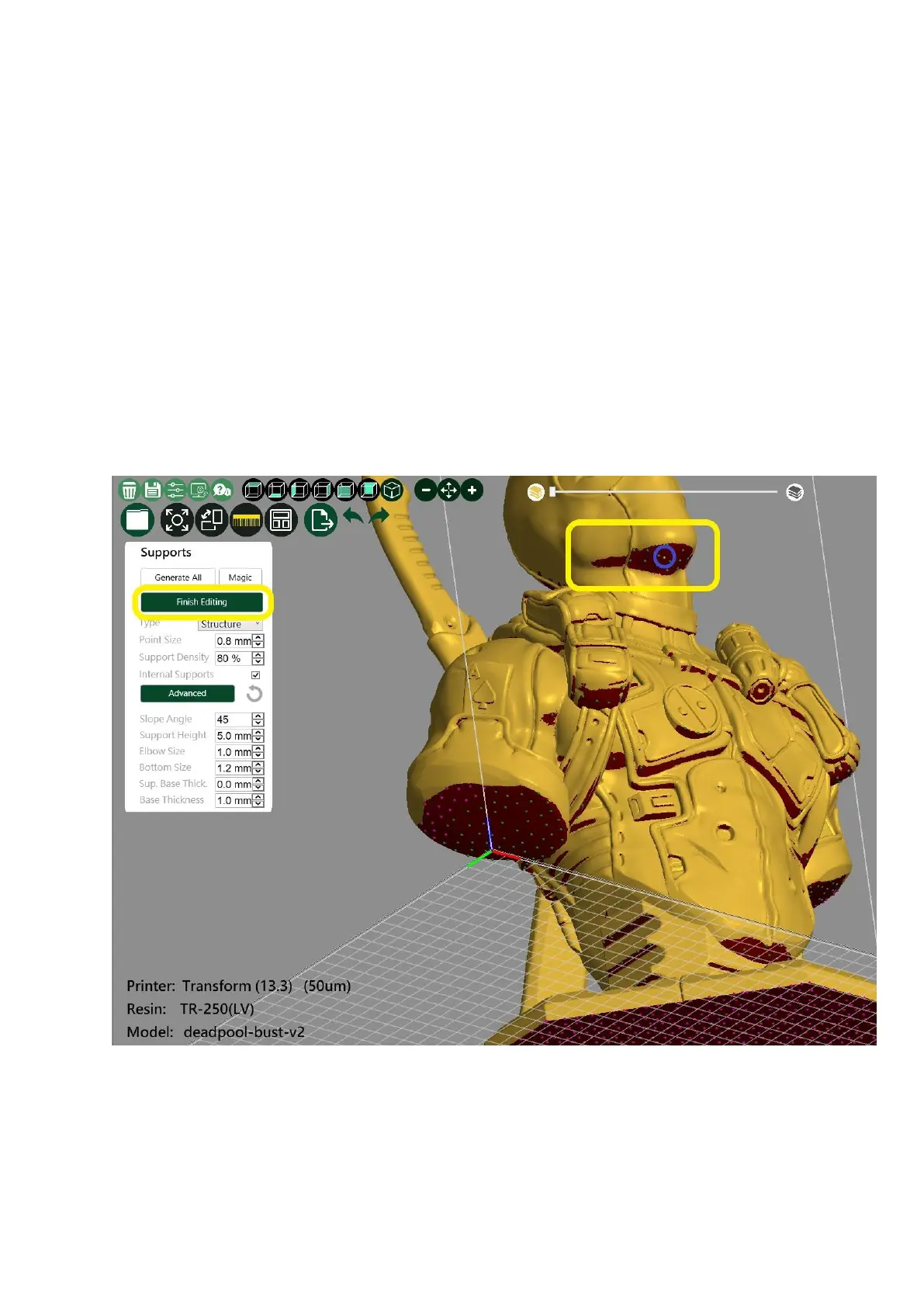
the contact point will change color; it can be selected continuously. Press the
keyboard delete button to delete
4. After completing the editing support, please select “Edit Support” once.
Simulation check support slice
After selecting the moving direction of the model slice, left-click and hold the
middle square to move left and right to view the simulated slice









 To Next Page