www.phyhome.com FHL104C User Manual
Conventions
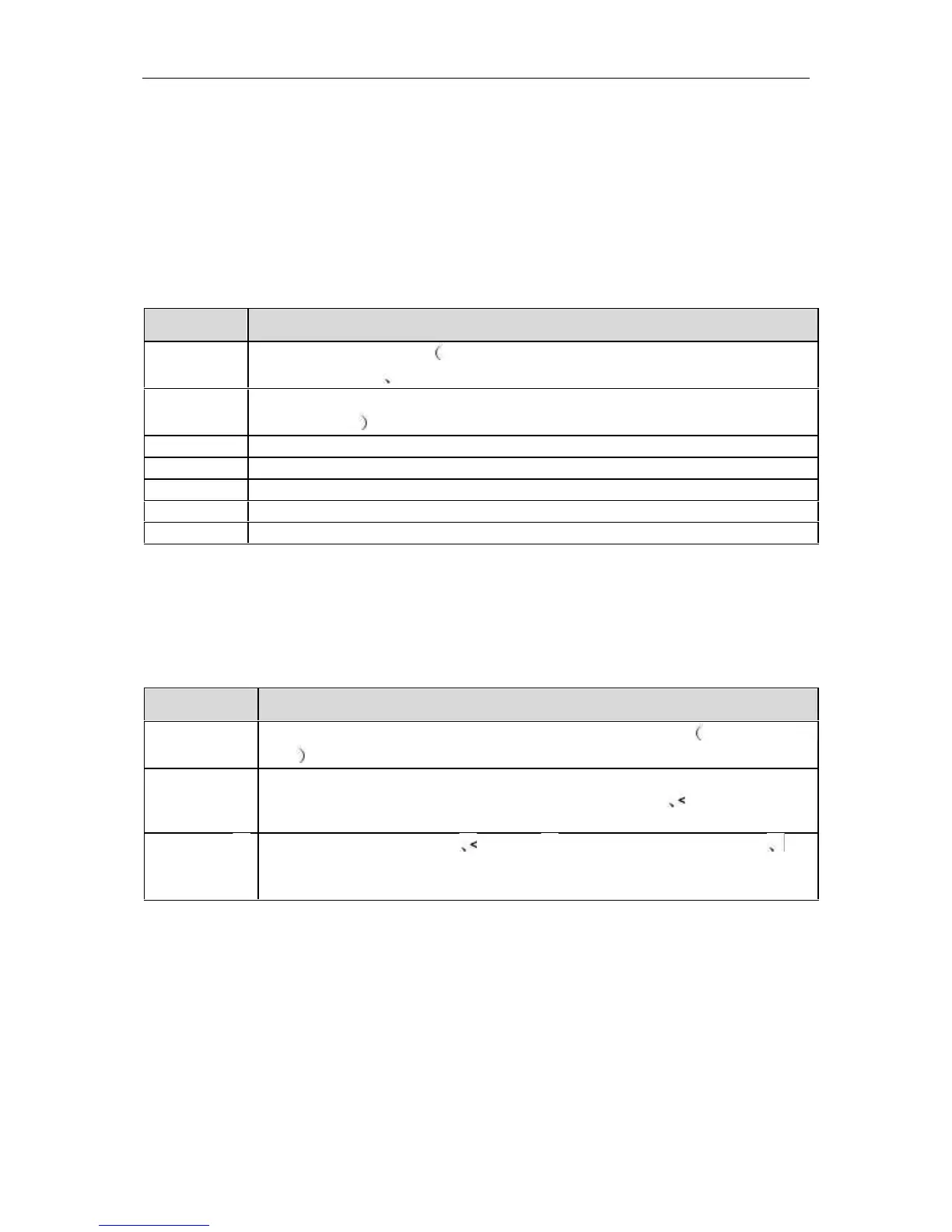
The following symbol format and keyboard combination may be found in this
document, they are defined as follows:
Format Conventions
Command key words Remain unchanged in the command have to
input completely
Parameters of the command Replace this part of the command by the
actual values
The element located in[ ] means this part is optional
Means that one of the element must be selected in this part
Means that it’s a option to select one of this part
Means that the value must be inputted between x and y
Indicates the note annotation after this symbol
Key Combination Conventions
Means the name of a key, for example <Enter> <Tab> <Backspace>
<a> <?> indicates the key of Enter, Tab, Backspace, lowercase letters
Means the key combination. pressing the keys meanwhile. For
example <Ctrl+Alt+A> means pressing “Ctrl” “Alt” “A” These three
key meanwhile
Means press the first key Release Then press the second key For
example <Alt F> means press <Alt> KEY firstly, Released, and then
press <F> KEY.


 To Next Page