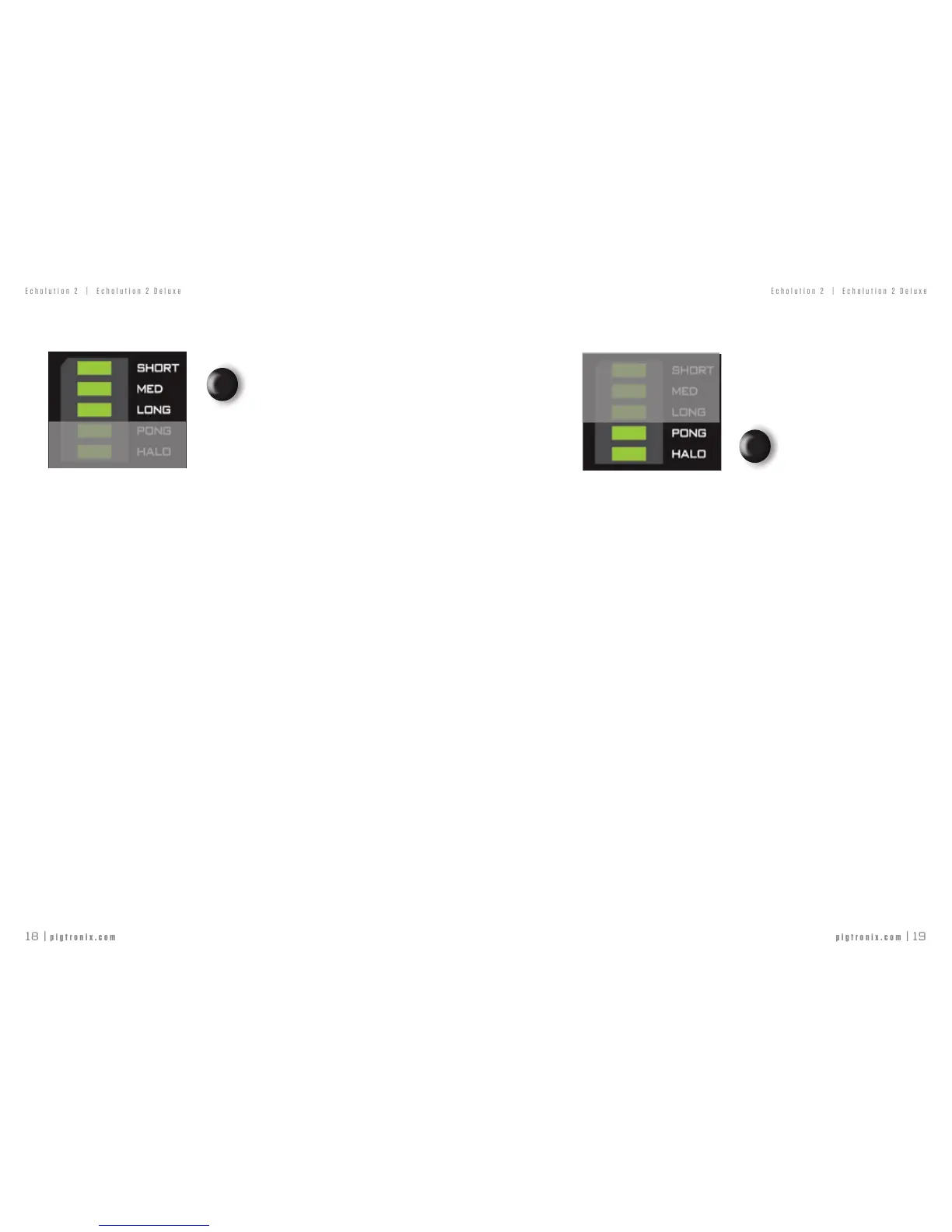
TOUCH SWITCHES — DELAY TIME RANGES
SHORT PRESScyclesbetween:
Short-10ms→100ms
Medium-100ms→ 1sec
Long-1sec→ 10sec.
LONG PRESS turns OFFthedelayline.Thisallowstheltersandmodulation
sectionstobeusedwithnodelay
BOOT OPTION: NON-PITCHED MIDI TRACKING - allows
theMIDIbeatclocktochangewithoutcausingthedelaytopitchshift.Thiscanbetoggled
byHOLDINGtheDELAYTIMERANGESswitchduringthepower-upprocedureoftheE2.
UPPER BUTTON
TOUCH SWITCHES — SPECIAL EFFECTS
SHORT PRESS turns on PING PONG.Withonetaprunning,theecho
bouncesfromlefttoright.Withtwotapsrunning,eachtapisassignedtoonesideand
theyswapsidesoneveryrepeat.WerecommendthatPING PONGbeusedonly
when both outputs are used in stereo.
LONG PRESS turns on HALO. This causes the echoes to cascade up in octaves
on each repeat.
BOOT OPTION: COPY MIDI CLOCK - CopiesMIDIClockIntoMIDI
Clock Out. ThiscanbetoggledbyHOLDINGtheSPECIALEFFECTSswitchduringthepower-
upprocedureoftheE2.
LOWER BUTTON



 To Next Page