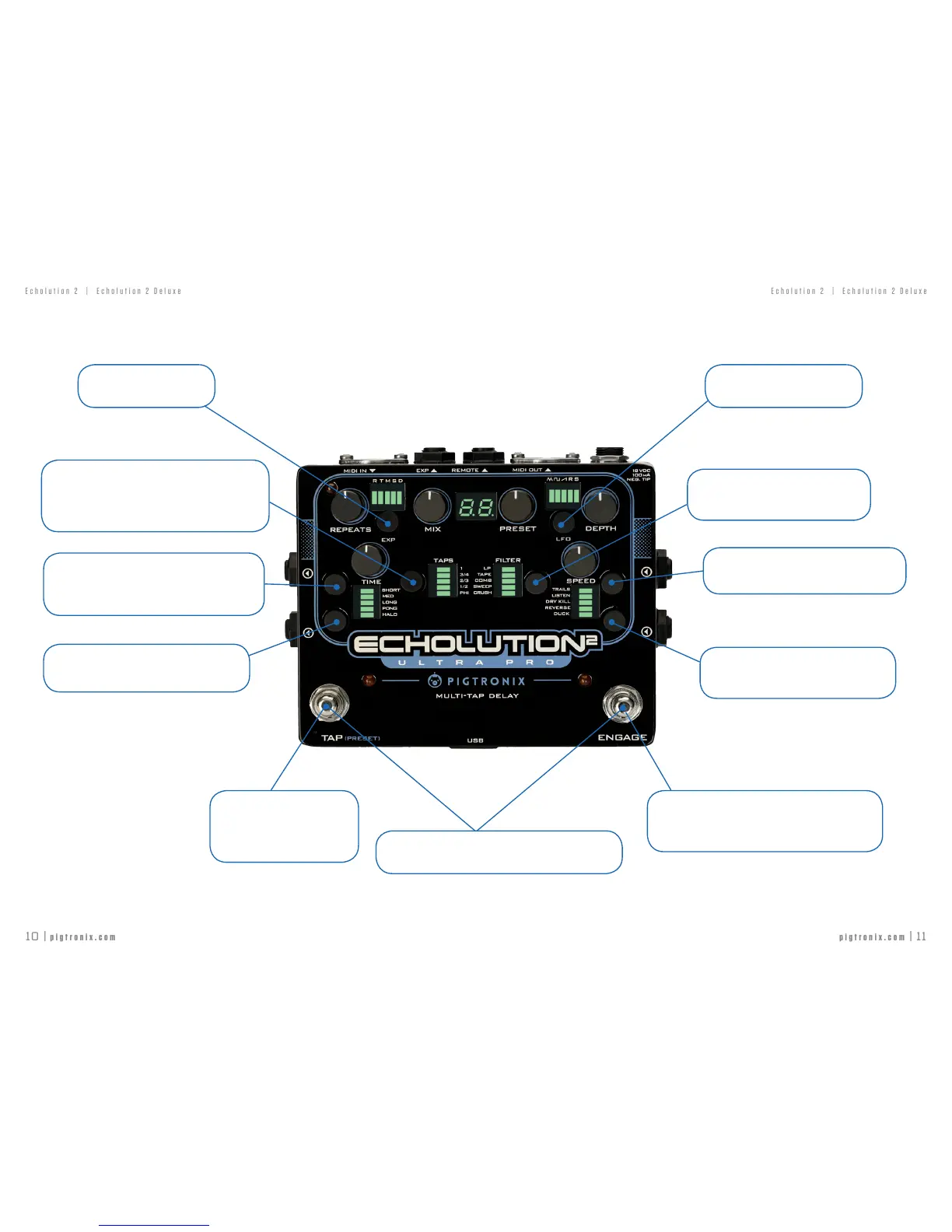
ADVANCED BOOT OPTIONS
GLOBAL TAP
Allowstheusertochangepresets
withoutchangingtheTapTempo
delaytime.
NON-PITCHED MIDI TRACKING
AllowstheMIDIbeatclocktochangethedelaytime
withoutcausingpitchshift.
COPY MIDI CLOCK
CopiesMIDIClockIntoMIDIClockOut
6DB BOOST
IncreasestheMAXvalueoftheMIXknobto+6dB
abovetheinputsignal.
INPUT MIDI CLOCK
EnablesMIDIClockin
FIRMWARE VERSION
AftertheE2initializes,itwilldisplaya
sequenceofthreedigits;thisisitsrmware
version.Forexample,afterthe“-“youwill
seeasequence‘1’,‘0’,’0’.Thisdenotes
rmwareversion100.
ADVANCED BOOT OPTIONS
DRY KILL DURING BYPASS
EnablesDryKillwhenEngageisoff
REMOTE SWITCH SETTING
Changesremoteswitchfunctionalitybetweenbetween
Jump/FreezeandPresetSelect.
PHASE INVERSION
Controls stereo output phase inversion
FACTORY RESET
Restoresall60originalEcholution2presets.
WARNING:Performingafactoryresetwilleraseallcustompresetdata
storedtotheEcholution2.
MIDI THRU
EnableMIDIThrusignals
GENERATE MIDI CLOCK
AllowstheE2togenerateitsownMIDIClock
ADVANCED BOOT OPTIONS
Specialtyglobalsettingsthatcanbeturned
onandoffby
holdingdowntheappropriate
button
duringpowerup.Thesesettings
willremainsetevenafterremovingpower
fromtheE2.Thecurrentstatusofeachboot
optionisdisplayedduringpowerupbythe
correspondingLEDs.



 To Next Page