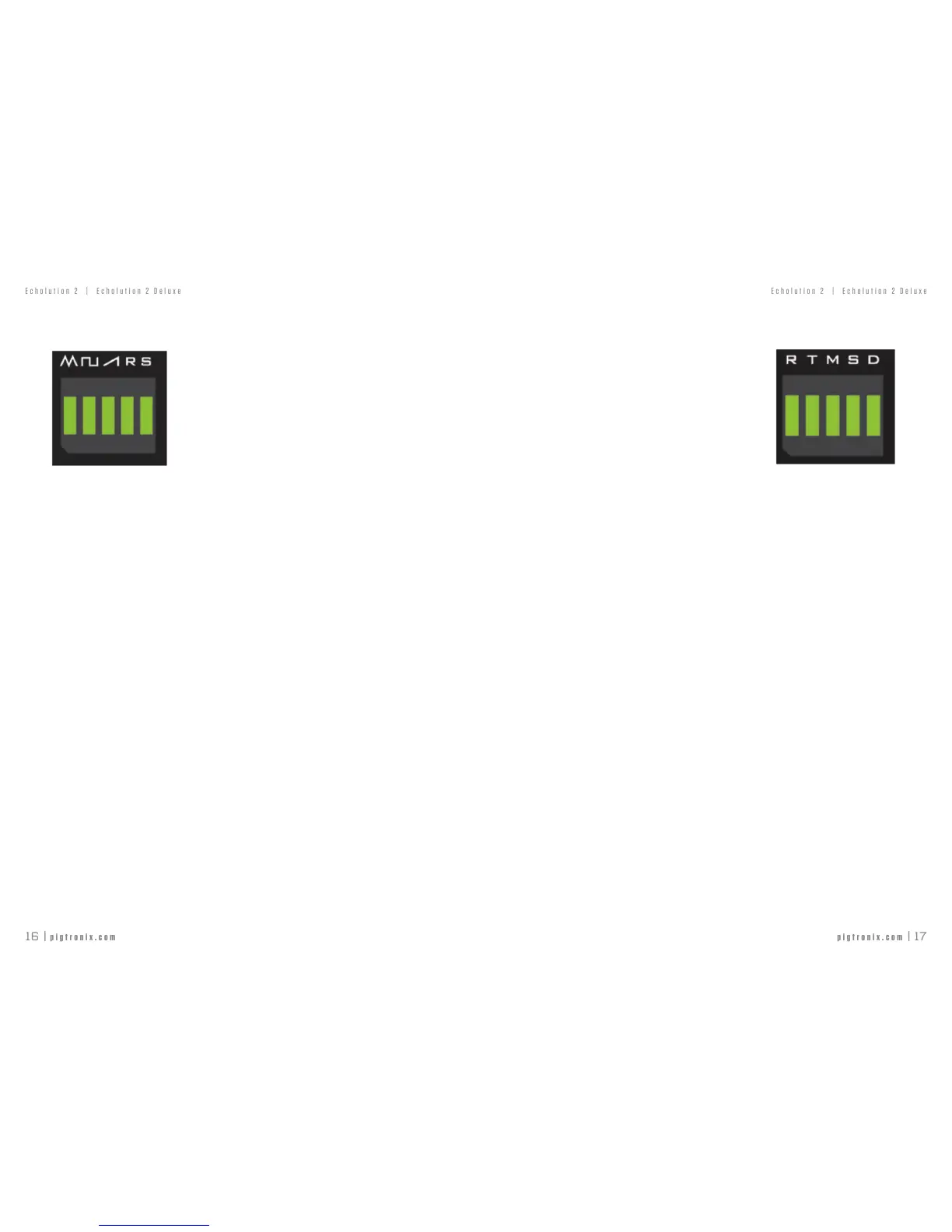
TOUCH SWITCHES — LFO WAVEFORMS
SHORT PRESScyclesbetween:
Triangle
Square
Ramp
Random(Sample&Hold)
SuperTriangle
Super Square
SuperRamp
SuperRandom
The“Super”versionofeachwaveformhas4additionalLFOssuperimposedontothe
originalLFOwaveform.
LONG PRESS turns on LFO SYNC-thissynchronizestheLFOtotheDelayTime
assetbythedelaytimeknob,taptempoorMIDIbeatclock.WhenLFOSyncisturnedon,
theLFOSPEEDknobdeterminestheLFOSpeedtoDelayTimeratiowithminimumbeing
1LFOOscillation:8DelayCyclesandmaximumbeing8LFOOscillations:1DelayCyclefor
fteenpossiblevalues(1:8,1:7,1:6,1:5,1:4,1;3,1:2,1:1,2:1,3:1,4:1,5:1,6:1,7:1,8:1)
BOOT OPTION: MIDI THRU - EnableMIDIThrusignals.This can be
toggledbyHOLDINGtheLFOWAVEFORMSswitchduringthepower-upprocedureoftheE2.
TOUCH SWITCHES — EXPRESSION CONTROL
SHORT PRESScyclesbetweenEXPcontrolof:
R-DelayRepeats
T-DelayTime
M-DelayMix
S-LFOspeed
D-LFOdepth
Note:TheHeelsettingisfullycounterclockwisebydefault,andtheknobpositiondetermines
thetoesetting.
LONG PRESSturnsonENVMAPtoEXP-thissumstheinternalenvelopefollower
withthecurrentexpressionpedaloron-boardknobvalueforthechosenparameter,
allowingtouchsensitivecontrolovereveryknob.
WhenusingtheENV MAPtoEXPfunction,thepositionoftheexpressionpedalor
onboardknobwillbesummedwiththeenvelopevoltage.
ADVANCED MAPPING:Theexpressionpedaland/orenvelopecanbeused
tocontrolanycombinationoftheknobsontheE2.See‘Echolution2Application’Section
formoredetailsonhowtoimplementthissetting.
BOOT OPTION: INPUT MIDI CLOCK - EnablesMIDIClockin.This
canbetoggledbyHOLDINGtheEXPRESSIONCONTROLswitchduringthepower-up
procedureoftheE2.



 To Next Page