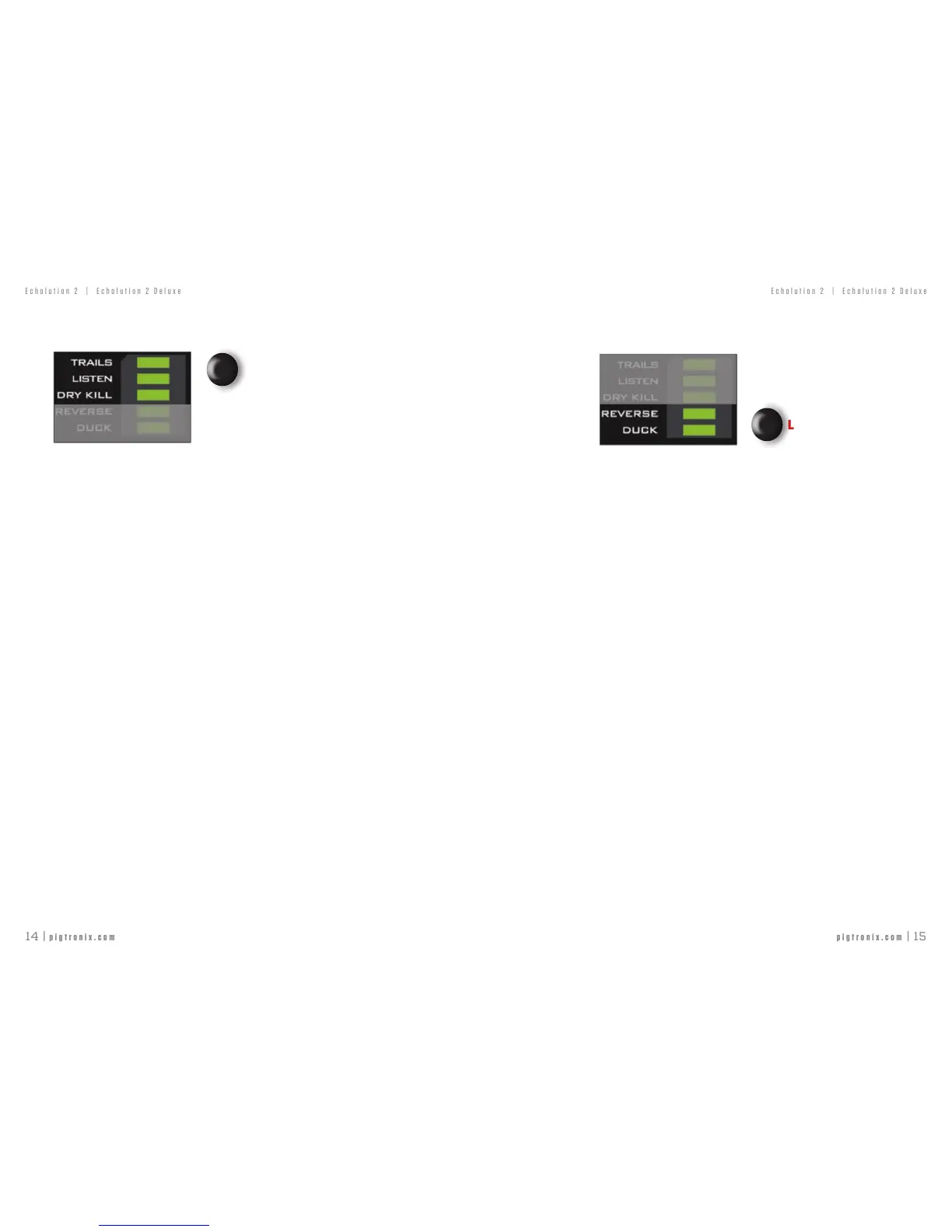
TOUCH SWITCHES — DELAY LINE I/O
SHORT PRESScyclesbetween:
TRAILS-oldechos“spillover”afterbypassfor
smoothtransitions.
LISTEN-echomaterialisrecorded(althoughnot
heard)whileinbypass.
NORMAL-normalbypass(noLEDslitup).
LONG PRESSturnsonDRYKILL-thiscutsouttheanalogcleansignalfromthemix.
DRYKILLisusefulforspecialeffectsorwhenusingaparalleleffectslooponanamporwhen
addingdelaytoafullmix
BOOT OPTION: DRY KILL DURING BYPASS - enablesDryKillwhen
Engageisoff.ThiscanbetoggledbyHOLDINGtheDELAYLINEI/Oswitchduringthepower-up
procedureoftheE2.
UPPER BUTTON
TOUCH SWITCHES — SPECIAL FUNCTIONS
SHORT PRESS turns on REVERSE–reversestapeindelaymix
LONG PRESS turns on DUCK–lowersdelaymixwithhigherinputsignal
ADJUSTABLE FILTER CUTOFF FREQUENCY
Thedefaultlter,LPlter,andTapeltercanhavedifferentsettingsforeachpreset.Tochange
thecornerfrequencyofthecurrentlyenabledlter,PressandholdboththeFilterSelectionand
BypassSelectionTouchSwitches,andturntheSpeedknobwhilestillholdingdowntheswitches.
FactorySettings:DefaultFilter=FullyCW
LPFilter=11o’clock
TapeFilter=9o’clock
AnychangesmadetothesesettingscanbesavedtothecurrentPresetusingthePresetEncoder
(See‘PresetSaving’inthe‘Presets’section).
BOOT OPTION: GENERATE MIDI CLOCK - AllowstheE2togenerate
itsownMIDIClock.ThiscanbetoggledbyHOLDINGtheSPECIALFUNCTIONSswitchduringthe
power-upprocedureoftheE2.
LOWER BUTTON



 To Next Page