66
BASICS
AUTO.SHIFT
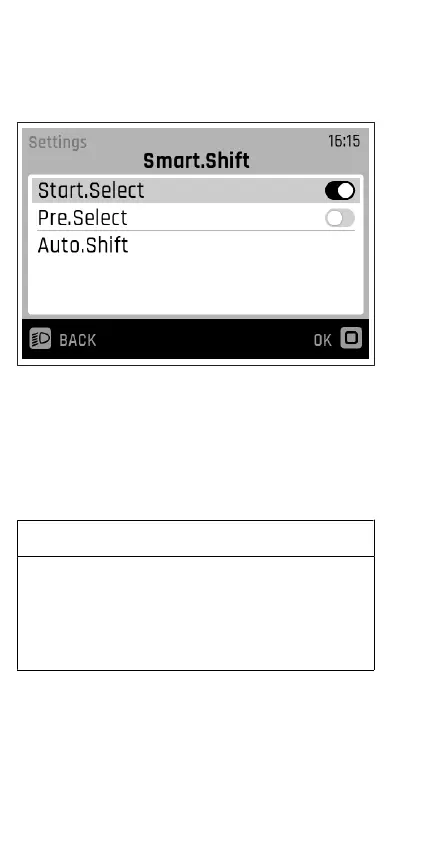
Fig.7
With Pinion, you can always shift gears quickly and precisely in
any situation. Smart.Shift technology allows you to use
different electric shifting modes: Either shift manually and set
your gear with Start.Select, or use semi-automatic gear
changes with Pre.Select if you are not pedalling. With
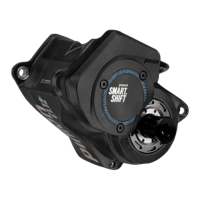
Auto.Shift, the MGU shifts for you fully automatically in any
situation, even when pedalling.
IMPORTANT
To be able to decide when you want to shift gears fully
automatically, you do not activate the Auto.Shift function in
the menu, but directly by pressing and holding the button (3
s) on the front lever of the E-Trigger TE1 or by pressing the A
button on the FIT Remote E-Shift.
Under the Auto.Shift menu item, you can customise the
automatic shifting to suit your needs.



 To Next Page