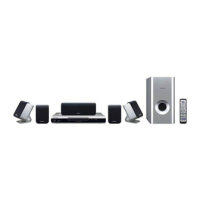
Speaker Setup (HTP-710)01
16
En
Chapter 1-1
Speaker Setup (HTP-710)
Safety precautions when
setting up
When assembling the speakers, lay them down
flat on their side to avoid accidents or injury.
Make sure to use a stable surface when
assembling, setting up, and placing the
speakers.
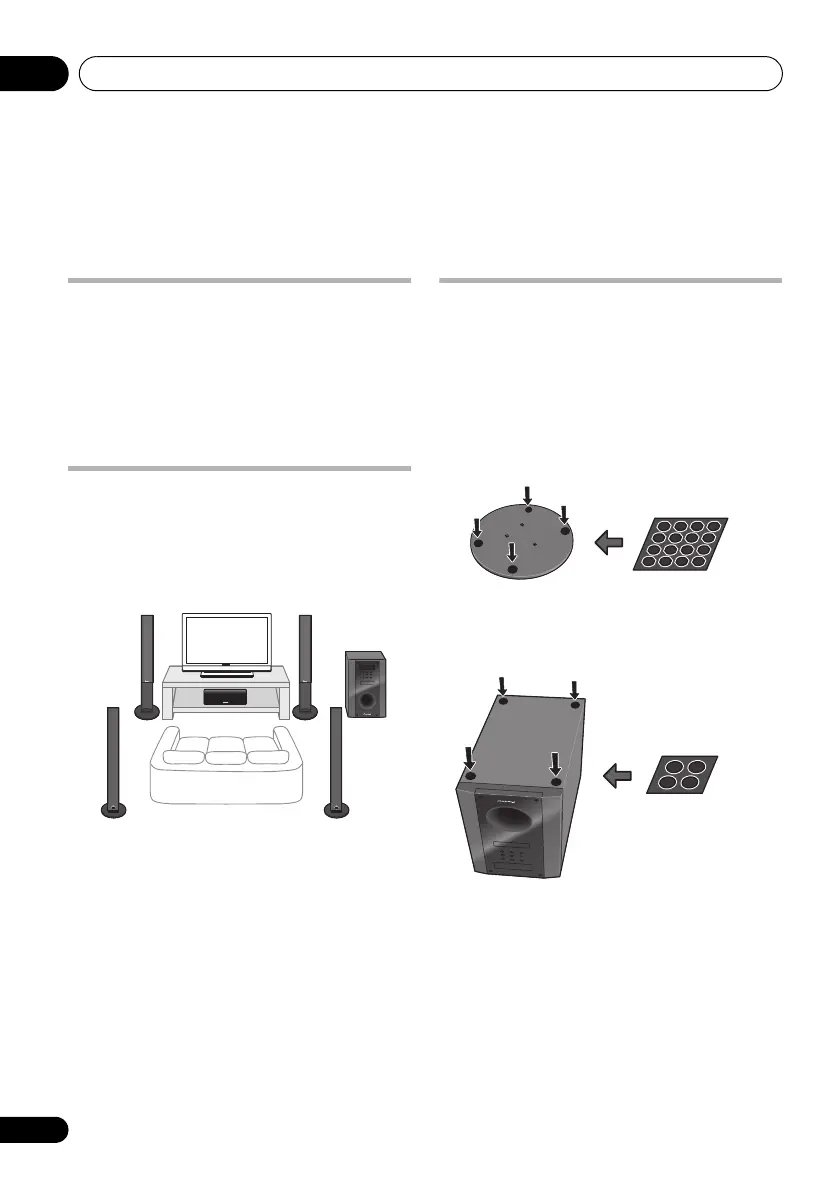
Home theater sound setup
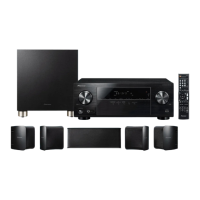
This is a standard multichannel surround
sound speaker setup for optimal 5.1 channel
home theater sound. The front left and right
speakers should be about 1.8 m to 2.7 m apart.
Preparing the speakers
1 Attach the non-skid pads to the base of
each speaker stand bases and the receiver
subwoofer.
For speaker stand bases:
Use the supplied adhesive to attach four small
pads to the base (bottom) of each speaker
stand base.
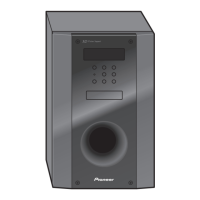
For subwoofer:
Use the supplied adhesive to attach four large
pads to the base of subwoofer.
Front left Front right
Surround left Surround right
Listening position
Center
Subwoofer
HTP-710_VYXCN_En.book 16 ページ 2010年8月23日 月曜日 午後6時47分


 To Next Page