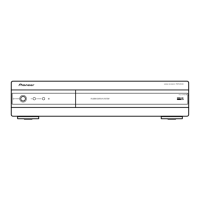
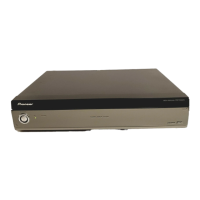
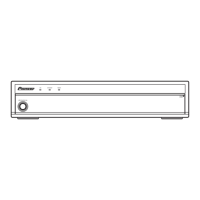
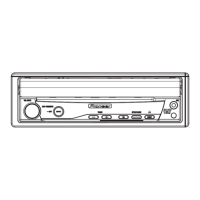
PDP-R04E
100
1234
1234
C
D
F
A
B
E
6. ADJUSTMENT
6.1 HOW TO ENTER SERVICE FACTORY MODE
6.2 POSSIBLE CASES WHERE READJUSTMENT IS REQUIRED
1. At shipment, the unit is adjusted to its best conditions. Normally, it is not necessary to readjust even if an assembly is replaced. If the
adjustment is shifted or if it becomes necessary to readjust because of part replacement, etc., perform the adjustment as described below.
2. Any value changed in Service/Factory mode will be stored in memory as soon as it is changed. Before readjustment, take note of the
original values for reference in case you need to restore the original settings.
3. Use a stable AC power supply.
Refer to the technical document (Service Know-How).
When any of the following assemblies is replaced
When any part in the following assemblies is replaced
Adjustment items
POWER SUPPLY Unit No adjustment required
AV BOARD Assy No adjustment required
MR MAIN BOARD Assy No adjustment required
PC Card Unit No adjustment required
Other assemblies No adjustment required
POWER SUPPLY Unit
The assembly must be replaced as a unit, and no part
replacement is allowed.
The assembly must be replaced as a unit, and no part
replacement is allowed.
The assembly must be replaced as a unit, and no part
replacement is allowed.
AV BOARD Assy If the front end is replaced, adjustment is required.
MR MAIN BOARD Assy
PC CARD Unit
Other assemblies No adjustment required
1 AFC Adjustment
2 RF-AGC Adjustment
3 L'AFC Adjustment
4 Video Level Adjustment


 To Next Page
 Loading...