EasyManua.ls Logo

Pioneer RX-310 - Page 10

Pioneer RX-310
20 pages
Print Icon
To Next Page IconTo Next Page
To Previous Page IconTo Previous Page
Loading...
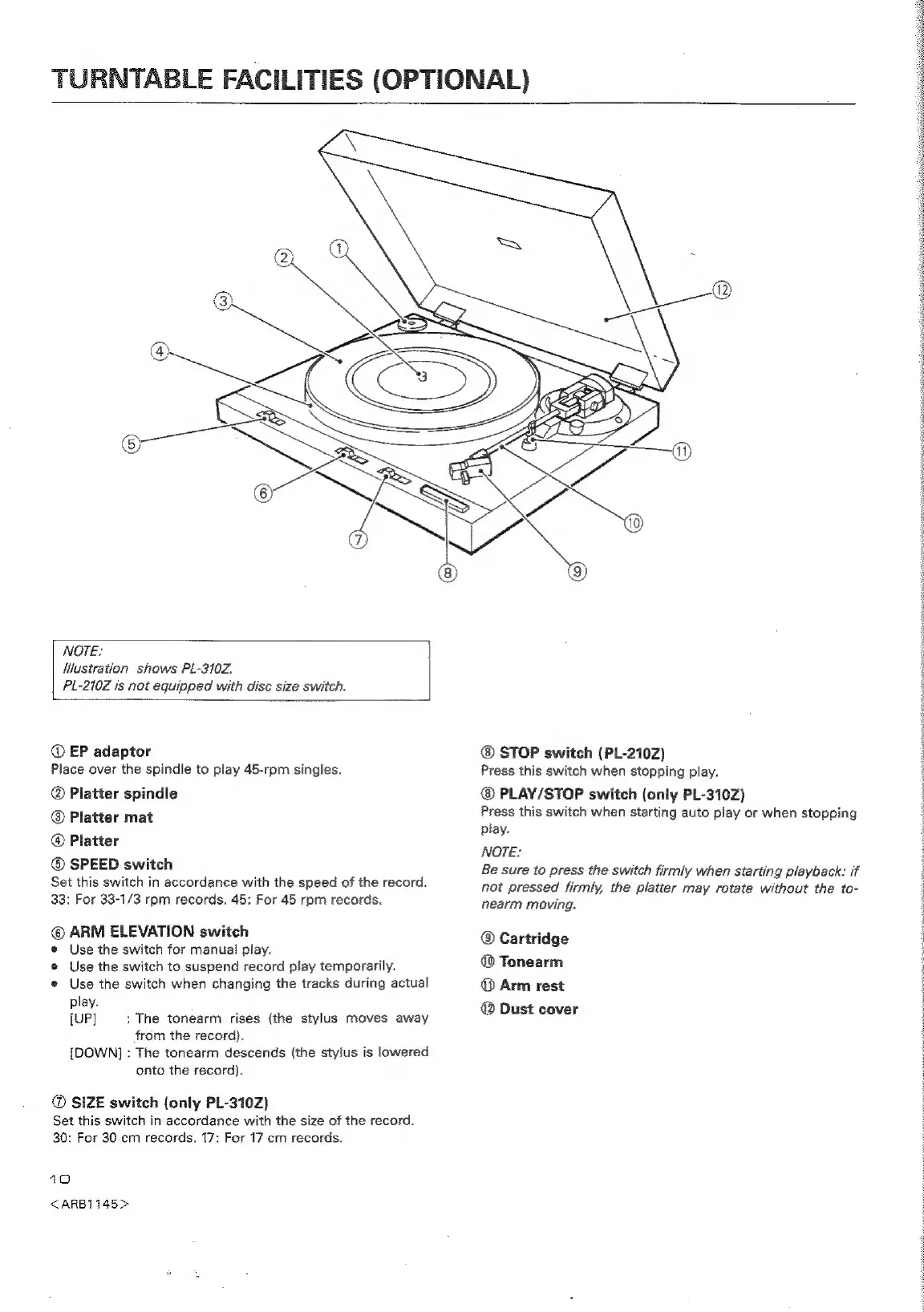
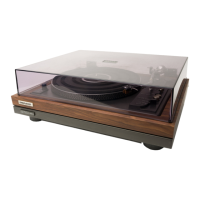
TURNTABLE
FACILITIES
(OPTIONAL)
NOTE:
|
Mlustration
shows
PL-310Z.
PL-210Z
is
not
equipped
with
disc
size
switch.
@
EP
adaptor
Piace
over
the
spindle
to
play
45-rpm
singles.
Platter
spindle
@
Platter
mat
@
Platter
SPEED
switch
Set
this
switch
in
accordance
with
the
speed
of
the
record.
33:
For
33-1/3
rpm
records.
45:
For
45
rpm
records.
©
ARM
ELEVATION
switch
e
Use
the
switch
for
manual
play.
e@
Use
the
switch
to
suspend
record
play
temporarily.
e
Use
the
switch
when
changing
the
tracks
during
actual
play.
[UP]
:
The
tonearm
rises
(the
stylus
moves
away
from
the
record).
[DOWN]
:
The
tonearm
descends
(the
stylus
is
lowered
onto
the
record).
SIZE
switch
(only
PL-310Z)
Set
this
switch
in
accordance
with
the
size
of
the
record.
30:
For
30
cm
records.
17:
For
17
cm
records.
10
<ARB1145>
STOP
switch
(PL-210Z)
Press
this
switch
when
stopping
play.
PLAY/STOP
switch
(only
PL-310Z)
Press
this
switch
when
starting
auto
play
or
when
stopping
play.
NOTE:
Be
sure
to
press
the
switch
firmly
when
starting
playback:
if
not
pressed
firmly,
the
platter
may
rotate
without
the
to-
nearm
moving.
Cartridge
@
Tonearm
©
Arm
rest
@
Dust
cover

Related product manuals