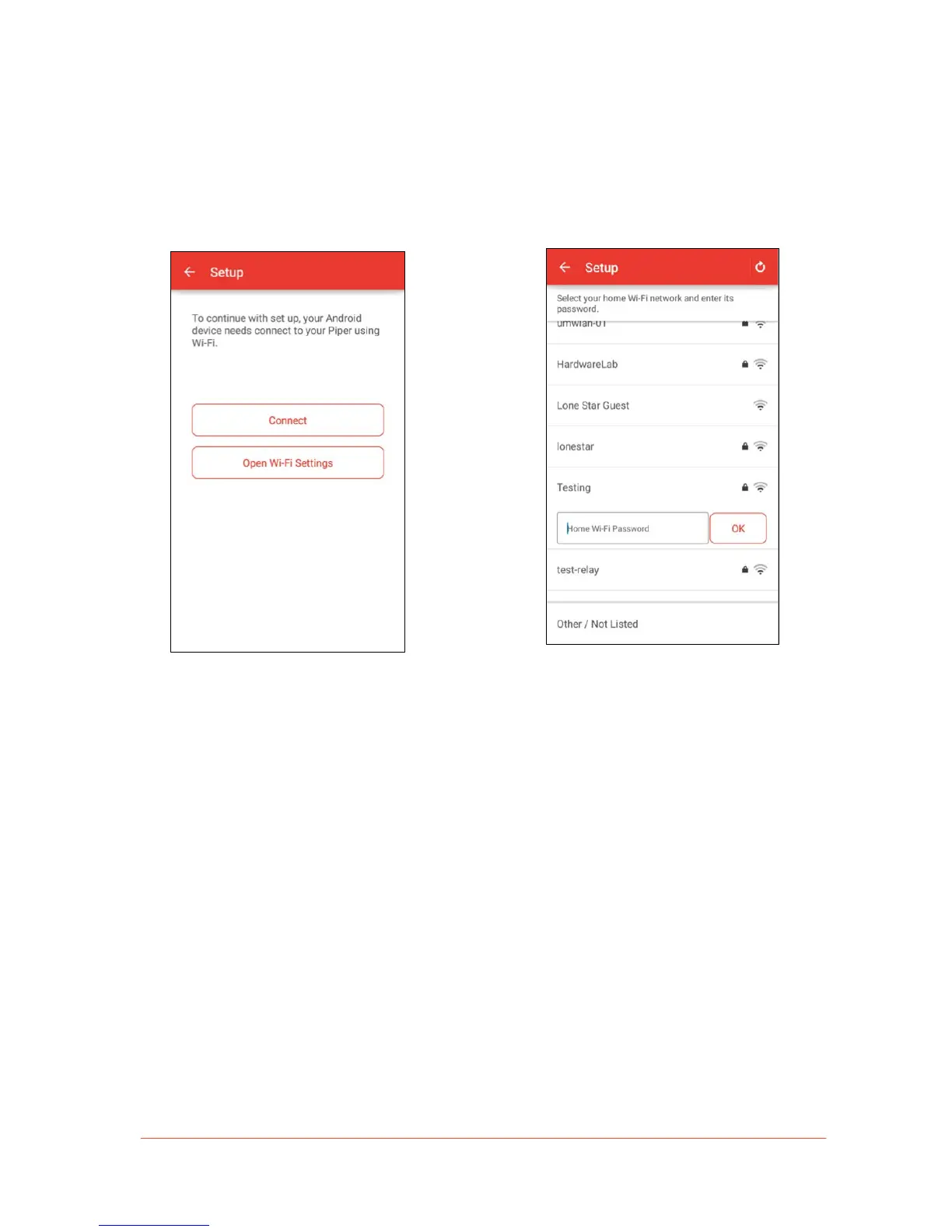
3. Connect your Android device to the “Piper”
Wi-Fi network by selecting “Connect.”
Note: In this step, your mobile device is
connecting to your Piper via Wi-Fi to set
it up.
Note: If you have the “Smart Switch
Network” feature enabled on your mobile
device, it will not connect to the “Piper”
Wi-Fi network. To disable this feature
found on certain Android devices, go to
your mobile device’s Wi-Fi settings.
4. A list of nearby Wi-Fi networks will
appear. Select your home Wi-Fi
network from the list and enter the
password.


 To Next Page