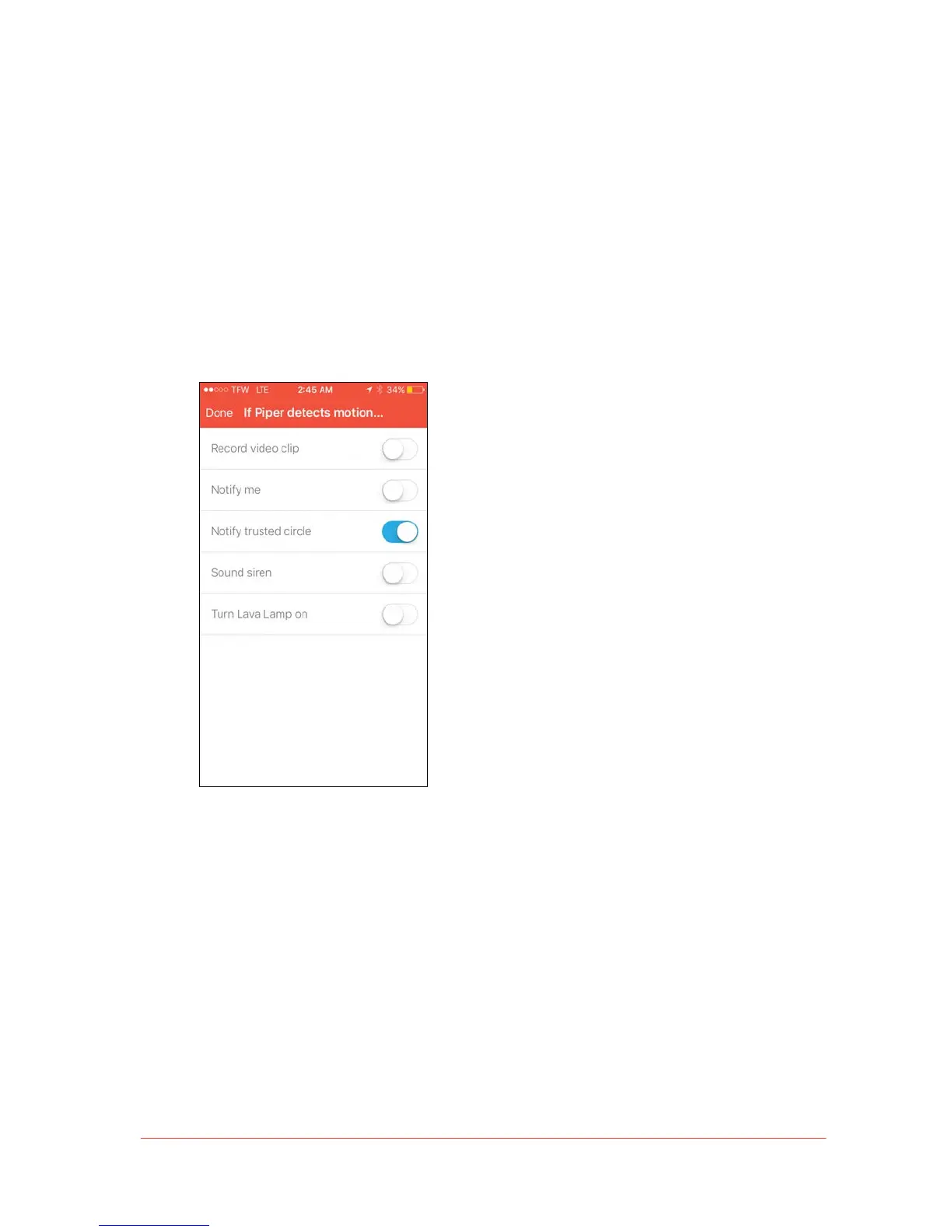
“Notify Trusted Circle” Security Rule
With “Notify Trusted Circle” enabled as a security rule action, the members in your Trusted
Circle will receive a notification whenever a configured security event is triggered.
To set “Notify Trusted Circle” as a security rule, follow these steps:
1. Go to the Rules tab and select a security mode.
2. Choose an event. This will bring up a list of applicable security rules.
3. Toggle on the “Notify trusted circle” rule.



 To Next Page