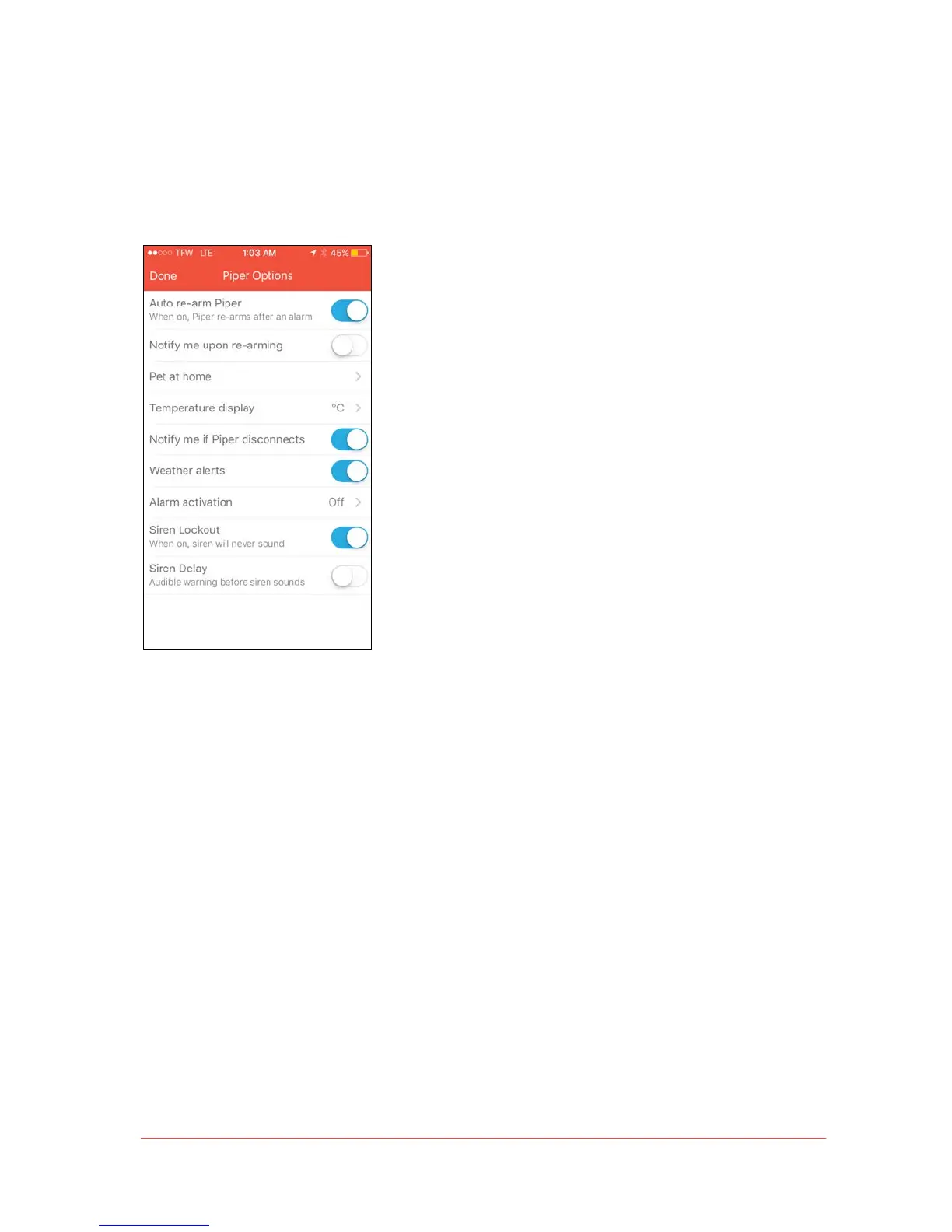
Piper Options
Various Piper settings can be adjusted, including the main Piper’s name, auto re-arming
options, motion sensor sensitivity for pets, temperature units, disconnection notifications,
siren settings, and weather alerts.
Note: Switches for settings appear blue when on/active, and grey when off/inactive.
• Auto re-arm Piper: By enabling this feature, Piper will automatically re-arm itself to
its prior armed mode 5 minutes after an event is detected.
• Automatic re-arming:
• Users will continue to receive notifications if security events are
detected once Piper has re-armed itself.
• To set this preference, go to Settings > Piper Options and select
“Auto re-arm Piper.”


 To Next Page