• Manual re-arming:
• If Piper is not automatically or manually re-armed after a security rule is
triggered, you will not receive notifications when events are detected.
• You can also manually re-arm Piper by opening the app and setting Piper
back to Armed Away or Armed Stay security mode.
• Auto re-arm Notifications:
• Users can be notified with a notification to their mobile device (via a
push message) each time Piper automatically re-arms itself.
• Go to “Notify me upon re-arming” located beneath “Auto re-arm
Piper” to enable this notification on.
Note: The “Auto re-arm Piper” feature must be enabled before users can turn on notifications
for auto-rearming.
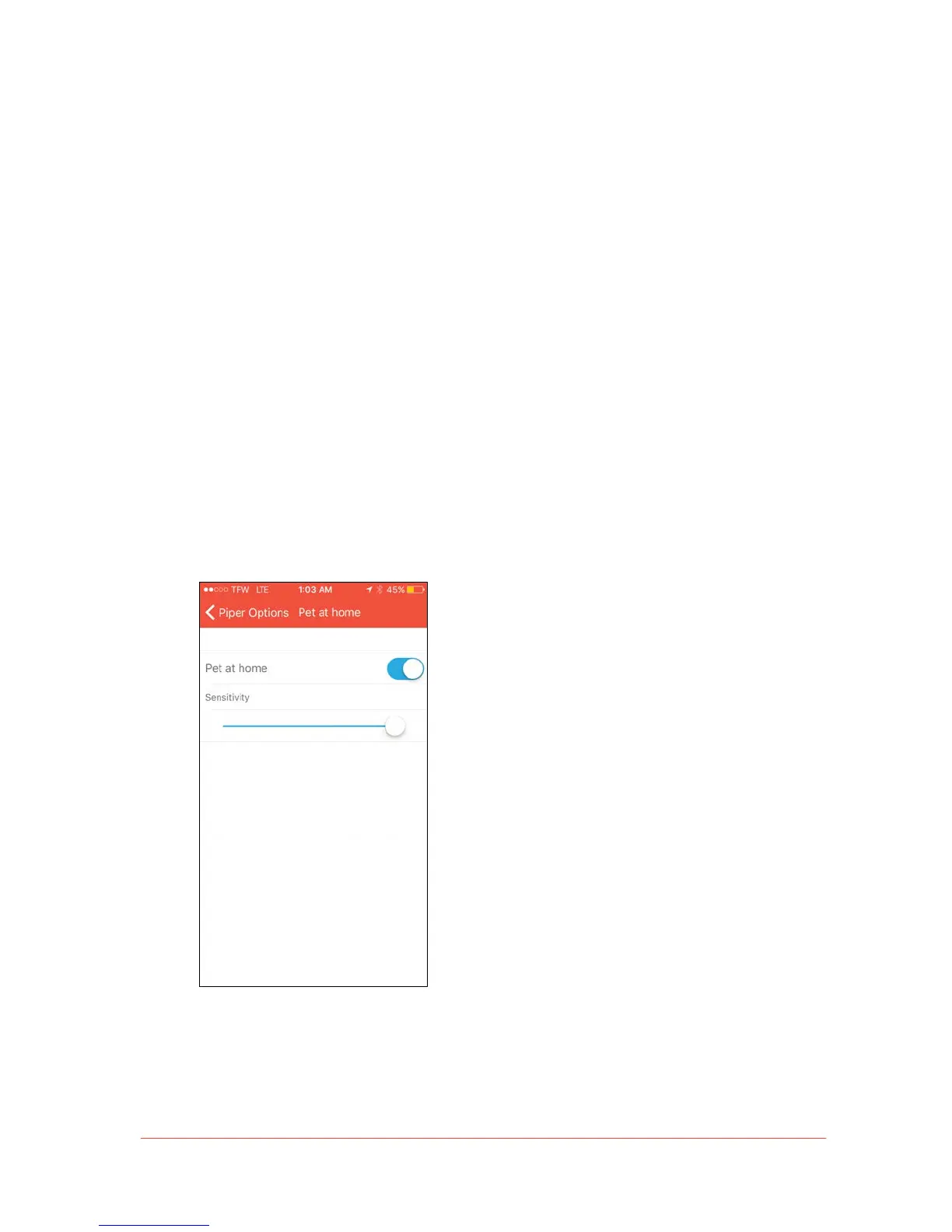
• Pet at Home: The motion sensor’s sensitivity can be adjusted to exclude pets based
on their size to avoid false triggers and unnecessary notifications.


 To Next Page