Event Features
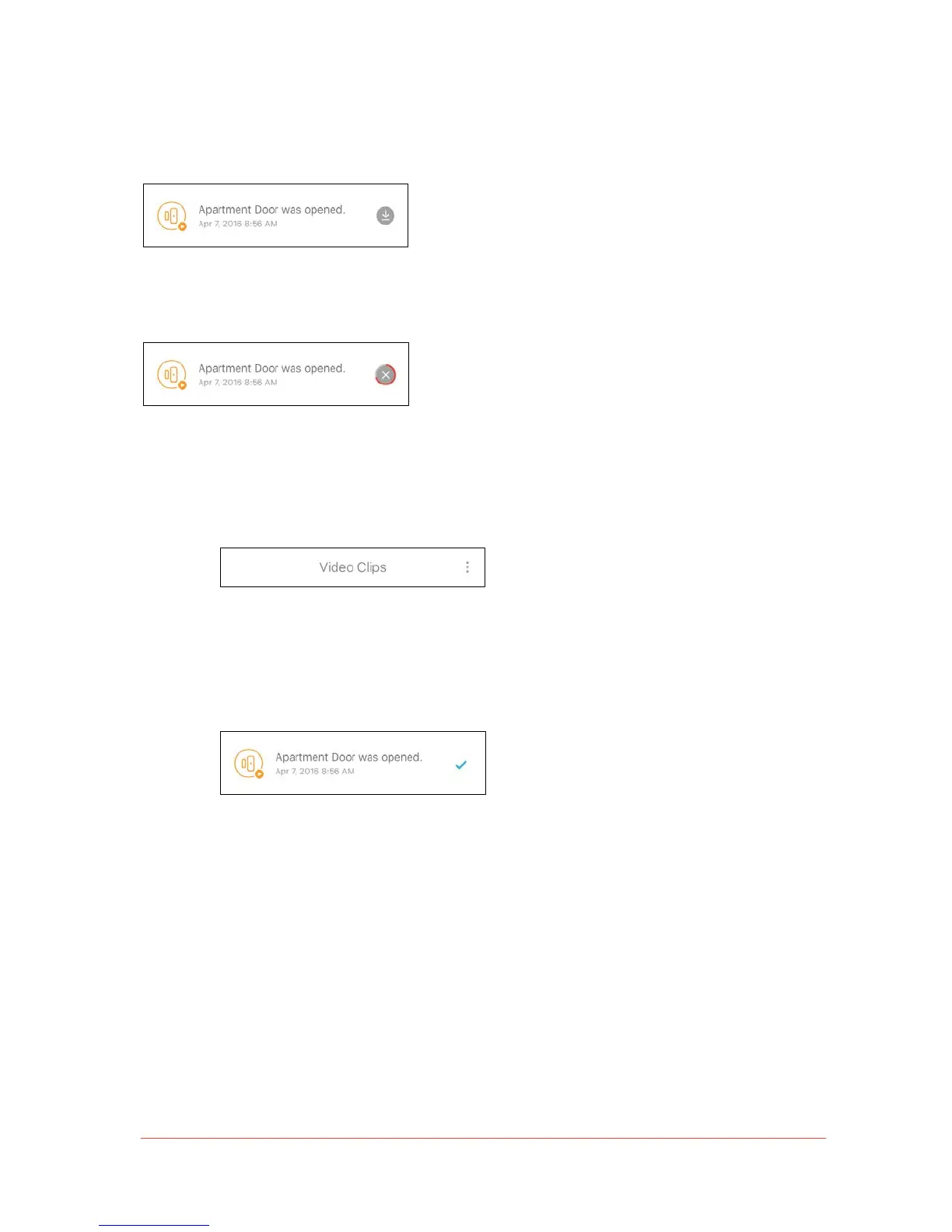
• To view: Tap on an event in Video Clips to view recorded video footage.
• To download: To download recorded video clips directly onto your mobile device, tap the
downward facing arrow next to the video you wish to save.
• To delete or mark as read:
• To delete or mark events as read, tap on the Context Menu icon located on the
top-right corner of the list.
• This icon allows users to select specific events or automatically select all events in
Timeline or Video Clips.
• The selected events (highlighted in blue) can now be deleted or marked as read.
• Mark as read: All read events will remain in the Timeline (unless deleted). Unread
events will be displayed in bold, and the badge on the Events tab icon shows the
unread event count.
• Delete: Before erasing the selected events, a dialogue box will appear asking you
to confirm the action. Deleted events cannot be recovered.


 To Next Page