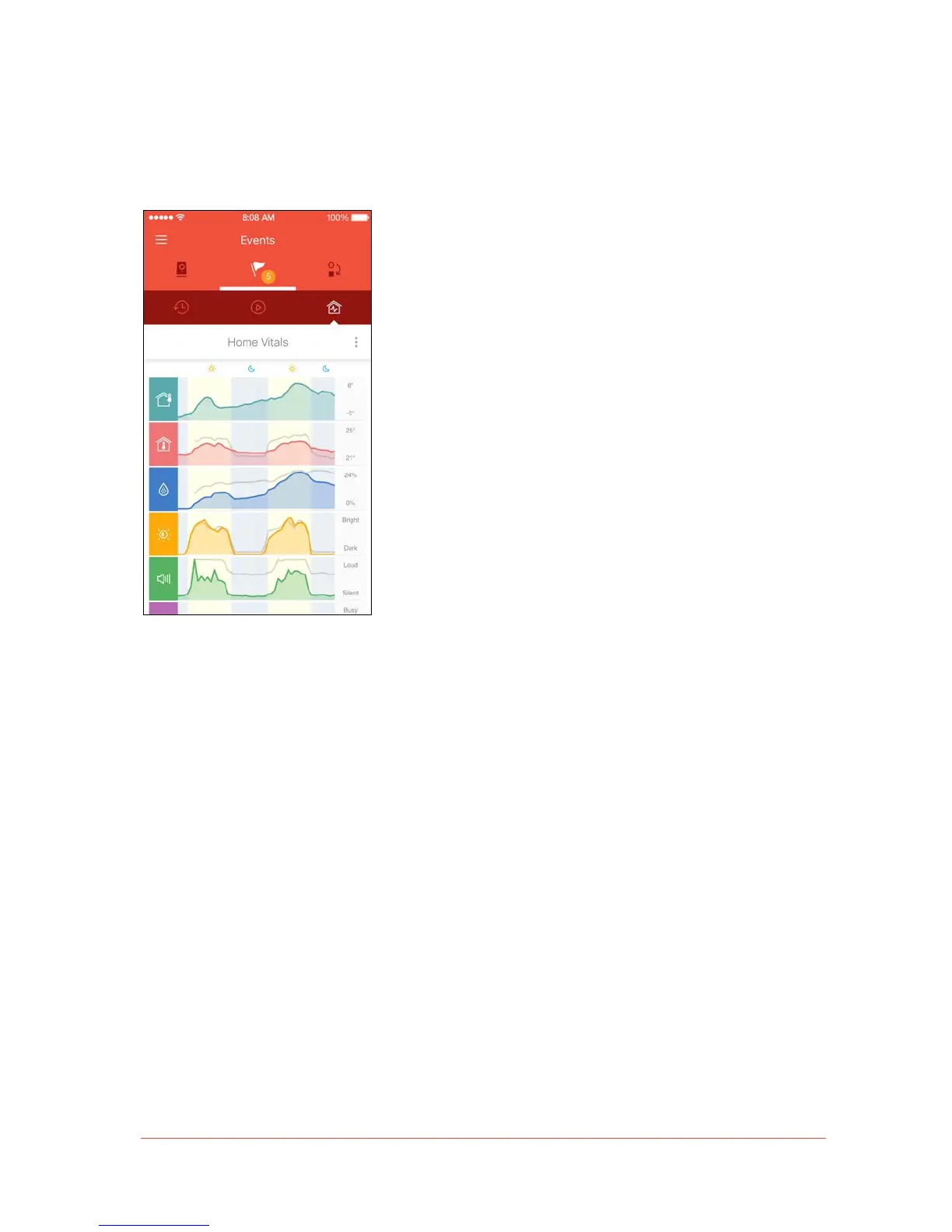
Home Vitals
The rightmost section in the Events tab is the Home Vitals screen. Here, users can monitor
specific vitals that Piper records throughout the course of the day.
• Piper records the temperature, relative humidity, ambient light, sound level, and movement
of the area it monitors. This information is presented in a graph, which displays a history of
the past 48 hours.
• The Context Menu icon on the right-hand side of the Home Vitals screen allows users to
view the vitals of individual Pipers in a home. Tap on this icon to view a list of all Pipers
linked to one account. Select the name of a Piper to view the vitals of the area it monitors.
Other Pipers’ vital graphs will show up in grey, with the vitals of the selected Piper appearing
in color.
• The numbers on the right hand side represent the highest and lowest values of the vitals
detected by Piper’s environmental sensors.


 To Next Page