Multi Piper Mobile App Setup
You are now ready to connect your mobile device to the new Piper.
• For setup instructions using an iOS device, go to Multi Piper Setup: iOS.
• For setup instructions using an Android device, go to Multi Piper Setup: Android.
Multi Piper Setup: iOS
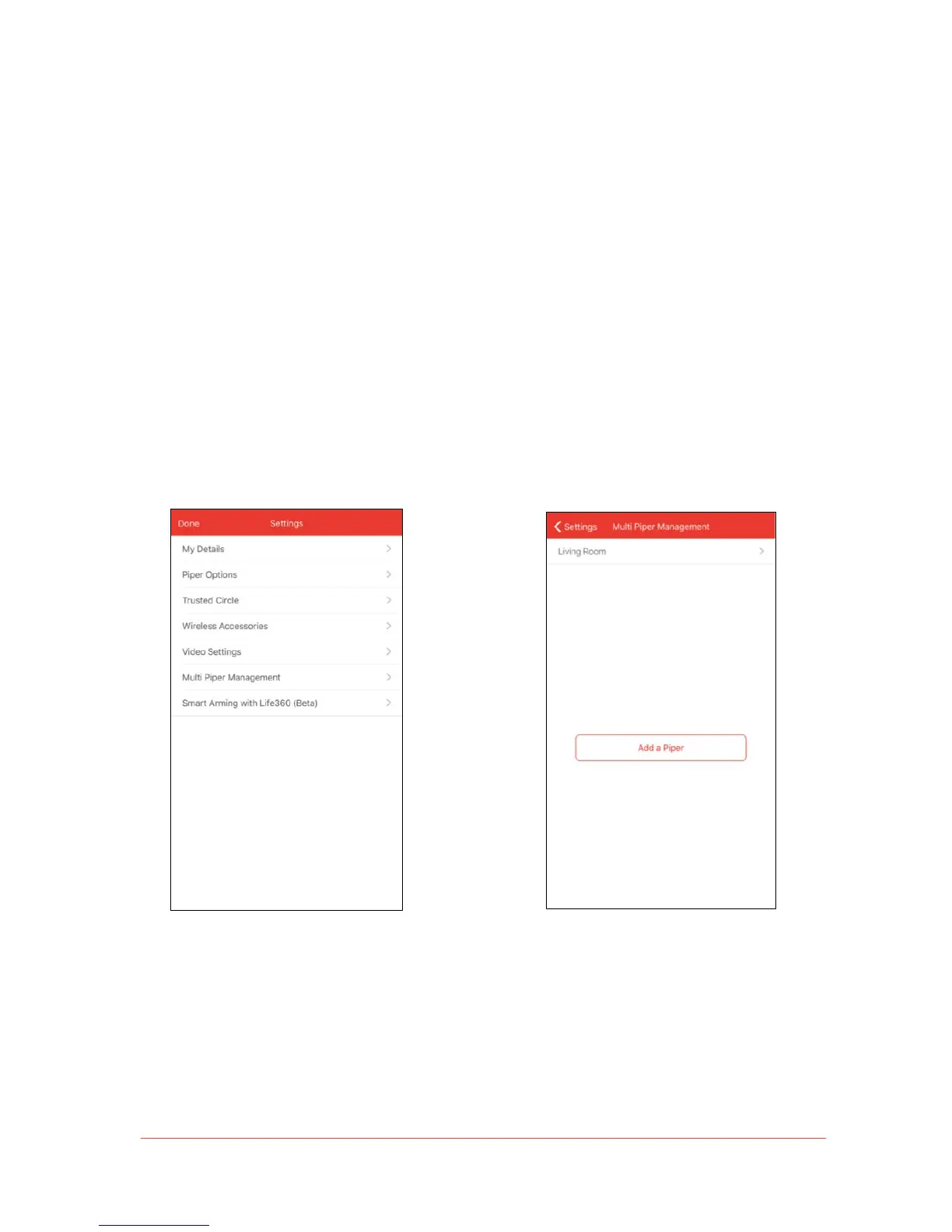
Follow these steps to set up Piper from your Apple iOS device:
1. When Piper’s LED light turns blue, open
the Piper app, tap the App Menu icon and
go to Settings > Multi Piper Management.



 To Next Page