EasyManua.ls Logo

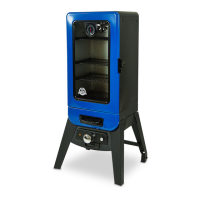
Pit Boss 77700 - User Manual

Pit Boss 77700
32 pages
Print Icon
To Next Page IconTo Next Page
Loading...
 
   
WARNING: Please read the entire manual before installation and use of this electric, pellet fuel burning
appliance. Failure to follow these instructions could result in property damage, bodily injury or even death.
Contact local building or fire officials about restrictions and installation inspection requirements in your area.
ASSEMBLY AND OPERATION INSTRUCTIONS
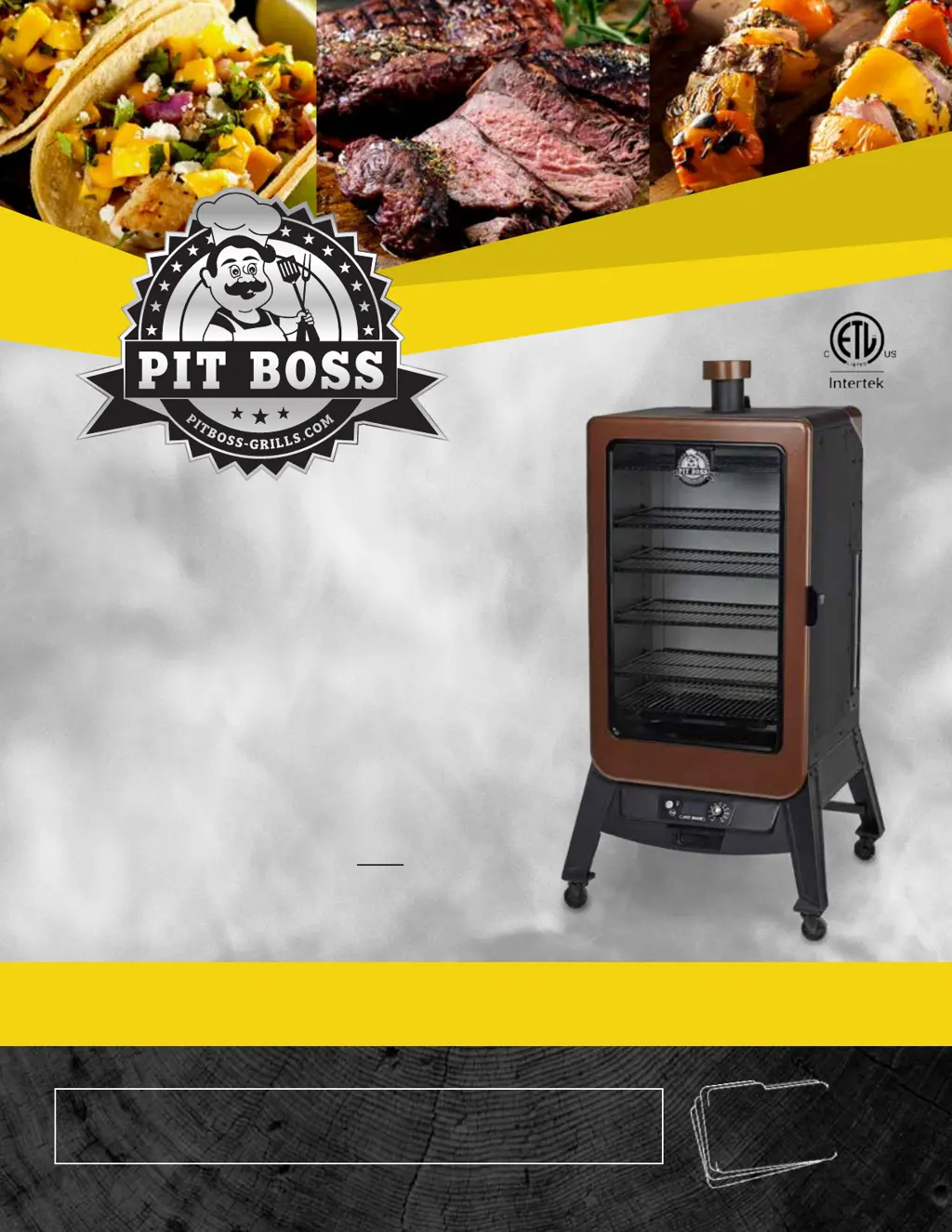
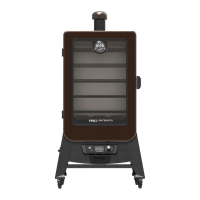
COPPERHEAD
  
 7
SAVE THESE INSTRUCTIONS! MANUAL MUST BE READ
BEFORE OPERATING!
MODEL : PBV7P1
PART : 77700

Other manuals for Pit Boss 77700

Questions and Answers

  • T
    timjohnsonNov 24, 2025
    Why won't my Pit Boss 77700 maintain temperature?
    • C
      Christine BrownNov 24, 2025
      If your Pit Boss smoker won't achieve or maintain a stable temperature, there are several things you can check. First, ensure sufficient airflow through the burn pot by checking for ash build-up or obstructions, following the Care and Maintenance instructions. Verify the fan is working correctly and the air intake isn't blocked, cleaning it if necessary. Confirm the auger motor is operating and there's no blockage in the auger tube. Once these steps are done, start the smoker, set the temperature to SMOKE, and wait 10 minutes to check that the flame is bright and vibrant. Also, check that the fuel level is sufficient, and replenish if low. If the wood pellets are of poor quality or too long, remove them and follow the Care and Maintenance instructions. Finally, check the status of the temp...
  • L
    laurie69Aug 27, 2025
    Why does my Pit Boss Smoker produce excess or discolored smoke?
    • M
      Melissa SmithAug 27, 2025
      Excessive or discolored smoke from your Pit Boss Smoker can stem from several issues. It could be due to grease build-up, so follow the care and maintenance instructions. Another cause might be the wood pellet quality; remove any moist pellets from the hopper, clean it out, and replace with dry wood pellets. A blocked burn pot can also cause this issue, so clear it of any moist pellets and follow the hopper priming procedure. Lastly, check the fan to ensure it's working properly and the air intake isn't blocked, cleaning it according to the care and maintenance instructions if necessary.
  • K
    Kelli BlackAug 29, 2025
    How to fix frequent flare-ups in my Pit Boss Smoker?
    • C
      carlosgarciaAug 29, 2025
      Frequent flare-ups in your Pit Boss Smoker may be due to the cooking temperature being too high. Try cooking at a lower temperature, keeping it under 176°C / 350°F when cooking greasy foods, as grease has a flash point. Also, flare-ups can occur due to grease build-up on cooking components, so follow the care and maintenance instructions to clean them.
  • C
    Christopher PowellAug 30, 2025
    What does Er1 error code mean on Pit Boss 77700?
    • N
      nicolespenceAug 30, 2025
      If your Pit Boss smoker displays an "Er1" error code, it indicates that the temperature probe wire is not making a connection. To fix this, access the electrical components on the base of the unit (see Electric Wire Diagram) and check for any damage to the Temperature Probe wires. Ensure the Temperature Probe spade connectors are firmly connected, and connected correctly, to the Control Board.
  • M
    Michael NguyenAug 31, 2025
    What does noP error code mean on Pit Boss 77700 Smokers?
    • P
      Paul PowersAug 31, 2025
      If your Pit Boss smoker displays a "noP" error code, it could be due to several reasons related to the meat probe. First, disconnect the meat probe from the connection port on the Control Board and reconnect it, ensuring the adapter is firmly connected and checking for damage. If the issue persists, inspect the meat probe wires for damage. If the problem continues, the Control Board may be faulty and needs to be replaced.
  • F
    franklinjessicaNov 22, 2025
    What to do if the fire in the burn pot of my Pit Boss Smoker will not light?
    • B
      bradleyherreraNov 22, 2025
      If the fire in the burn pot of your Pit Boss Smoker won't light, the auger may not be primed. Before the first use, or any time the hopper is completely emptied, the auger must be primed to allow pellets to fill the burn pot; follow the hopper priming procedure. Another cause could be a jammed auger motor. To check this, remove cooking components, press the power button, turn the temperature control dial to SMOKE, and inspect the auger feed system to confirm that the auger is dropping pellets into the burn pot. If it's not operating properly, call Customer Service. Finally, the igniter may have failed. Remove cooking components, press the power button, turn the temperature control dial to SMOKE, and inspect the igniter, placing your hand above the burn pot to feel for heat and visually con...
  • L
    Lisa SmithSep 23, 2025
    What do flashing dots on the LED screen of Pit Boss 77700 Smokers mean?
    • B
      Blake FoleySep 23, 2025
      This is not an error that effects the unit. It indicates that the unit has power and is in Start-Up mode (igniter is on). The igniter will turn off after five minutes. Once the flashing dots disappear, the grill will begin to adjust to the desired temperature selected.
  • R
    Rachel AlvaradoNov 21, 2025
    What to do if my Pit Boss Smoker will not achieve or maintain stable temperature?
    • C
      Claudia MurphyNov 21, 2025
      If your Pit Boss Smoker isn't maintaining a stable temperature, several factors could be the cause. First, check the burn pot for ash build-up or any obstructions, and ensure the fan is working properly with no blocked air intake. Also, confirm the auger motor is operational and the auger tube isn't blocked. Start the smoker, set the temperature to SMOKE, and wait 10 minutes to see if the flame is bright. Another cause could be insufficient or poor-quality fuel, or an obstruction in the feed system. Check the hopper fuel level. If the wood pellets are of poor quality or too long, remove them and follow the care and maintenance instructions. Finally, check the temperature probe and follow the care and maintenance instructions if it is dirty; if it's damaged, contact Customer Service for a r...
  • D
    Dennis HansenSep 12, 2025
    What to do if the temperature is flashing on my Pit Boss Smokers LED screen?
    • M
      Michael MorrisSep 12, 2025
      If the LED screen on your Pit Boss smoker is flashing temperature, it indicates that the grill temperature is below 65°C /150°F, posing a risk that the fire could go out. To resolve this, check the hopper for sufficient fuel and inspect the feed system for obstructions. Remove pellets and follow the Care and Maintenance instructions. Also, inspect the grill temperature probe, cleaning it if dirty according to the Care and Maintenance instructions. Ensure the burn pot is free of ash build-up or obstructions, following the Care and Maintenance instructions. Verify the fan is working correctly and the air intake is not blocked, cleaning it if necessary. Finally, check the auger motor to confirm it's rotating and that there's no blockage in the auger tube.
  • S
    Sarah WilliamsSep 9, 2025
    What does the 'noP' error code mean on my Pit Boss Smokers?
    • A
      Allison NelsonSep 9, 2025
      If you see a 'noP' error code on your Pit Boss Smoker, it indicates a problem with the meat probe connection. First, disconnect the meat probe from the connection port on the control board, and then reconnect it, ensuring the meat probe adapter is firmly connected. Check for any signs of damage to the adapter end. If the error persists, check the meat probe wires for any damage. If damaged, contact Customer Service for a replacement part. If the issue continues, the control board may be faulty, and you should contact Customer Service for a replacement part.

Pit Boss 77700 Specifications

General IconGeneral
BrandPit Boss
Model77700
CategorySmokers
LanguageEnglish

Related product manuals