Clearing Material Jams in the Envelope Feeder Area
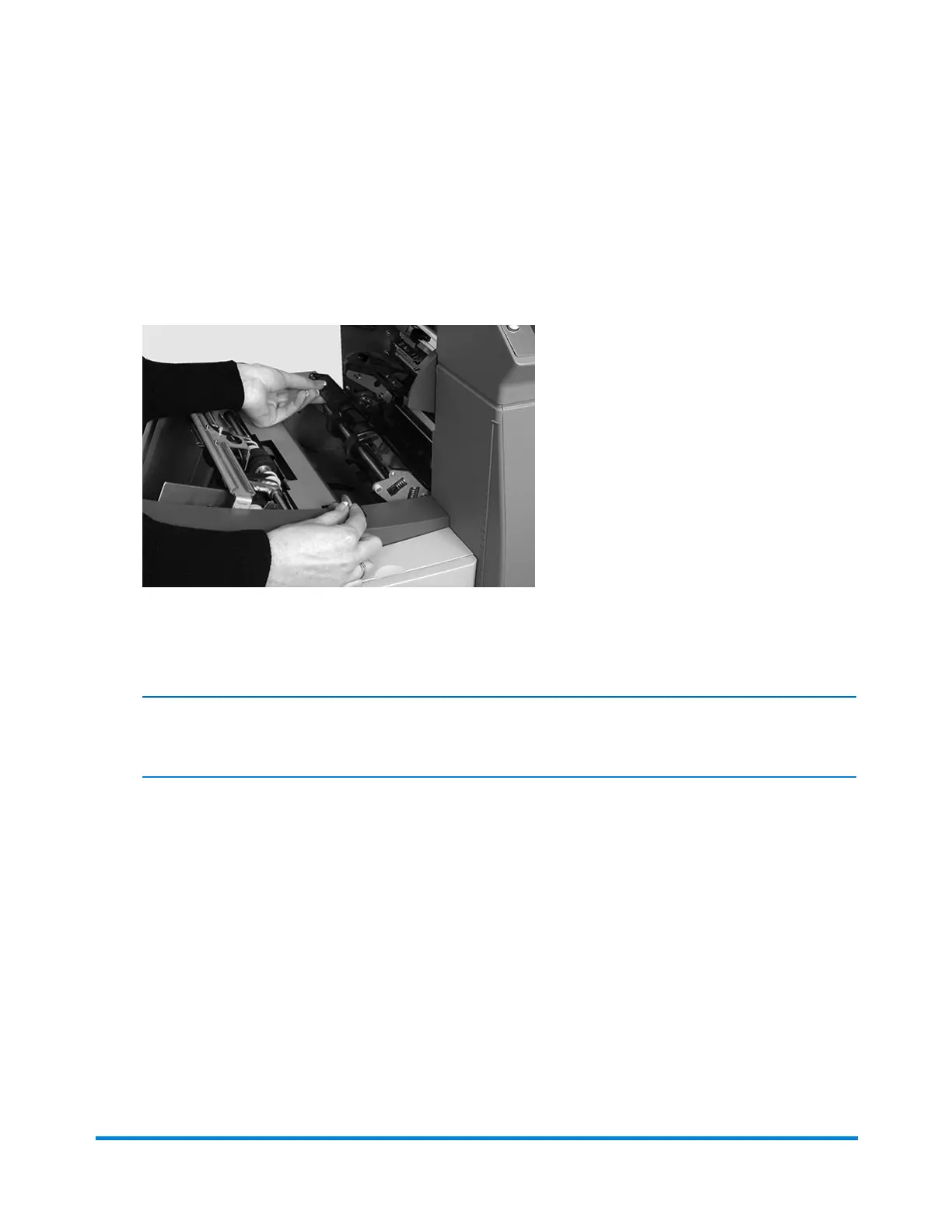
1. Pull the release lever in the direction of the arrow.
2. Lift the envelope area feed rollers for access to the jam.
3. Remove the jammed material. If necessary, use the manual advance knob to move the material
backwards.
NOTE: Envelope jams in the Envelope Feeder area may be hard to see. After lifting the envelope
feed rollers, carefully reach under the rollers to feel for jammed material.
4. Relatch the feed rollers after you remove the jam.
5. Release the envelope area feed rollers and let them rest in position.
6. Push the rollers firmly down until they latch into position.
Error Recovery and Clearing Material Jams
Pitney Bowes Relay™ 2500, 3500, 4500 User Guide December, 2018 Page 136 of 174



 To Next Page