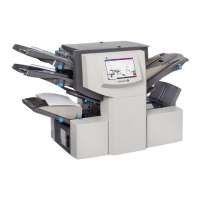
Setting Fold B
Similar to setting fold A, the inserter suggests the correct dimension for fold B.
If you want to keep the setting:
1. Tap the >> button to accept the option and advance to the next setting.
If you want to change the setting:
1. Tap the + and – buttons until the length of fold required displays. A star icon displays next to the
fold panel you are setting.
2. Tap the >> button to accept the fold value and advance to the next setting.
l Inserting jobs - continue to the Setting the Envelope Depth.
l Fold-only job - there are no more job settings, skip to Confirming the Job Setup.
Product Overview
Pitney Bowes Relay™ 2500, 3500, 4500 User Guide December, 2018 Page 58 of 174



 To Next Page