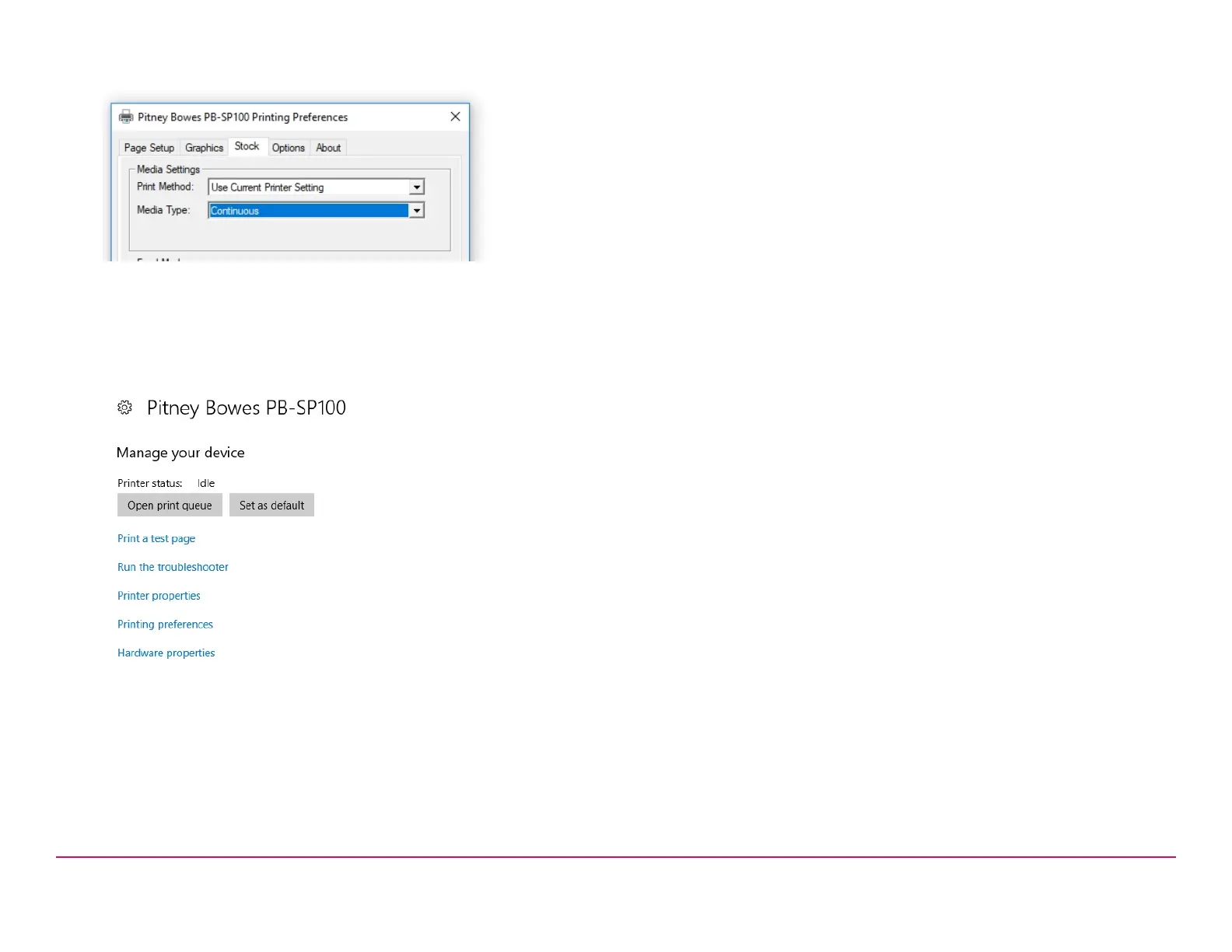
5. On the media type drop down menu select Continuous.
6. Select Apply and OK.
7. Select Print a test page. Check that your label has printed correctly.
If you have any issues with the print refer to Troubleshooting later in
this document.
If you are installing a SendKit go to the SL-397-D Scale Installation
section of this guide.
Pitney Bowes Installation Instruction November,2020 Page 6 of 17



 To Next Page