Warning: Do not attempt to use third-party battery packs with the PRIZM
controller. The TETRIX battery packs are equipped with a safety fuse and are
the only packs approved for use with the system. Damage to the product as a
result of doing so will void your warranty.
Downloading and Uploading:
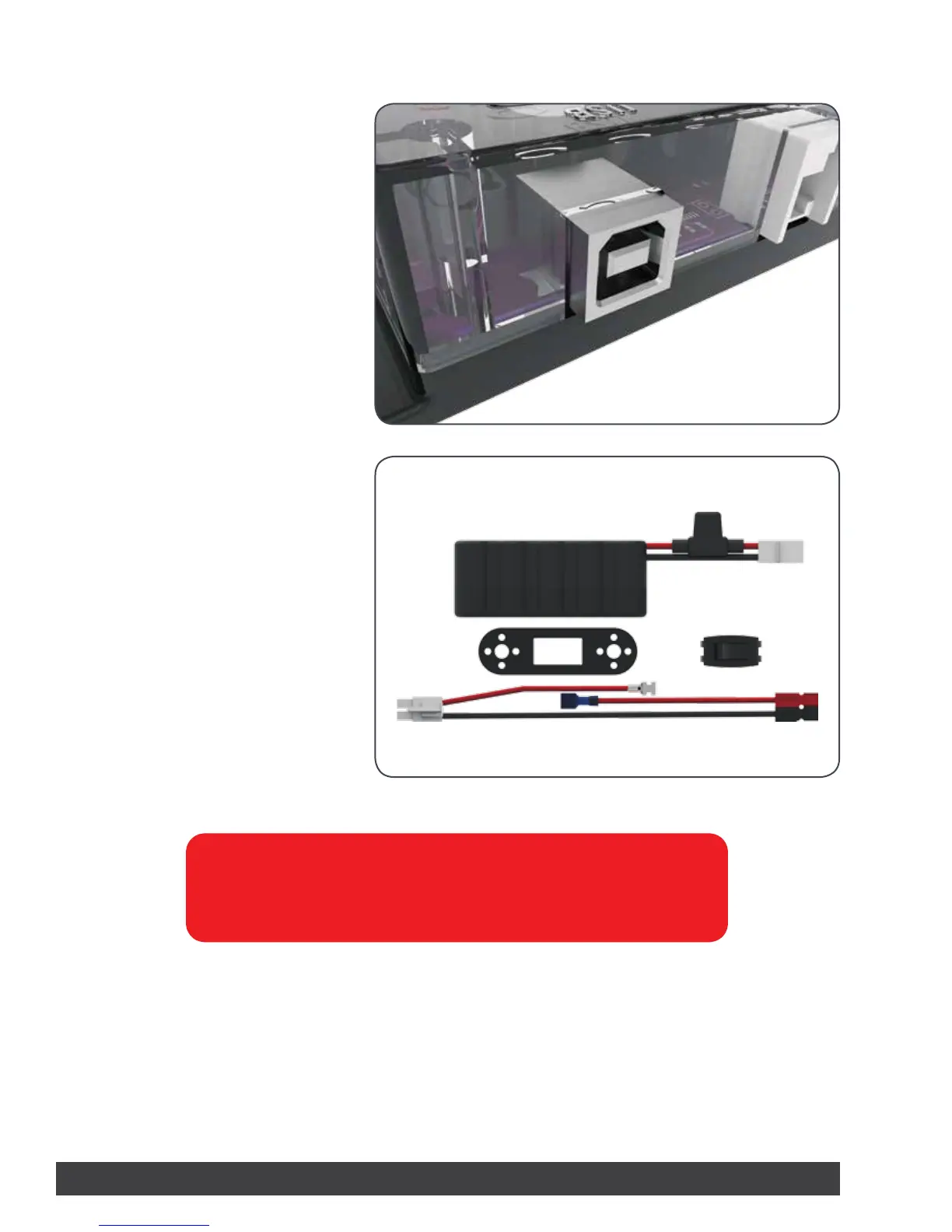
The PRIZM USB port is used for
communication between PRIZM and a
Windows, Mac, or Linux device.
The port enables users to download and
upload data from the computer to the PRIZM
controller.
To upload a program to the PRIZM, plug
the B Connector of the USB cable into the
controller’s USB labeled port and plug the A
Connector into your device.
Powering the PRIZM:
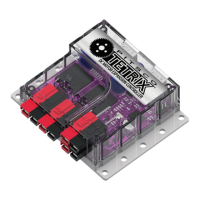
The PRIZM controller is powered by a
TETRIX 12-Volt Rechargeable NiMH Battery
Pack.
Included with the PRIZM controller is an
on/off power switch assembly designed to
connect the battery pack connector to the
PRIZM-style Powerpole battery connection
port.
Instructions for assembling the battery and
on/off kit are included in the Building the
TaskBot activity in this guide.
6 Getting Started


 To Next Page