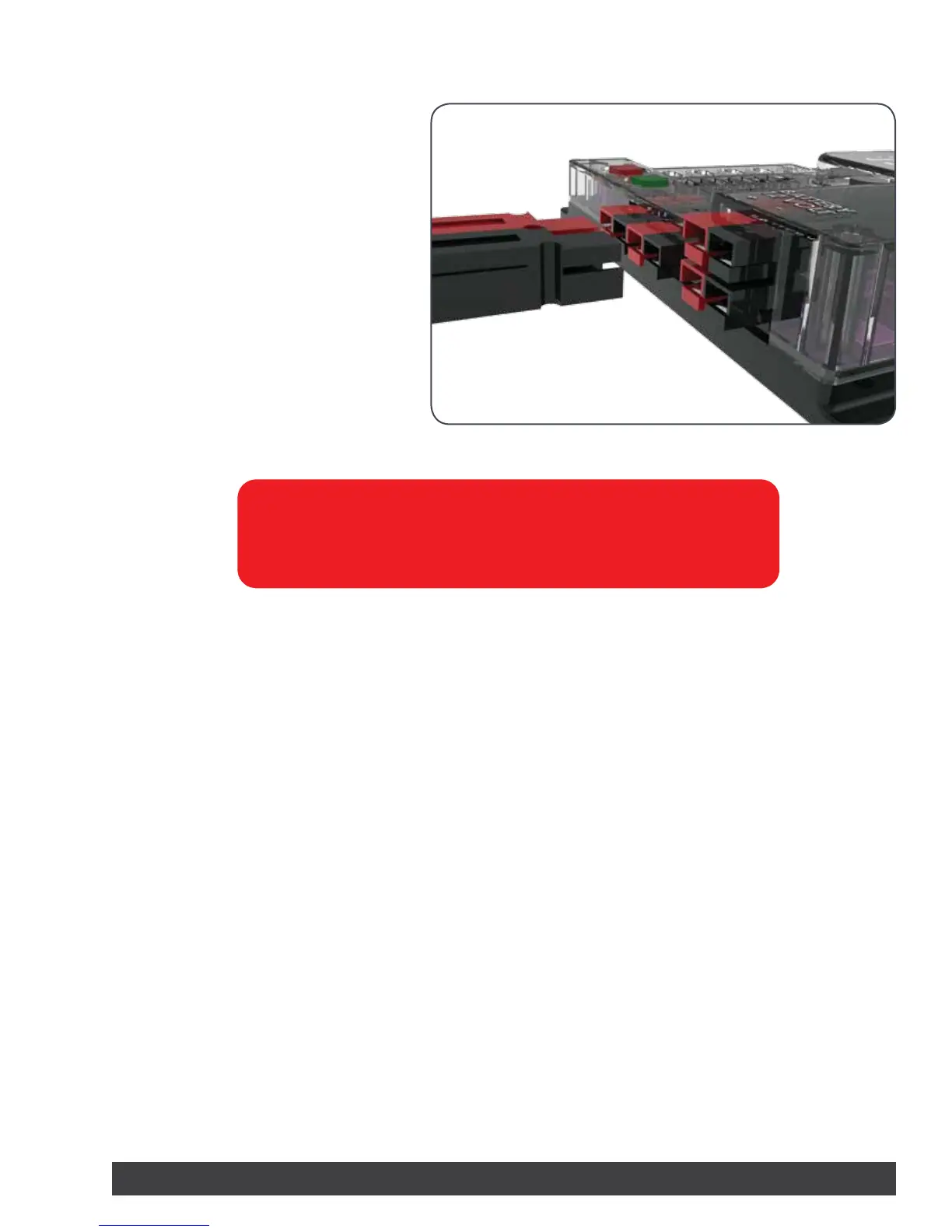
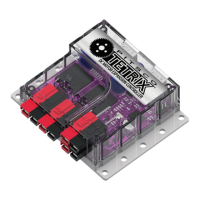
Attaching the Battery to the PRIZM:
To connect the battery pack to the PRIZM,
plug the colored battery connectors into
one of the two battery ports located on the
controller. Connectors should be plugged
RED to RED and BLACK to BLACK for proper
operation. Do not connect in reverse polarity.
The battery pack can be plugged into either
the top or bottom row of the port.
Warning: Do not attempt to connect two battery packs to one PRIZM
controller. Damage and failure will occur if this is attempted. Use only one
battery pack to power the PRIZM system and any extra daisy-chained
expansion controllers.
Getting Started 7


 To Next Page