Operating the Display
Planar Simplicity M Series User Manual
020-1409-00A
5. For Wi-Fi, select the desired network. For Ethernet, select Static IP to configure your IP
settings. Press save when complete.
6. When finished, select Enable to complete setup. Press the Return key on the remote
control if enabling the network connection is not desired.
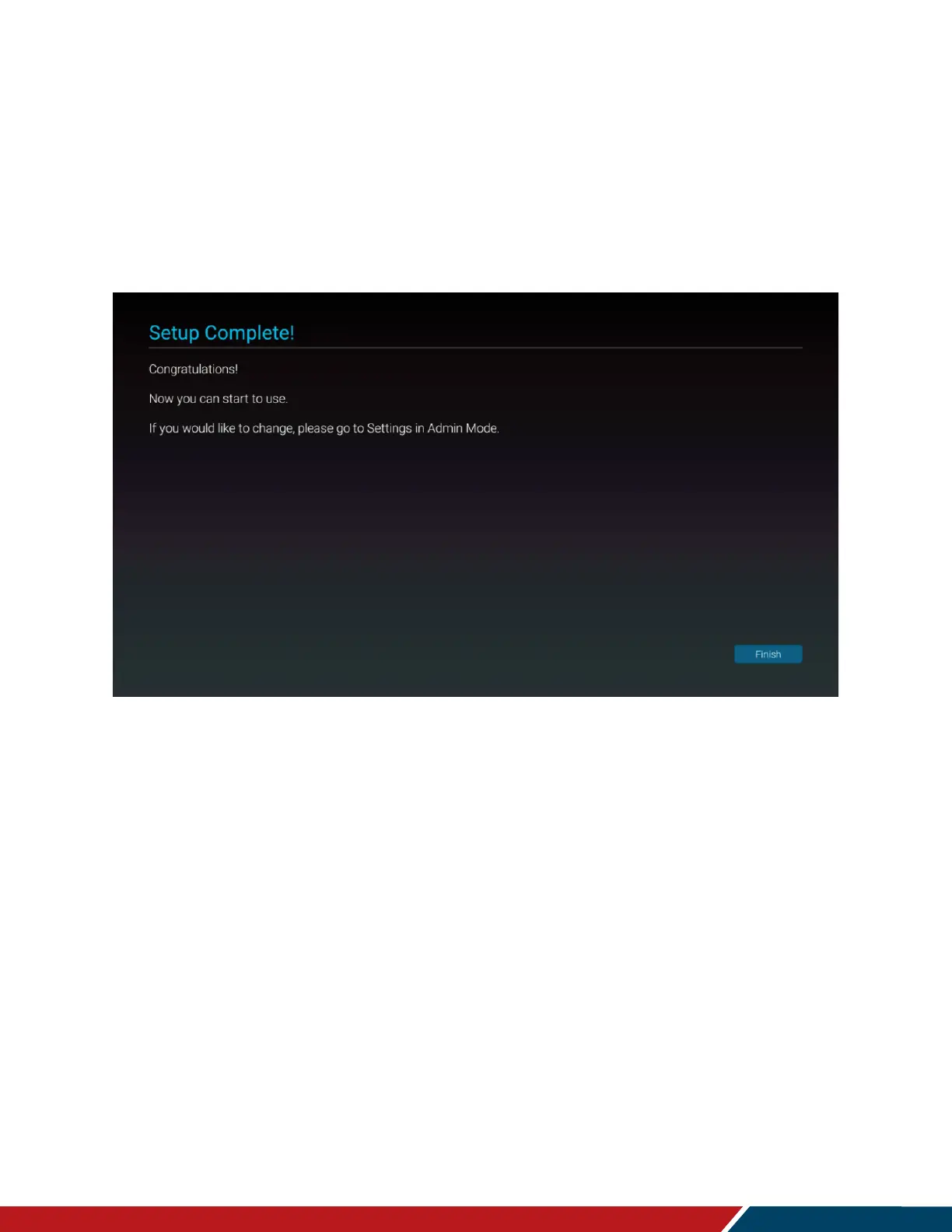
Setup Complete
7. Initial configuration is now complete. Press finish to begin using the display.



 To Next Page