Operating the Display
Planar Simplicity M Series User Manual
020-1409-00A
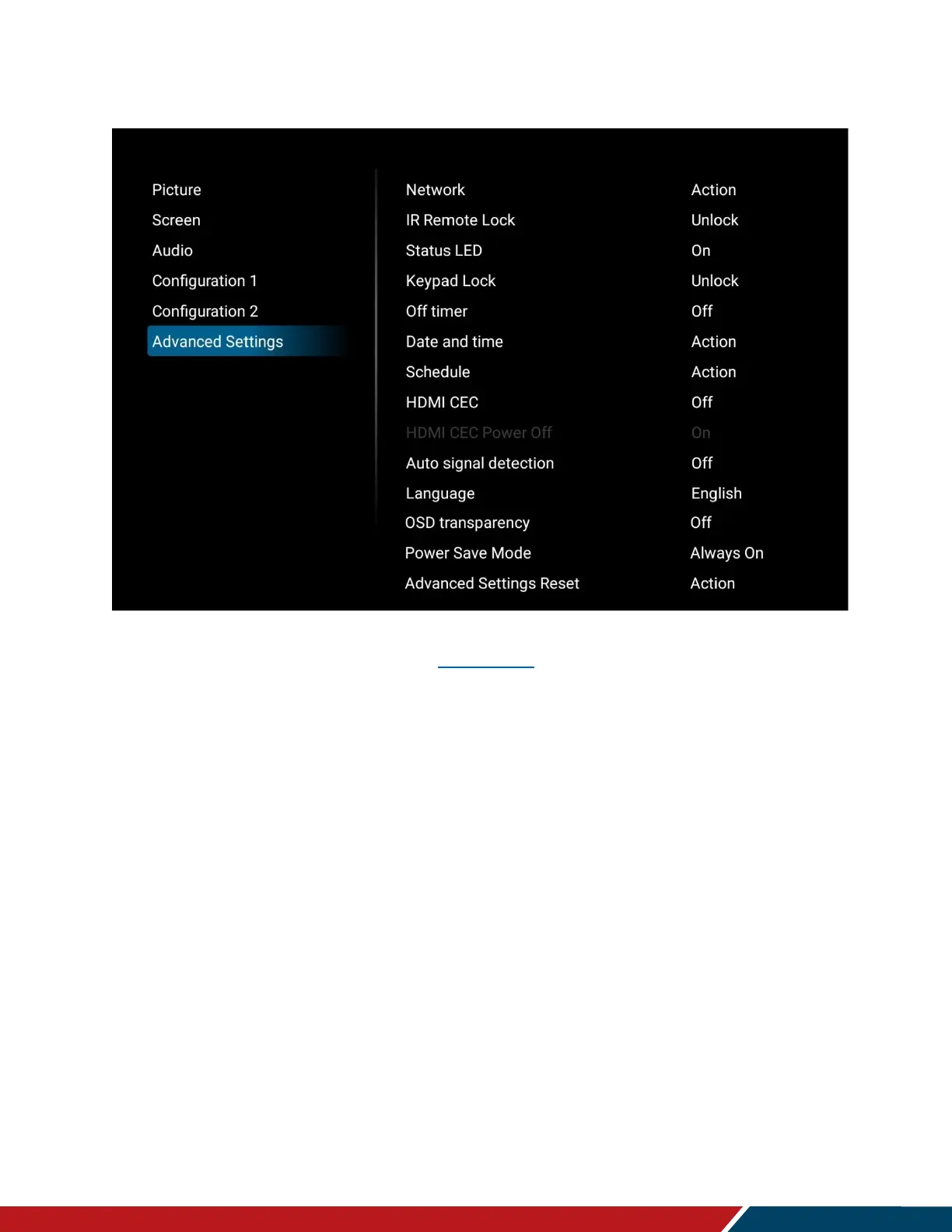
18.6 Advanced Settings
Network
Opens the Ethernet settings menu. See page 51 for more information.
IR Remote Lock
Lock or unlock IR remote control functionality. To disable the IR remote lock, press the
Info key for 10 seconds.
Options: Unlock, Lock All, Lock all but Volume, Lock All but Power, Lock All Except
PWR & VOL
Default: Unlock
Status LED
Enable or disable the status LED
Options: Off, On
Default: On
Keypad Lock
Lock or unlock the keypad controls
Options: Unlock, Lock All, Lock all but Volume, Lock All but Power, Lock All Except
PWR & VOL
Default: Unlock



 To Next Page