Operating the Display
Planar Simplicity M Series User Manual
020-1409-00A
21. Media Player
The Planar Simplicity M Series display has an embedded Media Player that can be used to play
videos, photos and/or music from a USB Drive. Please see below for more information.
21.1 Supported Media Formats
The table below outline the supported media formats and compatibility for video, audio, and
visual content.
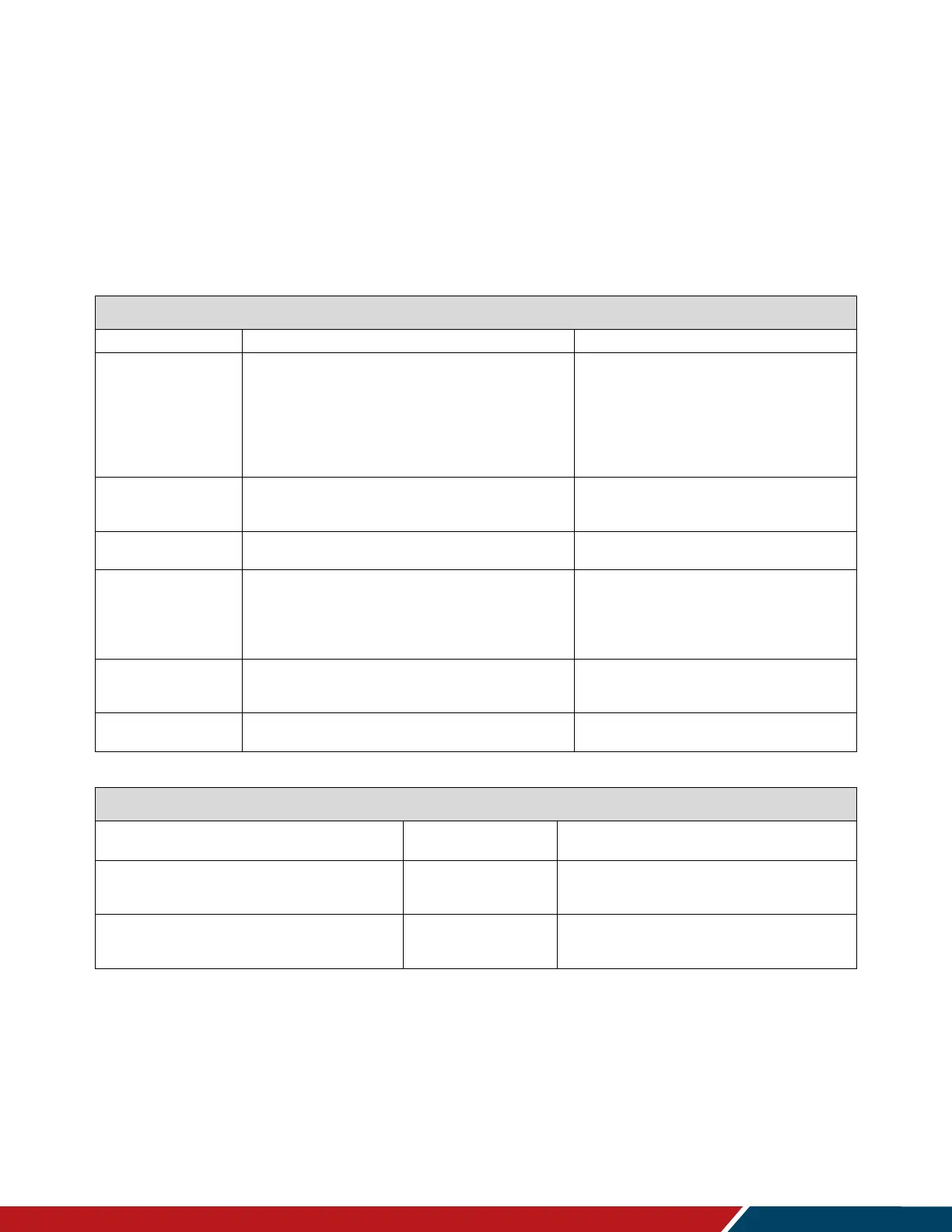
Media Player Video Compatibility
Max Resolution and Bit Rate
MPEG program stream
(.dat, .vob, .mpg, .mpeg)
MPEG transport stream (.ts)
MP4 (.mp4, .mov)
3GPP (.3gpp, .3gp)
AVI (.avi)
MKV (.mkv)
MP4 (.mp4)
AVI (.avi)
MKV (.mkv)
FLV (.flv)
MP4 (.mp4)
MPEG transport stream (.ts)
AVI (.avi)
MKV (.mkv)
MP4 (.mp4, .mov)
MPEG transport stream (.ts)
MKV (.mkv)
Media Player Audio Compatibility
Max Bit Rate and Sampling
Rate
MPEG Audio (MPEG 1/2/2.5 Audio
Layer 1/2/3)
8-448 Kbps
16-48 KHz
2 Channel
AAC Audio (MAIN, ADIF, ATDS
Header, AAC-LC, AAC-HE
3-576 Kbps
8-48 KHz
5.1 Channel


 To Next Page