Operating the Display
Planar Simplicity M Series User Manual
020-1409-00A
Media Player Image Compatibility
JPEG (JFIF file format 1.2)
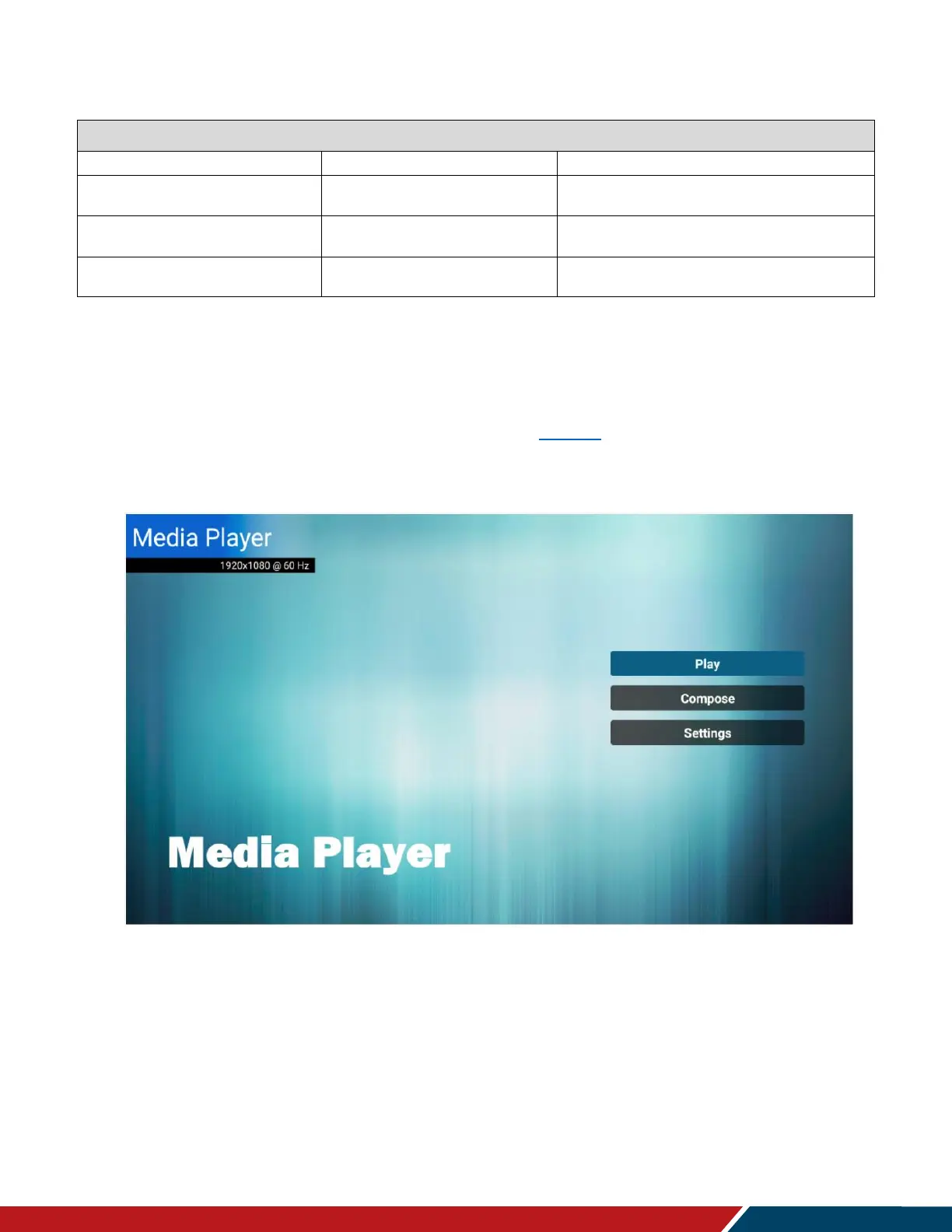
21.2 Main Menu
Play
This menu starts showing the content in a created playlist. If no playlists are available,
create one starting with the Compose section on page 65.
The content will play in the order selected during content creation, and with the features
selected in the Settings menu.


 To Next Page