Operating the Display
Planar Simplicity M Series User Manual
020-1409-00A
Default: Largest
Security
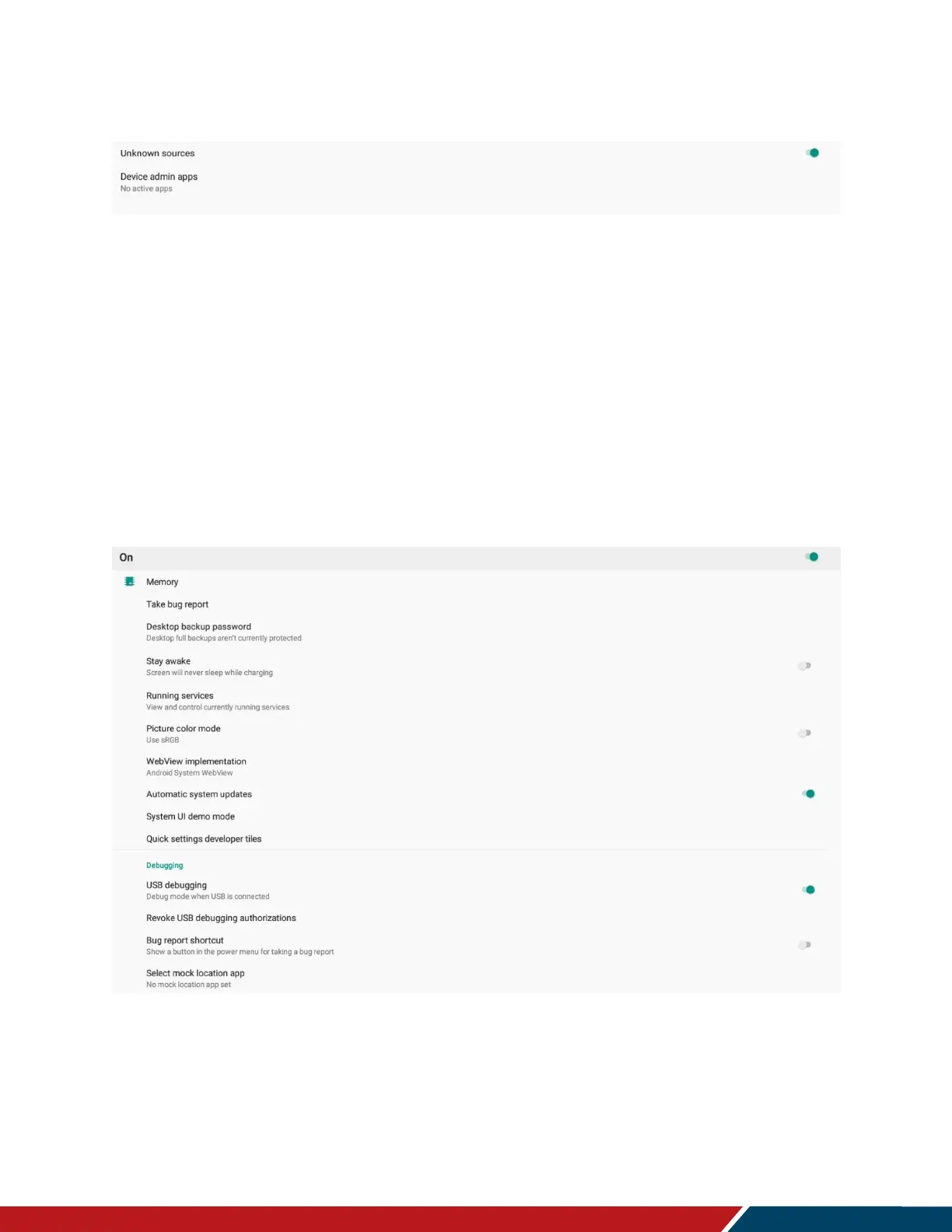
Unknown Sources
Allow the installation of third party Android apps.
Settings: Disable, Enable
Default: Disable
Device Admin Apps
Select an Android app to be a device administrator.
System
Keyboard & Inputs
Configure keyboard settings.
Developer Options
Android debugging controls for engineering use only.



 To Next Page