Operating the Display
Planar Simplicity M Series User Manual
020-1409-00A
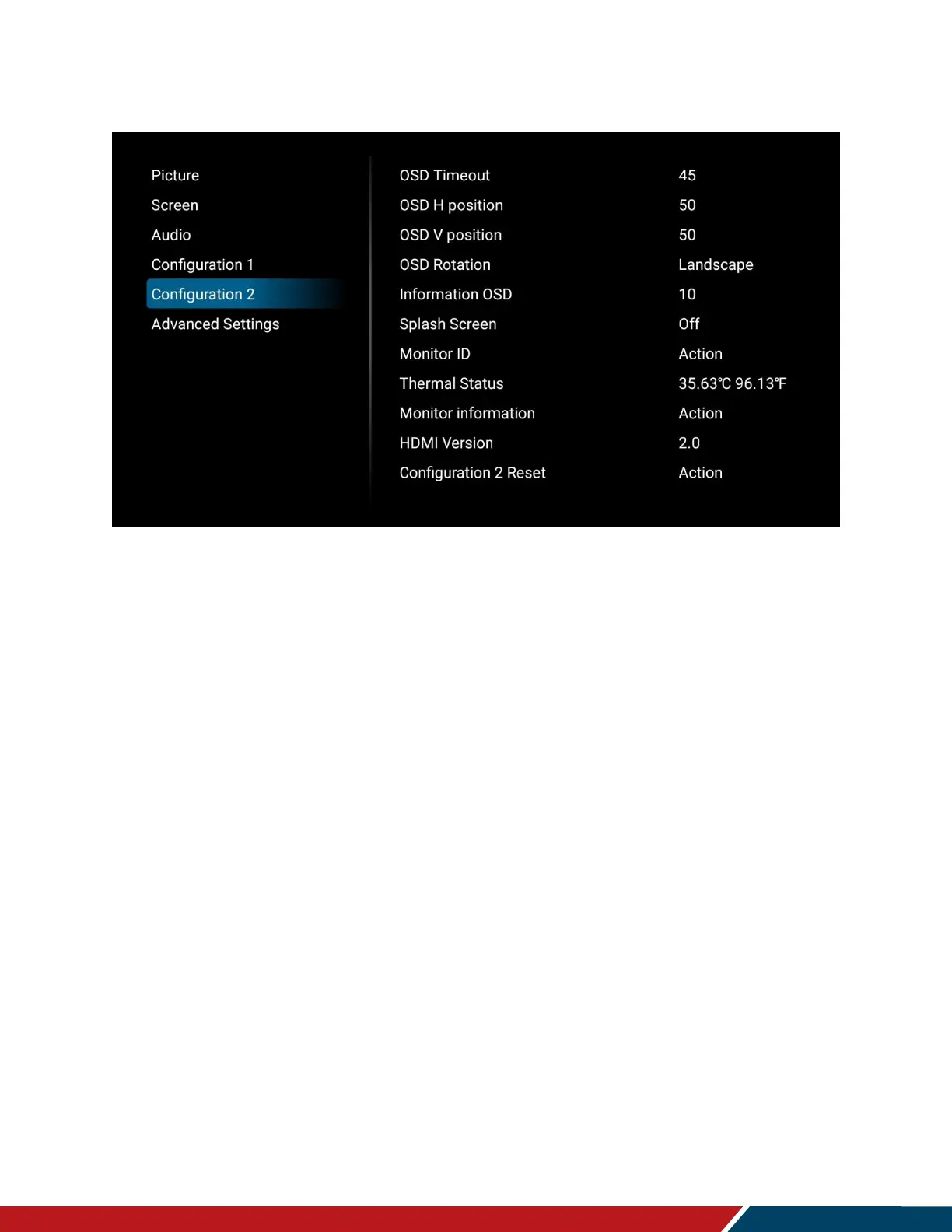
18.5 Configuration 2
OSD Timeout
Adjust the time in seconds before the OSD menu disappears. Press or to select
the desired level.
Range: Off, 5~120 seconds
Default: 45
OSD H Position
Adjust the horizontal position of the OSD menu. Press or to select the desired
level.
Range: 0~100
Default: 50
OSD V Position
Adjust the vertical position of the OSD menu. Press or to select the desired level.
Range: 0~100
Default: 50
OSD Rotation
Select the OSD orientation.
Range: Landscape, Portrait
Default: Landscape
Note: The Simplicity M Series does not support installing the panel in portrait orientation.



 To Next Page