Operating the Display
Planar Simplicity M Series User Manual
020-1409-00A
22.3 Boot on Source Functionality
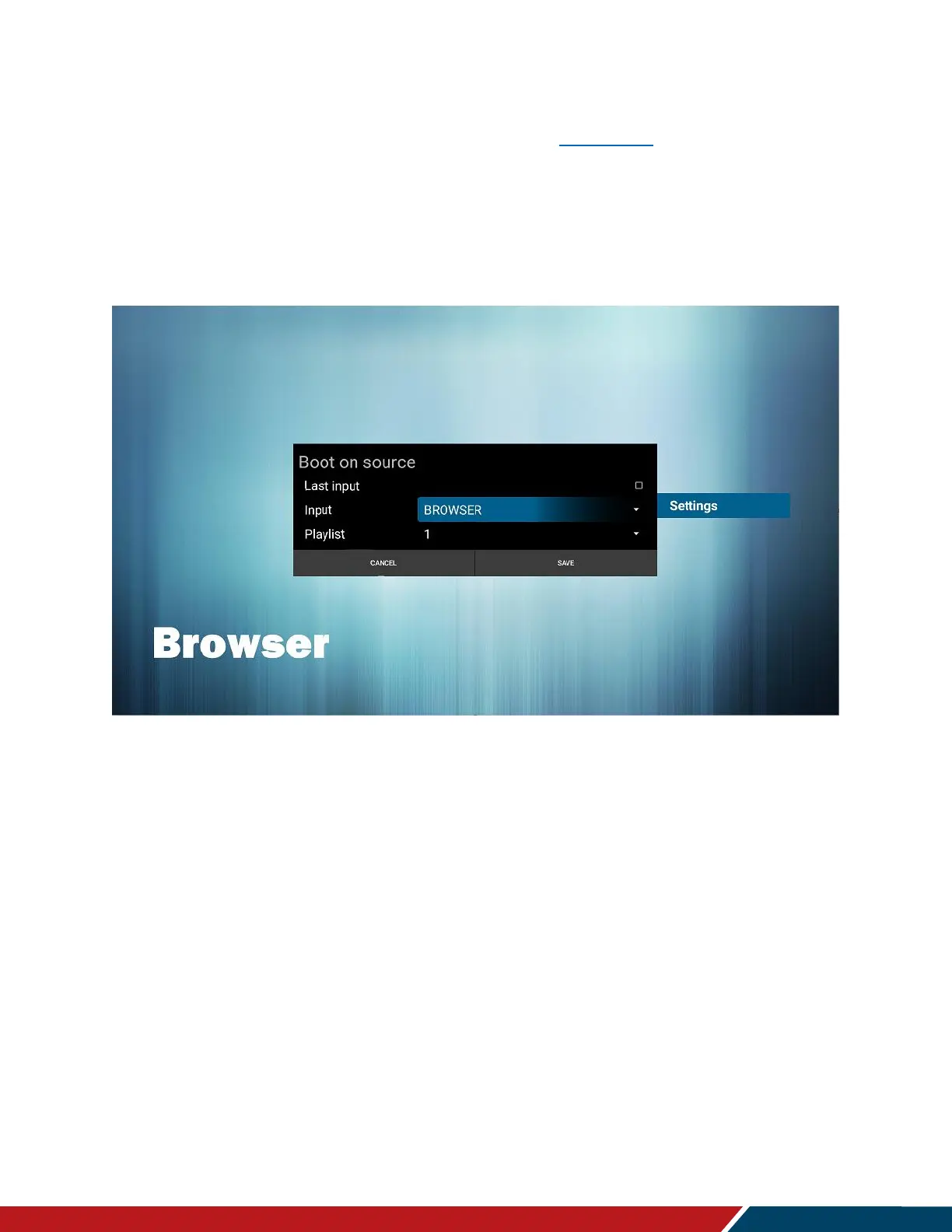
Browser is one of the OSD Menu Boot On Source options (see page 43).
To configure this setting go to the OSD Menu, select Configuration 1, and set input to
Browser.
Choose a numbered URL option from the URL list and press Save.
o Note: The Default Browser in the Boot on Source Menu is 0. If you do not assign
a URL list number, the display will restart showing the Browser Settings Menu.
The picture below is from OSD menu for reference.



 To Next Page